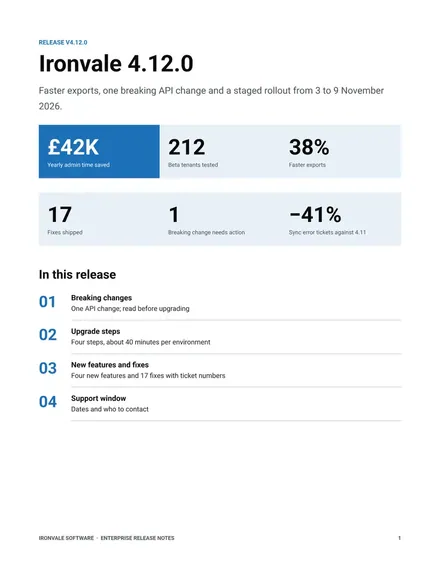
Enterprise Release Notes
Docs + Word8 pages
Free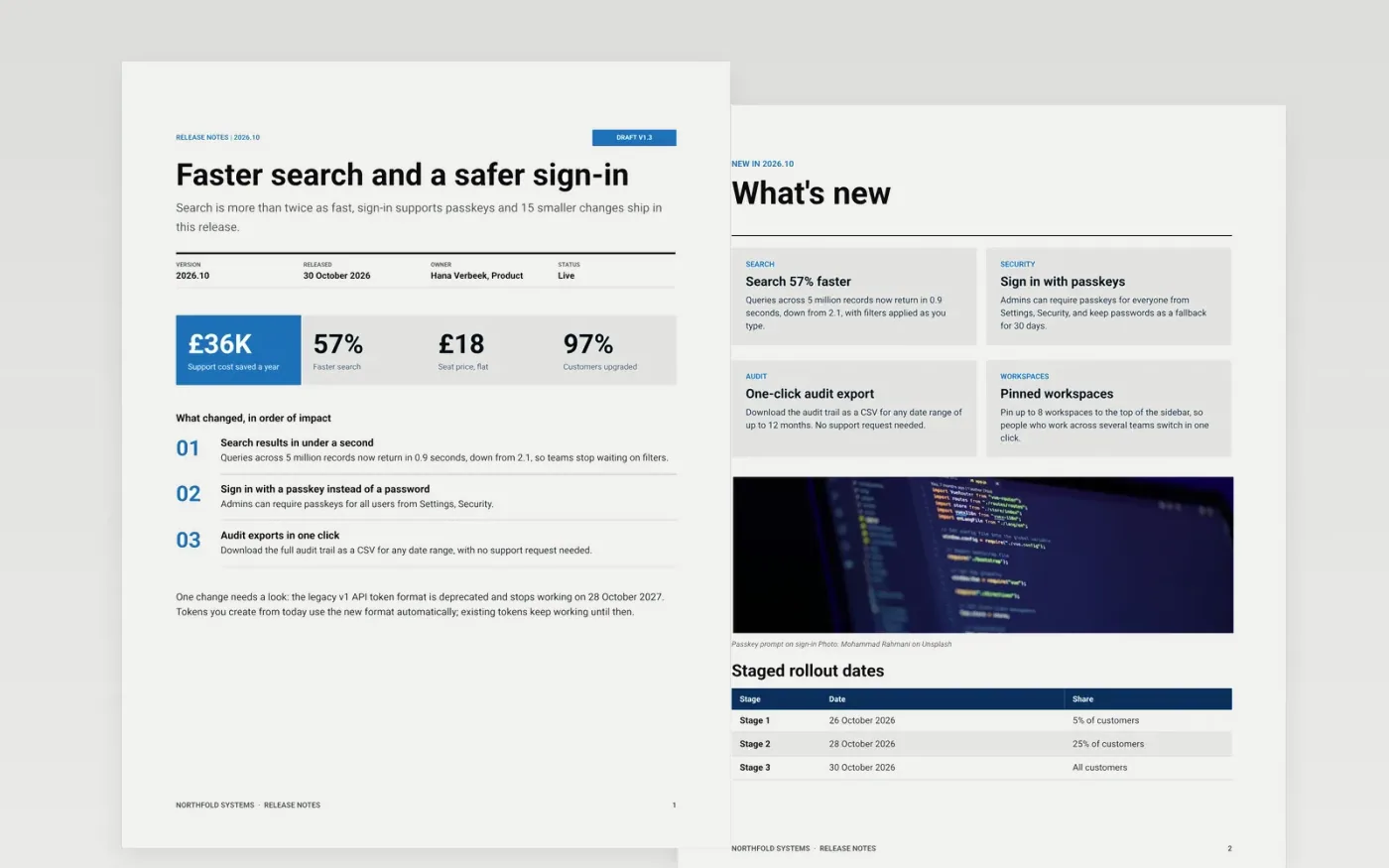
Users do not want a list of ticket titles. They want to know what they can now do, what changed for them and what to watch for. This template groups a release into highlights, new, improved and fixed, gives every item a short benefit line, and ends with known issues, risks and workarounds.
The sample is release 2026.10 of a fictional product from Northfold Systems, with a staged rollout, a v1 token deprecation, an API reference for the migration and a risk heat map for the issues still open. Replace the version, dates, changes and owners with your own.
Click Make a copy in Google Docs, then confirm on the Google page. The copy is saved to your own Google Drive.
Set the version, release date, owner and status in the title block, then rewrite each highlight as what the user can now do.
Sort changes into new, improved and fixed, one sentence each, and link every fix to its issue number.
List known issues with a workaround and an owner, and delete fixes users will never notice.
Delete the Make it yours guide page, then share the document or present it.
No. Northfold Systems, its people, the version, ticket numbers and all figures are fictional sample content. Replace them with your own release details.
By how much they affect the reader: highlights and anything that breaks first, then new, improved and fixed, and known issues last with a workaround.
Yes. Keep the title block and fixed page, remove the cards you do not need, and say plainly that there are no breaking changes.
More Google Docs templatesMore developer workflows templates
Docs + Word8 pages
Free
Docs + Word14 pages
Free
Slides + PowerPoint12 slides
Free
Docs + Word6 pages
Free
Slides + PowerPoint12 slides
Free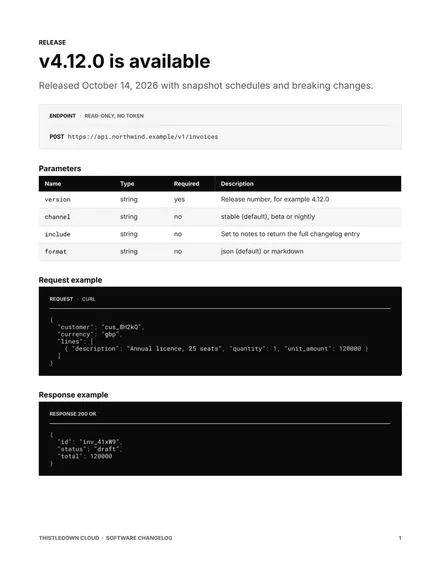
Docs + Word9 pages
Free










