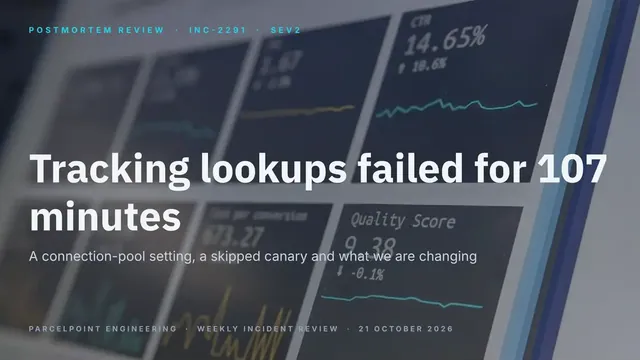
Postmortem Review Deck
Slides + PowerPoint12 slides
Free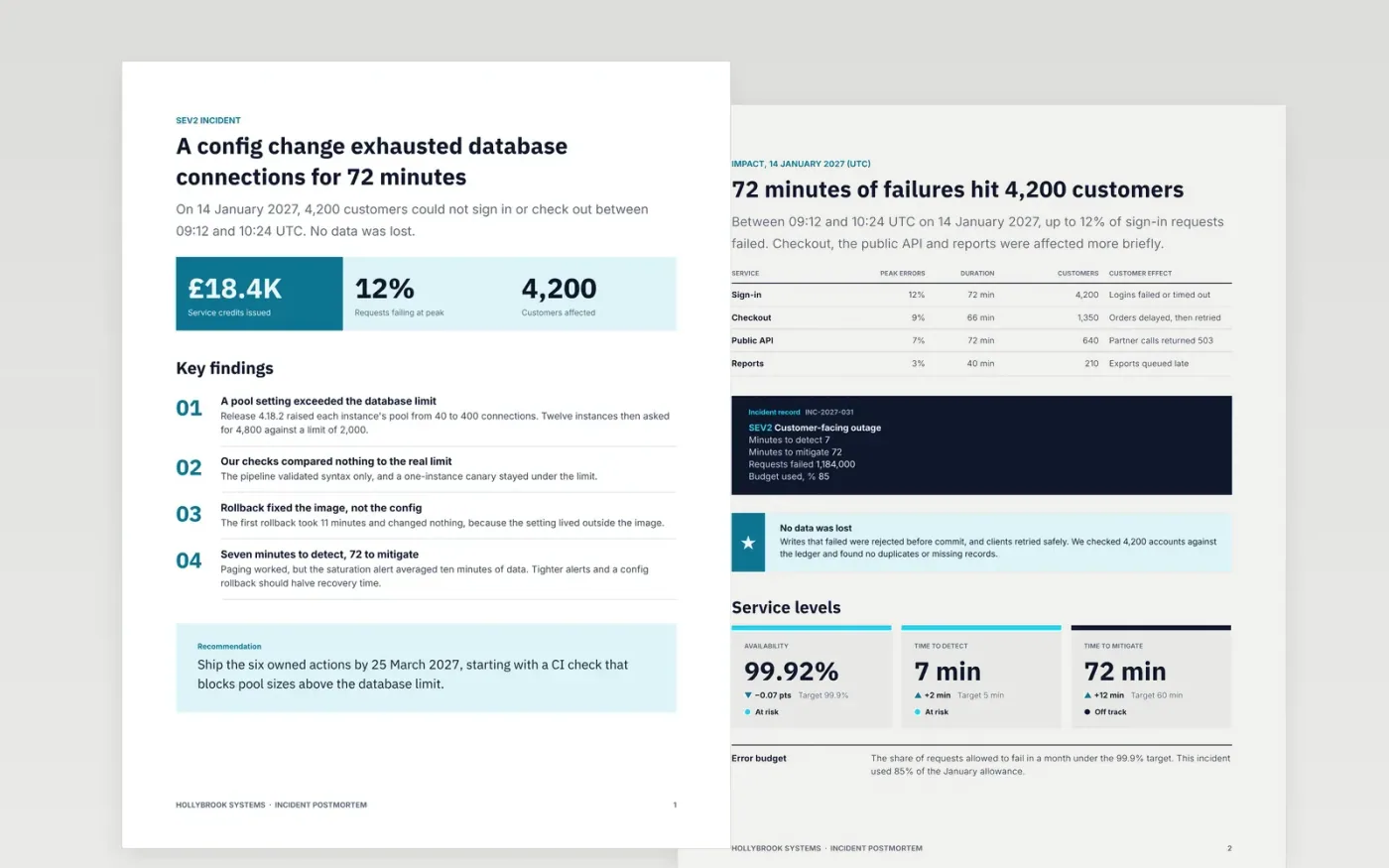
After an outage, teams either write nothing or write a story that blames a person. This postmortem gives on-call and SRE teams a fixed order instead: summary, impact against service levels, a UTC timeline, the chain of causes, contributing factors, what went well and a checklist of actions with owners and dates.
The sample follows Hollybrook Systems through a 72-minute SEV2 caused by a database pool setting, with 4,200 customers affected and an 85% error budget burn. Replace the incident ID and UTC times first, rebuild the timeline from your paging tool, and give every action one owner and one due date.
Click Make a copy in Google Docs, then confirm on the Google page. The copy is saved to your own Google Drive.
Set the incident ID, severity and the UTC start and end times, then replace the summary with two sentences a customer would understand.
Rebuild the timeline from your paging tool and chat export, one line per event, and replace the root cause with your own chain of causes.
Give every action item one owner, one due date and a tracker link, and delete any action you will not fund.
Delete the guide page, then share the postmortem with your team or present it at the review.
It describes systems and decisions, never individuals. The root cause asks why a change could be shipped, which finds the missing safeguard instead of a person to blame.
UTC lets the timeline reconcile with graphs, logs and paging tools, which rarely share a local time zone. Convert chat times before you build the timeline.
No. Hollybrook Systems, the people, the email addresses, the incident and every figure in the sample are fictional. Replace them with your own details before sharing.
More Google Docs templatesMore developer workflows templates
Slides + PowerPoint12 slides
Free
Docs + Word14 pages
Free
Docs + Word7 pages
Free
Docs + Word8 pages
Free
Docs + Word6 pages
Free
Docs + Word2 pages
Free










