Incident Postmortem
Docs + Word9 pages
Free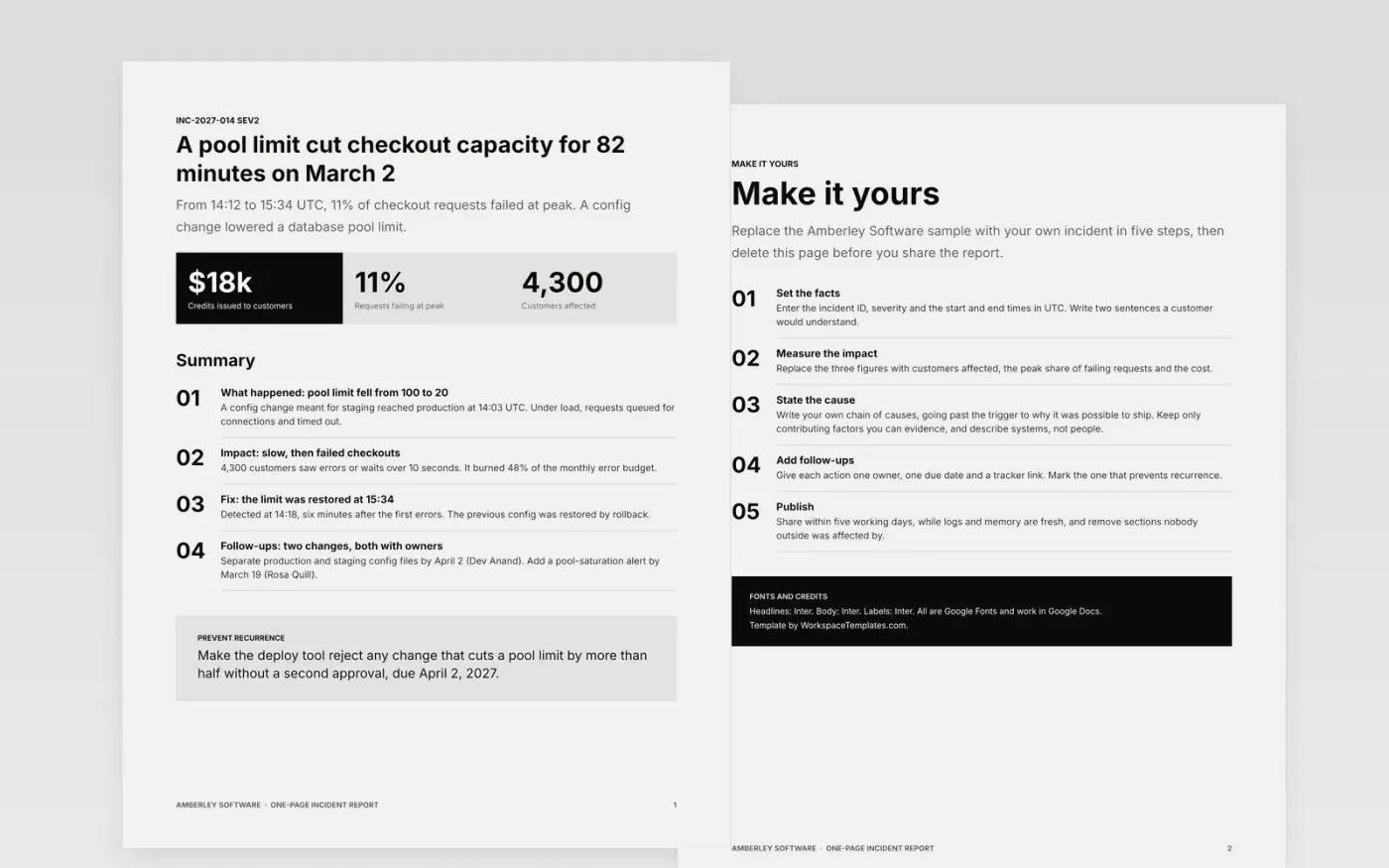
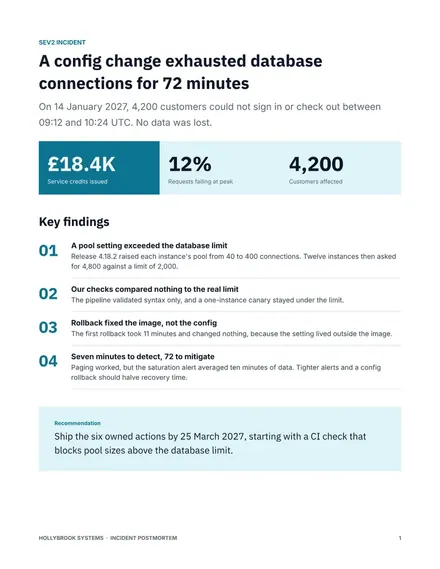
Long postmortems rarely get written, and short notes rarely get read. This template fits an incident onto one page: a headline stating the cause and effect, impact in three figures, four numbered findings and a recommendation band, followed by a guide page for adapting it.
The sample is a SEV2 incident at Amberley Software, a fictional software company: a connection pool limit cut a service's capacity for 82 minutes on March 2, 2027. It shows times in UTC, impact, root cause, the fix and two owned follow-ups. Replace the incident ID, times, impact and root cause with your own.
Click Make a copy in Google Docs, then confirm on the Google page. The copy is saved to your own Google Drive.
Set the incident ID, severity and UTC start and end times, then replace the summary with two sentences a customer would understand.
Replace the impact figures and root cause with your own, keeping only the contributing factors you can evidence.
Give every follow-up one owner, one due date and a tracker link, and delete any you will not fund.
Delete the Make it yours page, then share the report with your team or present it at the review.
Naming a person as the cause teaches the team to hide the next mistake. Describing systems and decisions shows why the failure was possible, which is what you can fix.
For most small-team incidents, yes. Add a timeline page if you need one, but keep the cause, impact, fix and two or three owned follow-ups on the first page so leaders read them.
No. Amberley Software, the people named, the incident and every figure are fictional sample data. Replace them with your own details before you share the report.
More Google Docs templatesMore developer workflows templates
Docs + Word9 pages
Free
Slides + PowerPoint12 slides
Free
Docs + Word14 pages
Free
Docs + Word8 pages
Free
Docs + Word6 pages
Free










