Executive Summary Slide
Slides + PowerPoint11 slides
Free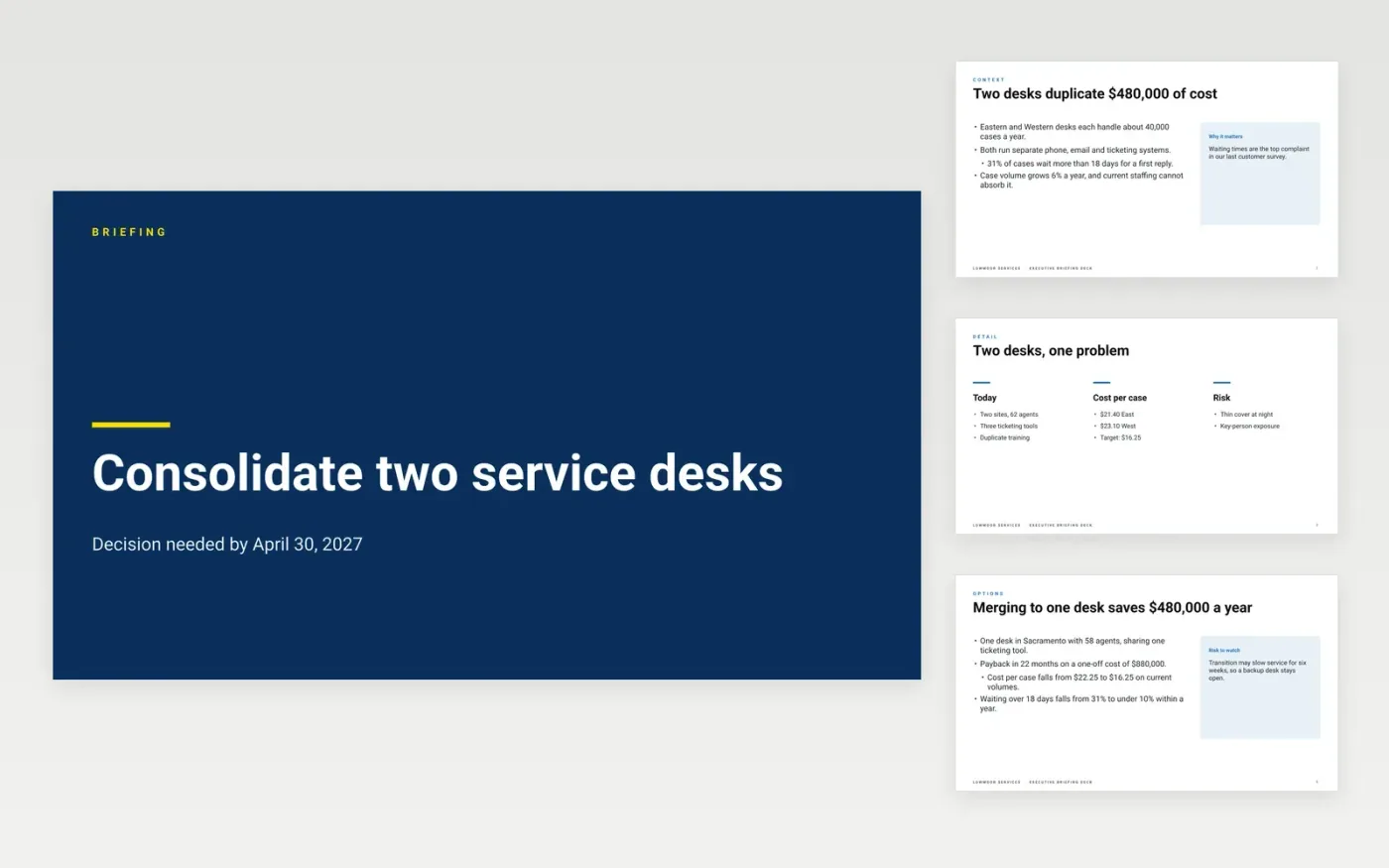
Busy leaders decide whether to read a full paper from its first page. This template turns a long report into a short slide deck that stands alone: the context in two slides, the key points with their numbers, and the decision requested with a date. Each slide can be read in seconds, so a chief of staff can put the deck in front of a board member before the meeting begins.
The sample is a fictional case for Lowmoor Services, a US operations company that proposes merging two regional service desks. It shows an annual saving of $480,000, a one-off cost of $880,000 and a payback of 22 months. Every name, figure and date is sample data. Replace the decision and numbers with the figures in your own report, and check that each number also appears in the full document.
Click Make a copy in Google Slides, then confirm on the Google page. The copy is saved to your own Google Drive.
Replace the decision, the title and the figures with the case set out in your own full document.
Check every number against the body of the report, and remove any figure that does not appear there.
State the recommendation and the ask with its amount and the date it must be decided by.
Delete the guide slide, then share the deck with the board secretary or present it from Google Slides.
No. Lowmoor Services, its service desks, the people on the contacts slide and every figure in this deck are fictional sample data. Replace them with your own before anyone reads the deck or relies on it for a decision.
Aim for about 350 to 500 words in total, or three slides, so that it takes around two minutes to read. It should be no longer than a tenth of the full document it summarises.
No. Every figure and claim in the summary should already appear in the full document. A summary that introduces new numbers invites questions the report cannot answer, and it weakens trust in both.
More Google Slides templatesMore business operations templates
Slides + PowerPoint11 slides
Free
Slides + PowerPoint10 slides
Free
Docs + Word4 pages
Free
Docs + Word3 pages
Free
Docs + Word3 pages
Free
Docs + Word4 pages
Free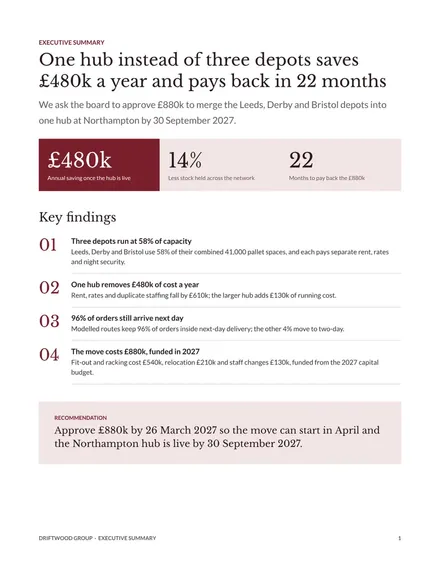
Docs + Word3 pages
Free