
New Hire Orientation Deck
Slides + PowerPoint16 slides
Free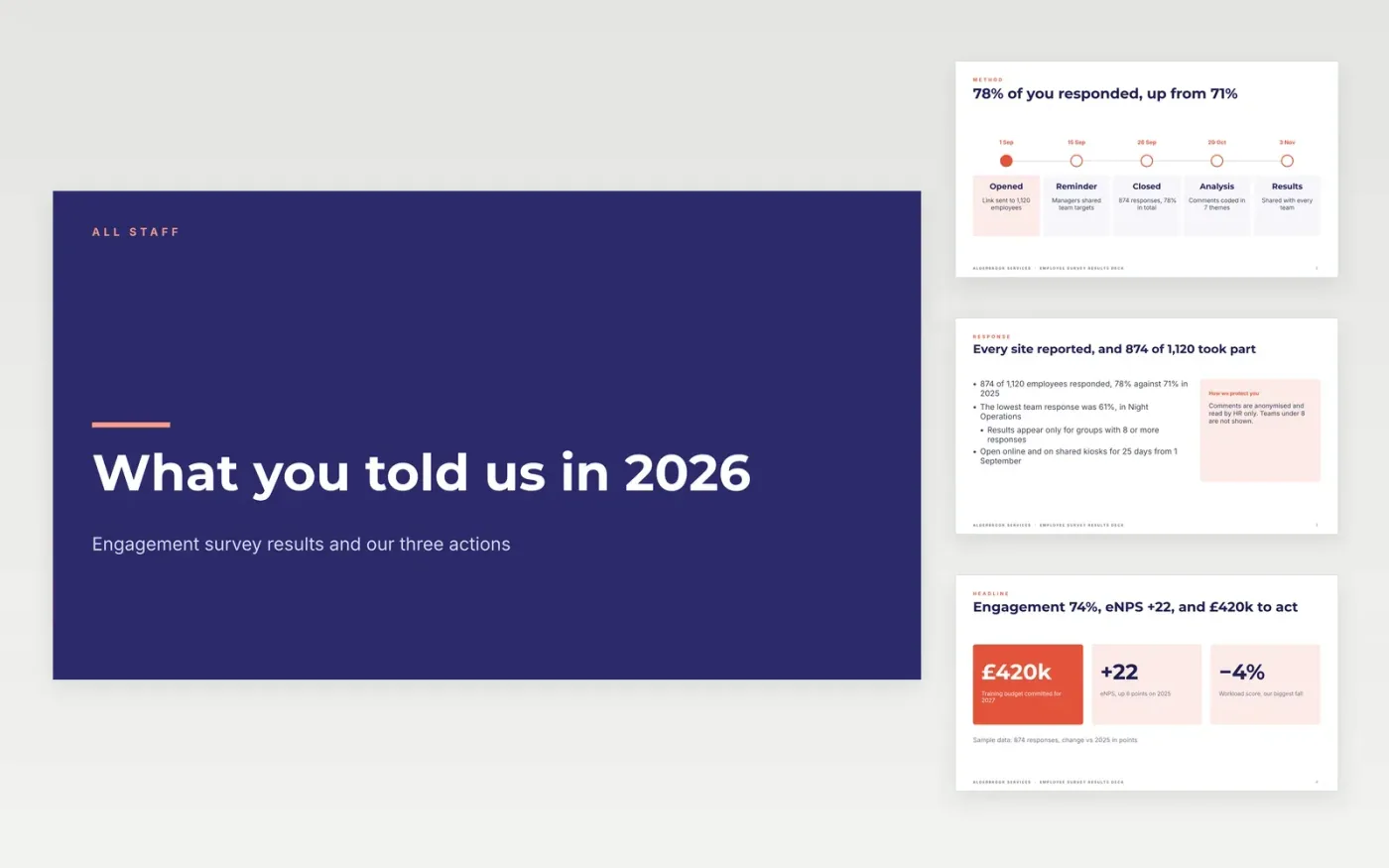
A survey with no visible follow-up costs you trust and next year's response rate. This employee engagement results presentation gives HR teams eleven slides for an all-staff meeting: method and response rate, headline scores and eNPS, strengths, areas to improve, an action plan with owners and dates, and a closing contact slide.
The sample follows Alderbrook Services, where 874 of 1,120 employees responded (78%), engagement reached 74% favourable and eNPS rose to +22. It reports the falls in workload and career growth as plainly as the gains. Replace the dates, population and response rate first, then the driver scores, then choose two or three actions and set the anonymity threshold for team results.
Click Make a copy in Google Slides, then confirm on the Google page. The copy is saved to your own Google Drive.
Enter your survey dates, population and response rate on the timeline, then replace the headline scores with figures from your survey export.
Update the driver cards and the table with your own scores and last year's comparisons, and write the comment themes from your coded responses.
Choose two or three actions with one owner and one date each, and set the anonymity threshold you will use for team results.
Delete the Make it yours slide, then share the deck or present it at your all-staff meeting.
Yes. Keep the response rate, headline scores and action slides, and cut the driver table to the few questions you asked. Report change against your last pulse.
No. Alderbrook Services, every person and all scores are fictional sample data. Replace them with your own survey results before you present.
The sample uses a minimum of 8 responses. Choose a threshold with your data-protection lead so no one can be identified, and state it on the method slide.
Slides + PowerPoint16 slides
Free
Word
Free
Docs + Word7 pages
Free
Docs + Word3 pages
Free
Docs + Word8 pages
Free









