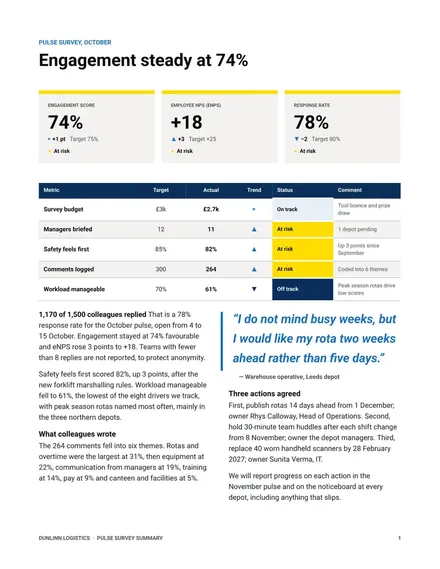
Pulse Survey Summary
Docs + Word3 pages
Free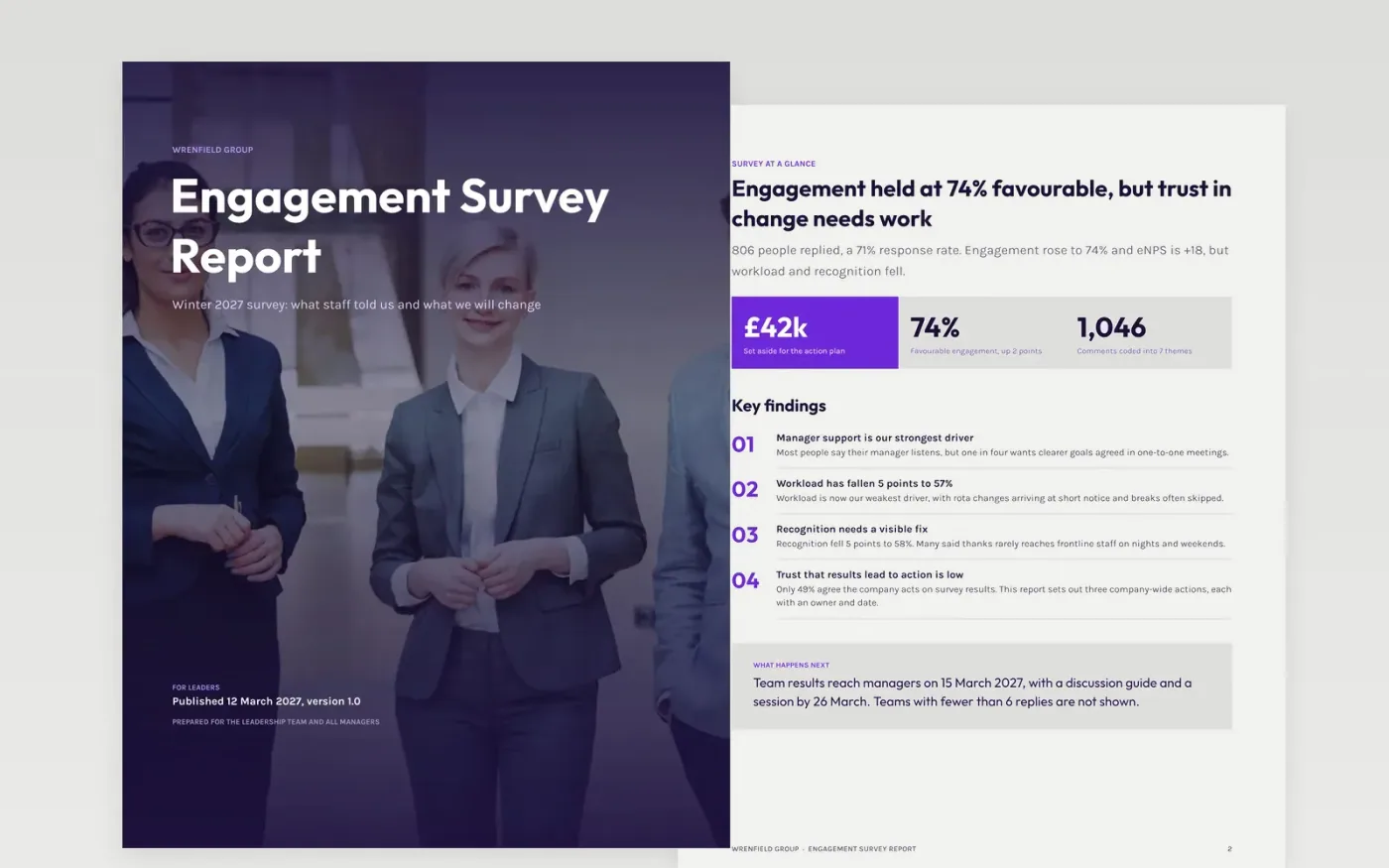
Survey results only help when leaders and staff can read them quickly and see what will change. This Google Docs template gives HR and leadership a full written report in eight pages: summary, method, scores by driver, team breakdown, comment themes and an action plan. Each page has a clear headline and a fixed layout, so the report reads the same way every year and trends are easy to compare.
Every page is filled with sample content for Wrenfield Group, a fictional organisation, showing a response rate, favourable score, eNPS, driver changes and owned actions. Make a copy, then replace the survey dates, population, scores, comment quotes and action owners with your own export. Check the team reporting threshold against your data protection policy before you share any team results.
Click Make a copy in Google Docs, then confirm on the Google page. The copy is saved to your own Google Drive.
Enter the survey dates, invited population, responses and response rate on the cover and summary.
Replace the driver scores, prior-year figures, comment themes and quotes with your own export and coding.
Set your anonymity threshold, then fill the team pages and choose two or three company-wide actions with owners.
Delete the guide page, then share the report or present it to leaders and staff.
Yes. Make a copy in Google Docs and it is yours to edit. There is no sign-up on this page and no cost to use it.
Yes. The pages use standard Google Docs styles, so you can change fonts, headings and tables as you would in any document, and keep the structure that suits your survey.
No. Wrenfield Group, its people, email addresses and every survey figure are fictional. Replace them with your own results before you share the report with anyone.
Docs + Word3 pages
Free
Docs + Word7 pages
Free
Docs + Word21 pages
Free









