
Grant Pitch Presentation
Slides + PowerPoint11 slides
Free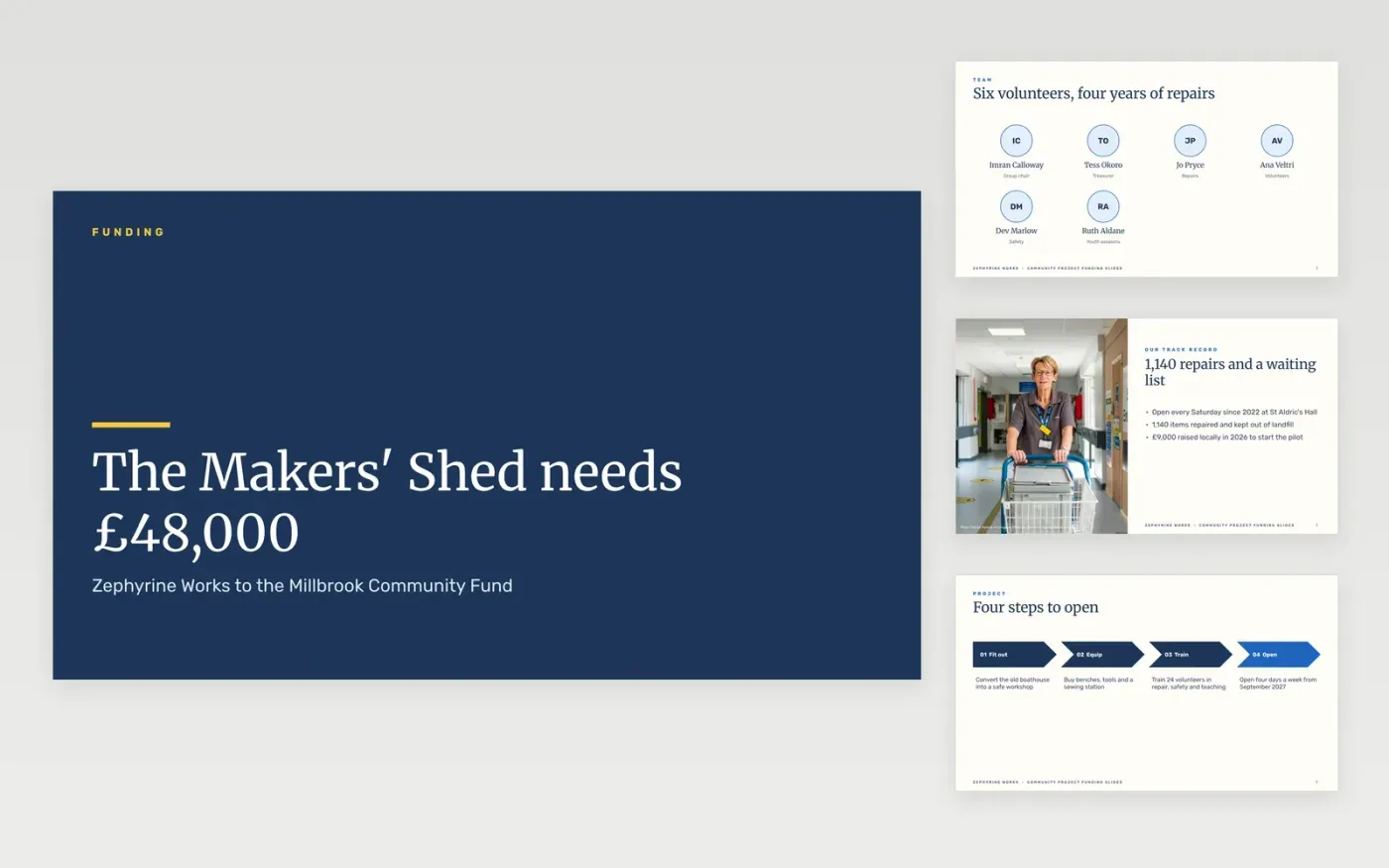
Community groups often have a strong project and a weak pitch: the story is long, the numbers are scattered and the ask is buried. This deck keeps the argument in the order a panel scores it: who you are, what you will do, who benefits, what it costs, what you are asking for and how you will report back.
The sample follows Zephyrine Works asking a local community fund for £48,000 towards a £62,000 repair workshop, with £14,000 of match funding, 620 residents reached over 24 months and a cost of £100 per resident. Replace the group, project, figures, targets and contacts with your own, and keep the budget adding up.
Click Make a copy in Google Slides, then confirm on the Google page. The copy is saved to your own Google Drive.
Replace the group name, project and the funder on the cover, then enter your team and track record.
Update the headline figures, the scorecard and the budget chart with your own numbers, checking that the lines add up to the request.
Write your ask in one sentence on the final content slide and add the contact details on the closing slide.
Delete the Make it yours guide slide, then share the deck with your funder or present it.
No. Zephyrine Works, its volunteers, the workshop and every figure are fictional sample content. Replace them with your own before you present to a funder.
Around ten minutes. Spend about one minute on each content slide and leave time for questions on the costs and the match funding.
Yes. Rename the slide titles to your funder's scoring headings and reorder the slides if the guidelines ask for the budget or outcomes first.
More Google Slides templatesMore business operations templates
Slides + PowerPoint11 slides
Free
Docs + Word6 pages
Free
Docs + Word7 pages
Free
Docs + Word7 pages
Free
Docs + Word11 pages
Free