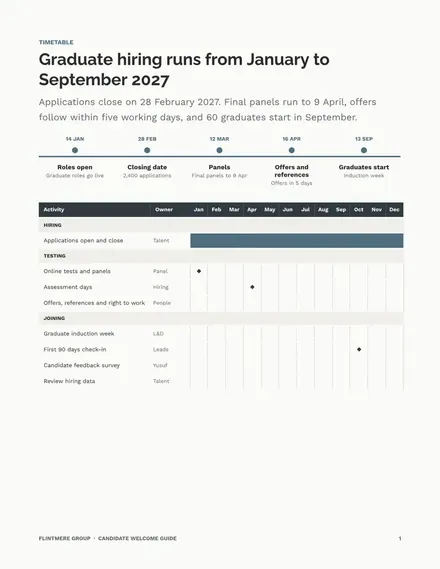
Candidate Welcome Guide
Docs + Word6 pages
Free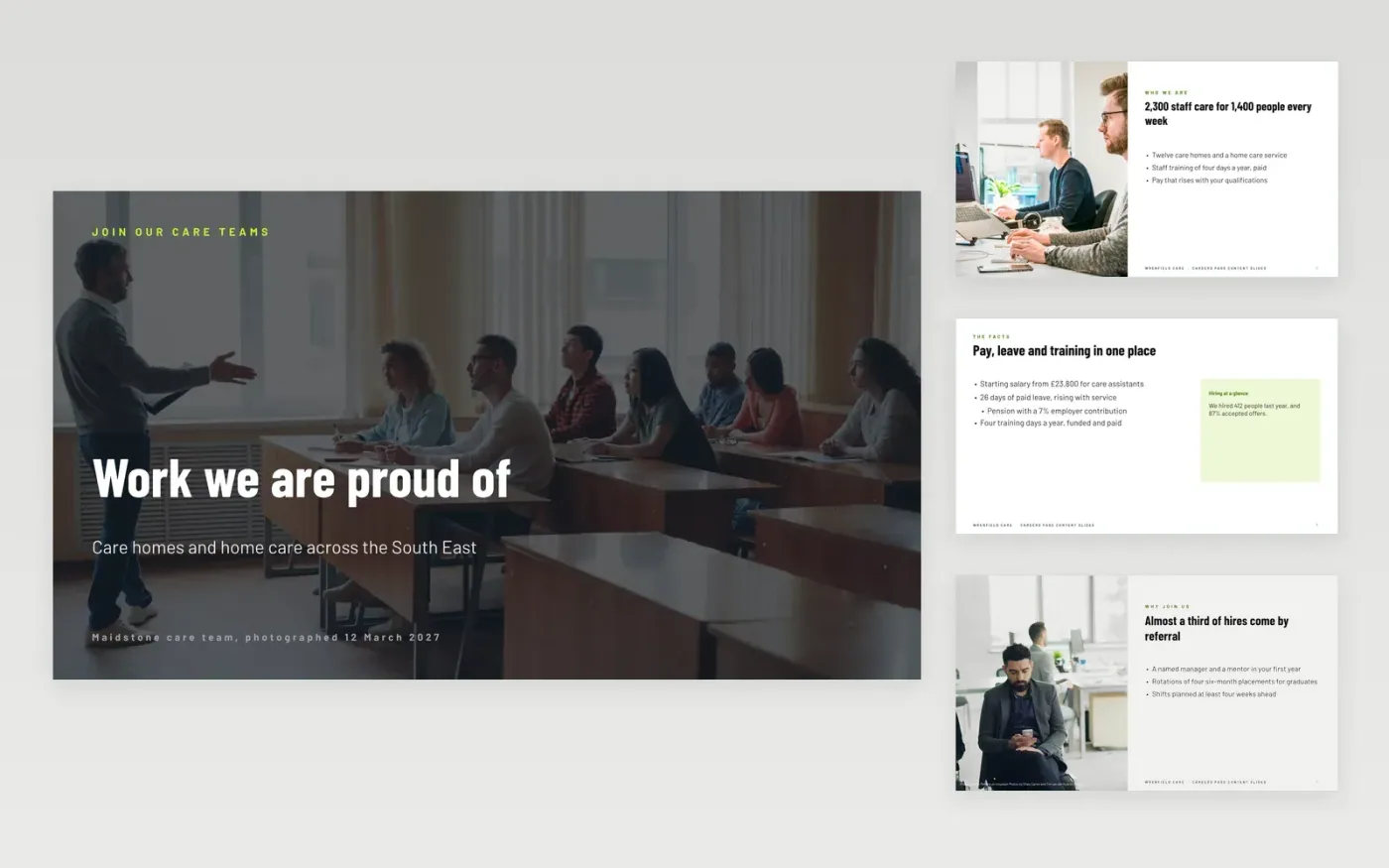
Candidates decide whether to apply within a minute of reading a careers page, so the page needs the work, the people, the pay and the process in a clear order. This deck plans that page slide by slide: a hero, reasons to join, team profiles, benefits, staff stories and a table of open roles, with a guide and a closing slide. Each slide gives the copy and the photo to use.
The sample follows Wrenfield Care, a fictional care provider with 2,300 staff across twelve homes and a home care service. Its figures are sample data, including a 7 percent pension contribution, 26 days of paid leave and an offer acceptance rate of 87 percent. Replace the photos, staff profiles and pay figures with real ones, and get written consent before you publish anyone's name.
Click Make a copy in Google Slides, then confirm on the Google page. The copy is saved to your own Google Drive.
Replace the cover photo and strapline with a real team picture and a plain promise.
Swap the staff profiles and stories for real people who have agreed in writing.
Update pay, leave, pension and the hiring steps with current policy figures.
Delete the guide slide, add the application link, then share the deck or present it.
Yes. Duplicate it in Google Slides and the careers pages are yours to rework, with no licence fee attached.
No. Wrenfield Care, its staff, pay figures and stories are fictional sample data. Replace them with your own verified details before the page goes live.
Only with written consent from each person. Ask them to approve their name, photo, role and quote before publishing, and keep the signed consent on file.
Docs + Word6 pages
Free
Docs + Word7 pages
Free
Docs + Word7 pages
Free
Docs + Word7 pages
Free
Docs + Word7 pages
Free










