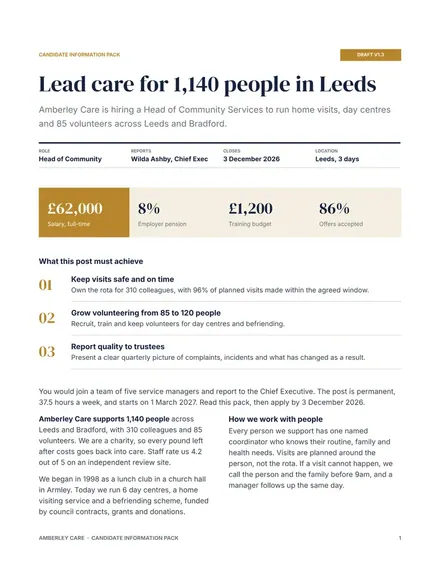
Candidate Information Pack
Docs + Word7 pages
Free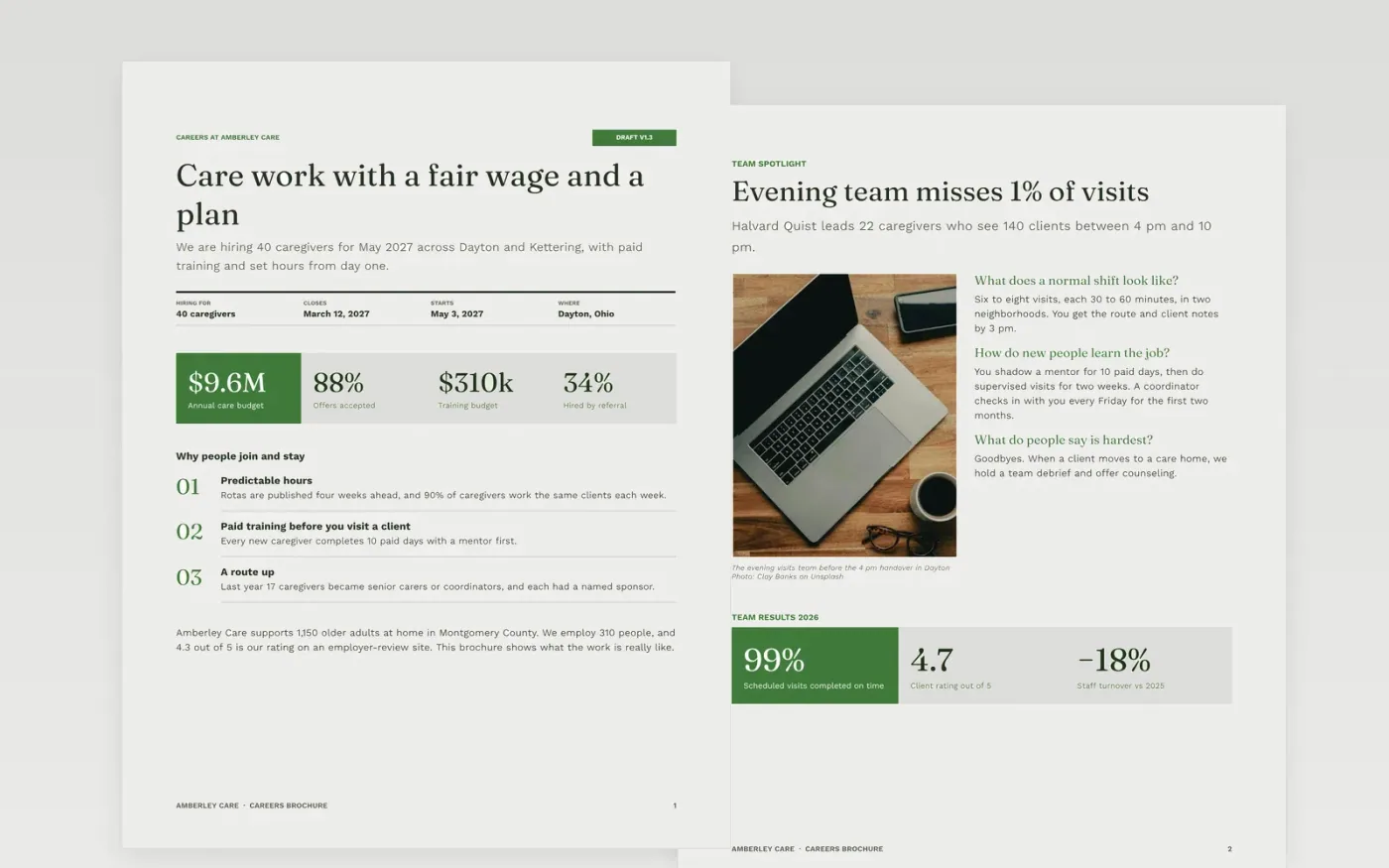
Candidates choose between employers on pay, hours, the people they will work with and how clear the process is. This recruitment brochure template puts those answers in seven pages: who you are, a team spotlight, staff profiles, benefits scorecard, a four-stage hiring process, a stage-by-stage timetable and a guide to making it yours.
The sample follows Amberley Care, a fictional home care provider in Dayton, Ohio hiring 40 caregivers for May 2027. It shows real-looking pay bands, leave, training days, referral and acceptance rates and a closing date. Replace the team photos, staff voices, pay figures, timescales and the contact details with your own.
Click Make a copy in Google Docs, then confirm on the Google page. The copy is saved to your own Google Drive.
Replace the organization name, the cover figures and the strapline with a plain promise that you can keep.
Swap the staff profiles for real people with their written consent, then update pay bands, leave and training figures.
Rewrite the hiring stages with your real timescales, then set the closing date, contact and application route.
Delete the Make it yours guide page, then share the brochure or present it at your careers fair.
No. Amberley Care, every person, email address and figure in the sample are fictional. Replace them with your own accurate details before you publish.
Yes. Change the roles, add your rotation lengths and training days to the benefits scorecard, and set your own intake size and closing date on the last pages.
Yes. Get written consent from each person before you use a name, quote or photo, and let them read the final wording before the brochure goes out.
Docs + Word7 pages
Free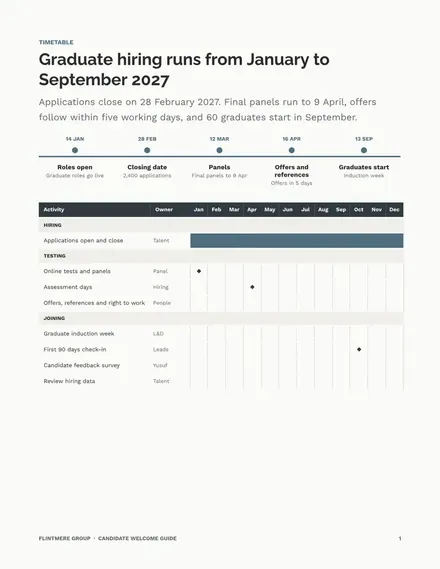
Docs + Word6 pages
Free
Docs + Word7 pages
Free
Slides + PowerPoint10 slides
Free
Docs + Word7 pages
Free










