Candidate Welcome Guide
Docs + Word6 pages
Free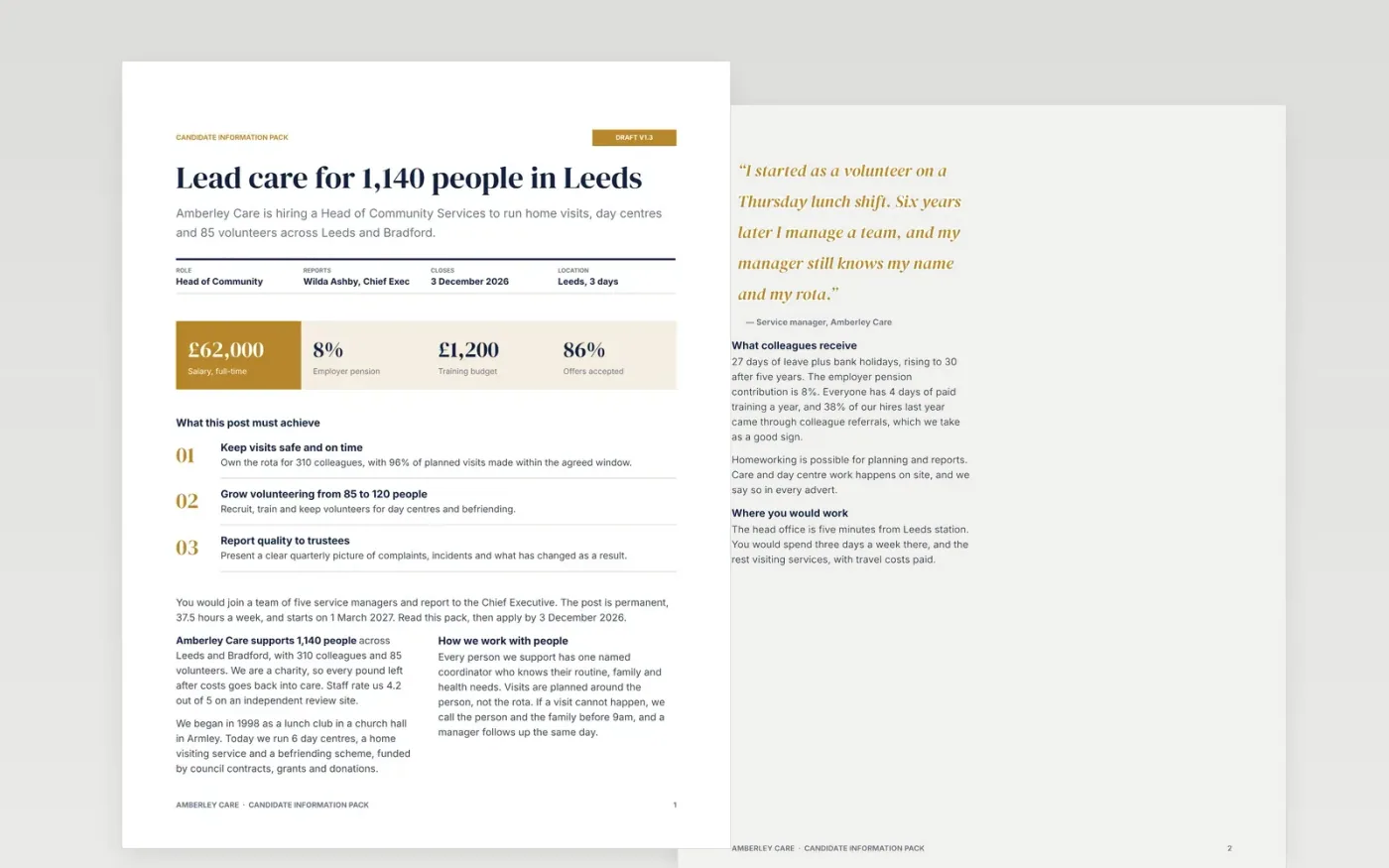
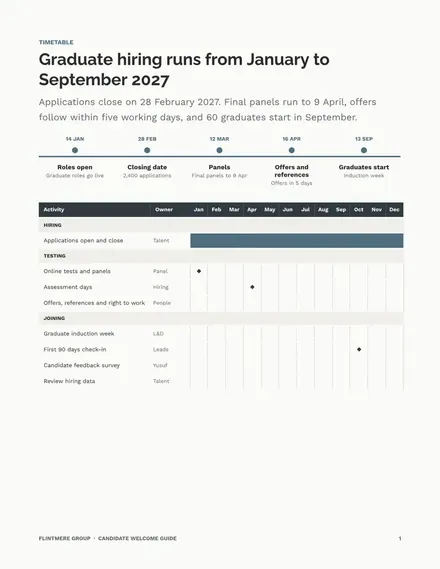
Senior and charity applicants decide whether to apply from what they can see: the work, the pay, who they report to and how long the process takes. This recruitment brochure template puts those answers in one Google Docs file, organised as a welcome, an organisation story, a responsibilities matrix, a person specification, a hiring timeline and a stage-by-stage guide.
The sample follows Amberley Care, a fictional care charity hiring a Head of Community Services, with a salary, closing date, interview dates and named panel. Replace the role details, pay, dates and contacts with your own, and be sure every promise about flexibility and progression is one your managers can keep.
Click Make a copy in Google Docs, then confirm on the Google page. The copy is saved to your own Google Drive.
Replace the organisation name, role title, salary, closing date and contact on the first page and the stage table.
Rewrite the person specification so each point is genuinely essential and has a stated way of being assessed.
Add real staff quotes only with written consent, then confirm the timeline matches what your panel can deliver.
Delete the guide page, then share the pack with candidates or present it at your careers fair.
Yes. Make a copy in Google Docs and edit it as you like, with no sign-up on this site and no charge for the template.
No. Amberley Care, every person named and all the figures are fictional and made up for the example. Replace them with your own details.
Yes. Swap the role details, change the person specification to skills and potential, and add your rotation dates and training days.
Docs + Word6 pages
Free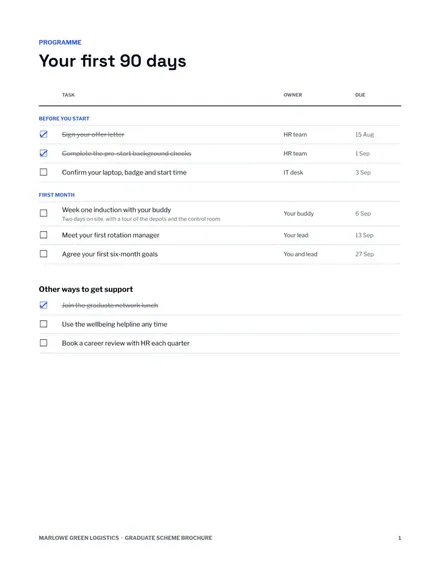
Docs + Word7 pages
Free
Docs + Word7 pages
Free










