Careers Brochure
Docs + Word7 pages
Free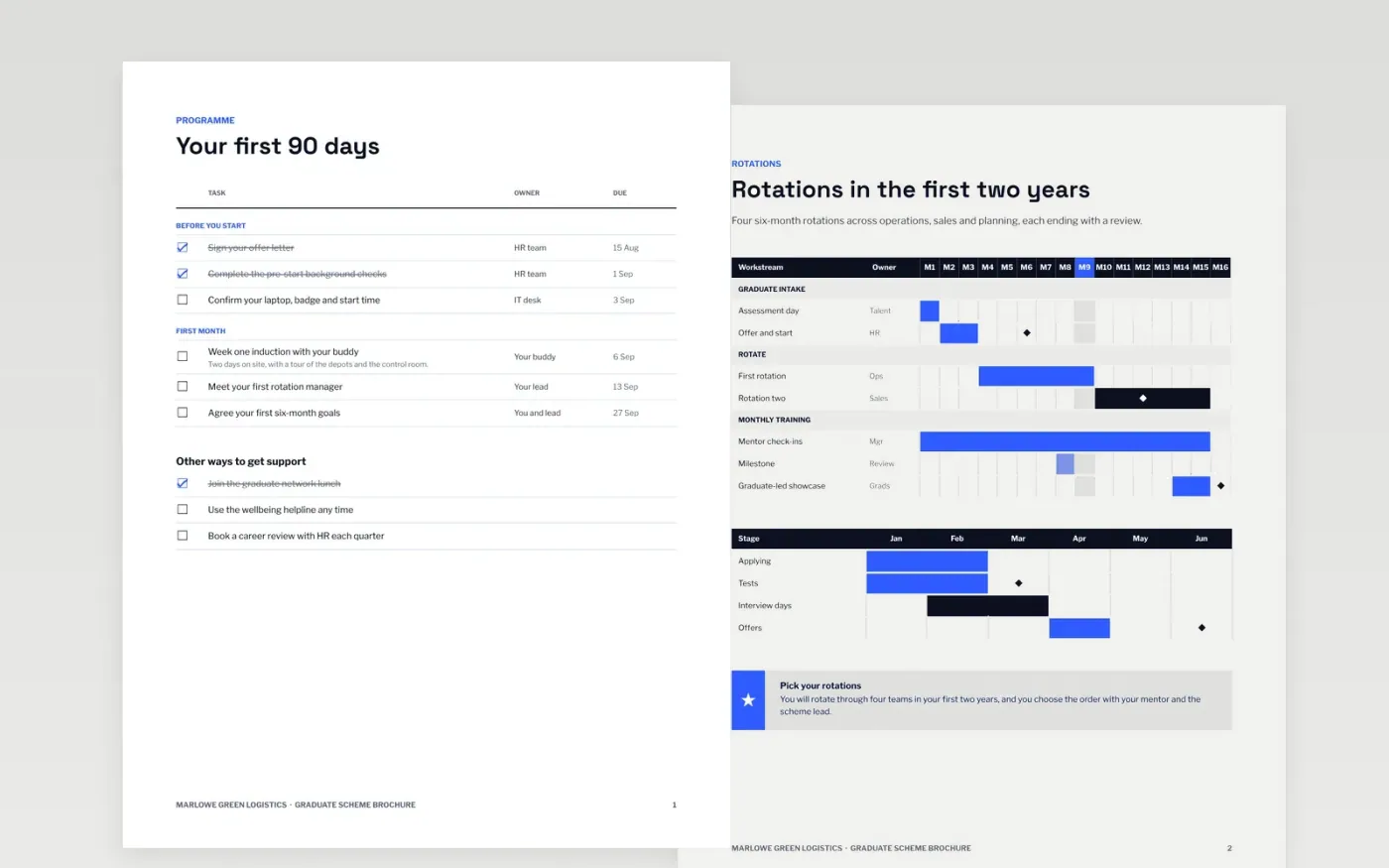
Graduates compare schemes side by side, and most will not apply to a brochure that talks in slogans. This template sets out what a graduate scheme really offers: the programme, the rotations, the training and real graduate stories, followed by the application steps and timescales. Each page gives facts a candidate can check, so people who fit can decide before they apply.
The sample describes Marlowe Green Logistics, a fictional logistics company, with a 60-place intake, four six-month rotations and an application process with set timescales. Replace the people, pay, rotations, closing date and contact with accurate details, and get written permission before you use any staff name or photo. Keep the process honest, so candidates know what happens at each step.
Click Make a copy in Google Docs, then confirm on the Google page. The copy is saved to your own Google Drive.
Replace the cover photo, pay figures and staff stories with accurate, approved material.
Set the application link, contact and closing date on the final page, and test each link.
Check the timescales against your recruitment calendar before you publish the brochure.
Delete the guide page, then share the brochure or present it from Google Docs.
No. Marlowe Green Logistics, its graduates, managers, rotations, pay ranges, contact details and dates are fictional sample data. Replace them with your own approved details before you publish the brochure.
Yes. Candidates compare offers on pay before they apply, and a brochure that hides it loses people who would otherwise have applied. Show the range and what it includes, and say when it is reviewed.
Yes. Get written consent from each person named or photographed, and let them check the wording before publication. Keep a record of the consent with the brochure file.
Docs + Word7 pages
Free
Docs + Word7 pages
Free
Docs + Word6 pages
Free










