Careers Brochure
Docs + Word7 pages
Free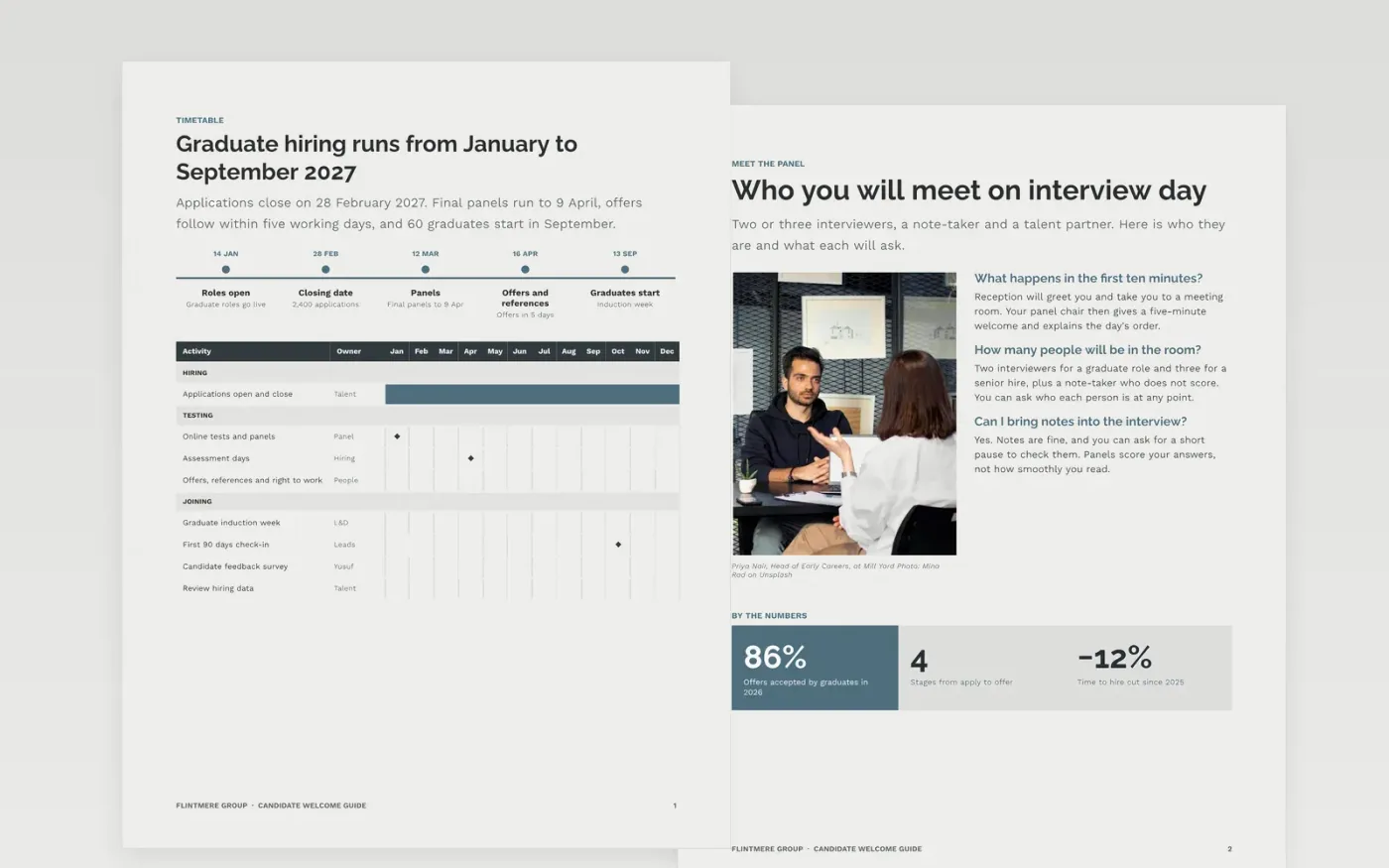
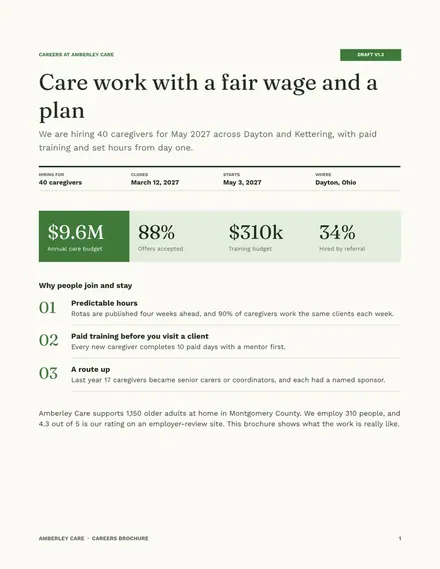
Candidates often arrive at interview day unsure of the format, who will be in the room, how to get there or what support is available, and some drop out of long, unclear stages. This guide answers those questions in one document. It has six pages: a timetable with a hiring timeline and a month-by-month chart, who you will meet, getting here, adjustments, a work breakdown of the adjustments service, and a final page on making it yours.
The sample describes a graduate intake of 60 places at the fictional Flintmere Group, with 40 applications per place and an 86% offer acceptance rate in 2026. Replace the names, interviewer details, pay bands, dates and travel notes with your own, and check each figure against your records before you publish. Then delete the final page.
Click Make a copy in Google Docs, then confirm on the Google page. The copy is saved to your own Google Drive.
Swap the cover photo and strapline for a real team picture and one plain promise.
Use profiles and quotes only from real staff who have given written consent, and keep their Q&A short.
Update the timetable, pay bands and closing date with the dates your team has confirmed.
Delete the guide page at the end, then share the document with candidates or present it.
Yes. Make a copy in Google Docs and the copy is yours to edit. You do not need to sign up to use the template.
Yes. The pages use standard Google Docs styles, so you can change fonts, colours and layouts as you would in any other document.
No. Flintmere Group, its interviewers and every figure are fictional and written as an example. Replace them before you share the document.
Docs + Word7 pages
Free
Docs + Word7 pages
Free
Docs + Word7 pages
Free
Slides + PowerPoint10 slides
Free
Docs + Word7 pages
Free










