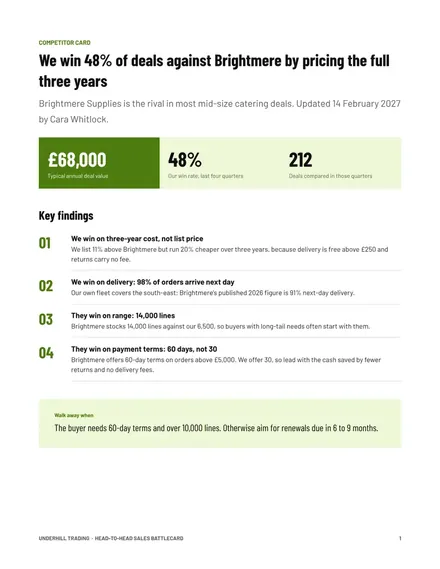
Head-to-Head Sales Battlecard
Docs + Word3 pages
Free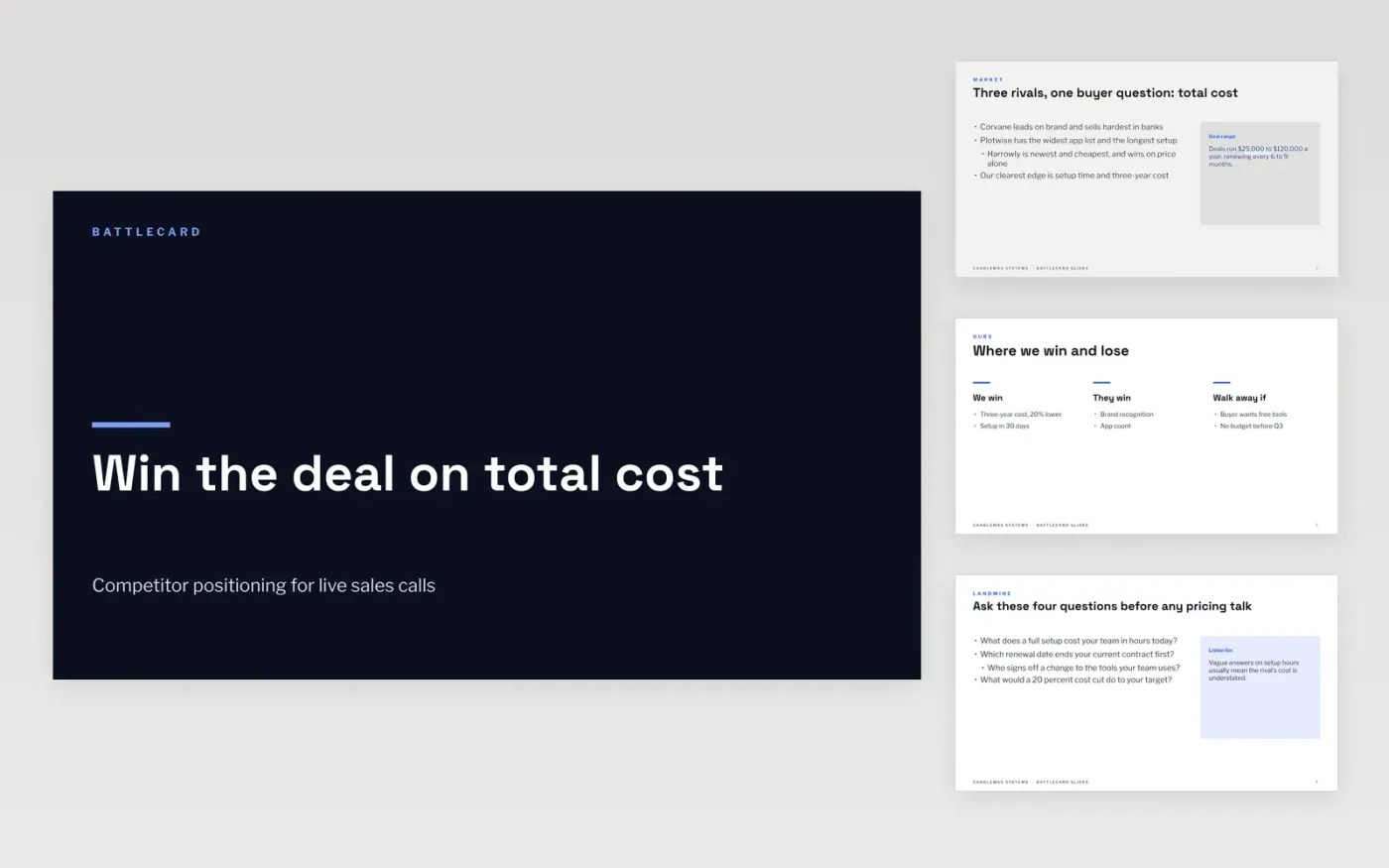
Reps lose competitive deals in the gap between what they know and what the buyer asks. This sales battlecard example gives a rep ten minutes of preparation for a named rival: where the rival is strong, where we win, the questions that change the buyer's criteria, and short answers to common objections. It is built for live use, so each item fits on one screen and can be said aloud without sounding scripted.
The sample is for Candlemas Systems, a fictional sales software company, set against three fictional rivals: Corvane, Plotwise and Harrowly. It shows a win rate of 62 percent against Harrowly but only 41 percent against Corvane, and a three-year cost that can be 20 percent lower. Replace the rivals, the win rates and the prices with facts you have checked, add the owner and the date you checked them, and cut the landmine questions to the four that matter most.
Click Make a copy in Google Slides, then confirm on the Google page. The copy is saved to your own Google Drive.
Replace the competitor names, sizes and pricing with checked facts and dates.
Rewrite the where-they-win slide from what reps hear in real deals.
Add the card owner and the last-updated date to every competitor slide.
Delete the guide slide, then share the deck or present it in full screen.
No. Candlemas Systems, Corvane, Plotwise, Harrowly, their people and all the figures are fictional sample data. Replace them with verified facts before any rep uses the card.
Review each card every quarter, and again whenever a rival changes pricing or wins a named deal. Record the last-updated date on the card so reps know how far to trust it.
Yes. Reps lose credibility when they pretend a rival has no strengths. List two or three honest rival strengths with the response for each, so reps are never caught out.
Docs + Word3 pages
Free
n8n
Free
Slides + PowerPoint12 slides
Free
Docs + Word3 pages
Free
Docs + Word3 pages
Free









