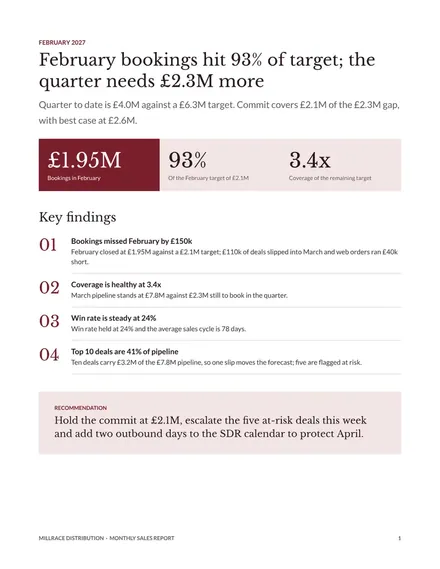
Monthly Sales Report
Docs + Word8 pages
Free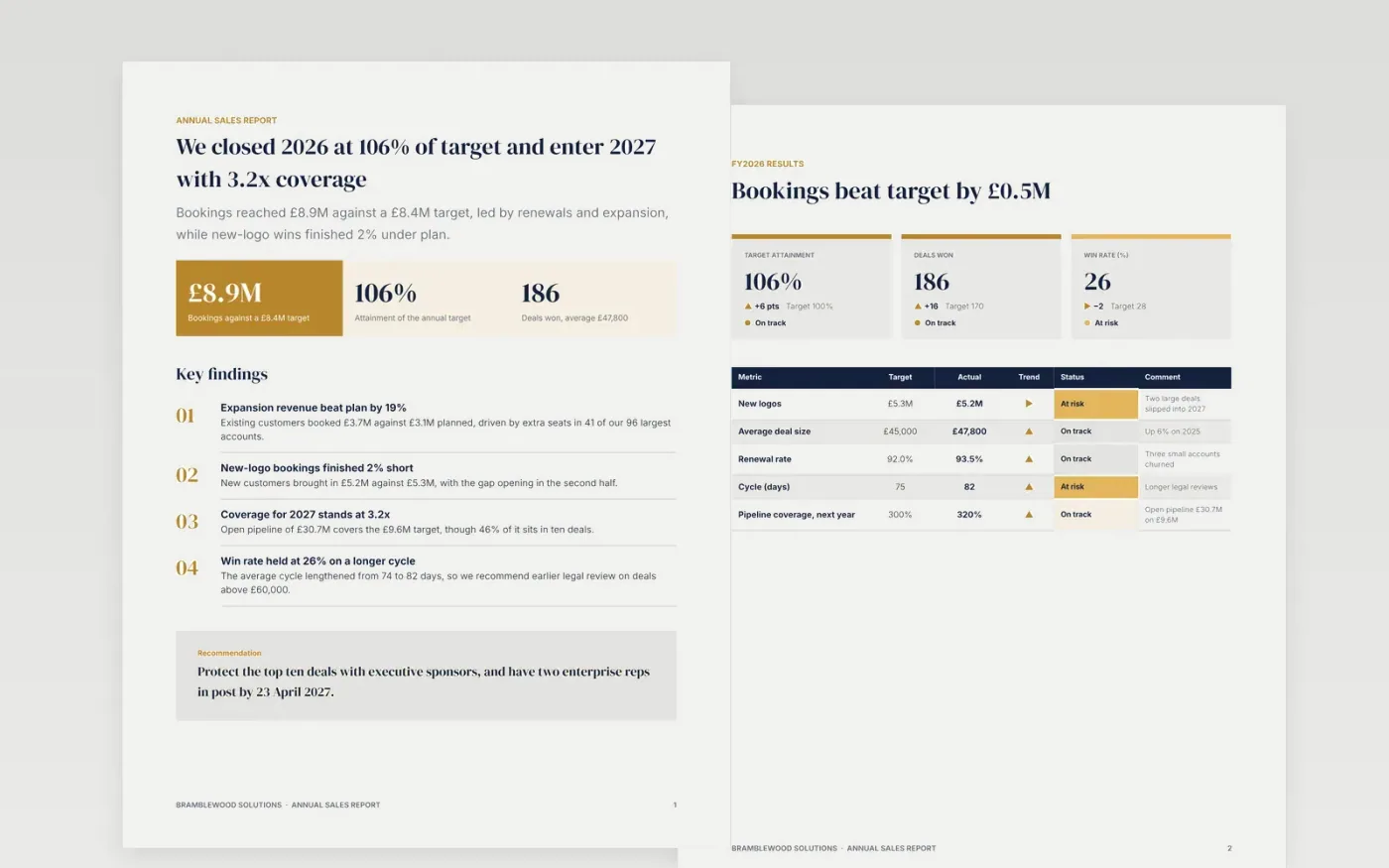
Sales directors need one document that says whether the year hit its number, where the quarters wobbled and what changes next. This report answers first on page one with headline figures and findings, then moves through the scorecard, quarterly trends, notable wins, lessons and a dated plan for the year ahead.
The sample follows Bramblewood Solutions, a fictional company that booked £8.9M against an £8.4M target in 2026. The figures add up across pages, from quarters to annual totals. Replace the targets, bookings, quotes and dates with your own CRM export, then delete the guide page before sharing.
Click Make a copy in Google Docs, then confirm on the Google page. The copy is saved to your own Google Drive.
Replace the year, the target and the bookings on the first two pages with figures from your CRM export.
Rebuild the quarterly table so the four quarters add up to the annual totals, then pick your three wins and write your lessons.
Set your own dates, owners and hiring plan in the timeline and the Gantt chart for next year.
Delete the guide page, then share the report or present it at your next forecast meeting.
Yes. It is a free Google Docs template. Make a copy to your own Drive, change the figures and text on each page and share it with your team.
No. Bramblewood Solutions, the customers, the people and every figure are fictional sample content. Replace all of it with your own data before you use the report.
Yes. Change the period, the targets and the trends table, and remove the pages you do not need. The structure of answer first, then scorecard, then actions still works.
Docs + Word8 pages
Free
Docs + Word6 pages
Free
n8n
Free
Slides + PowerPoint10 slides
Free
Slides + PowerPoint11 slides
Free










