Acceptable Use Policy
Docs + Word7 pages
Free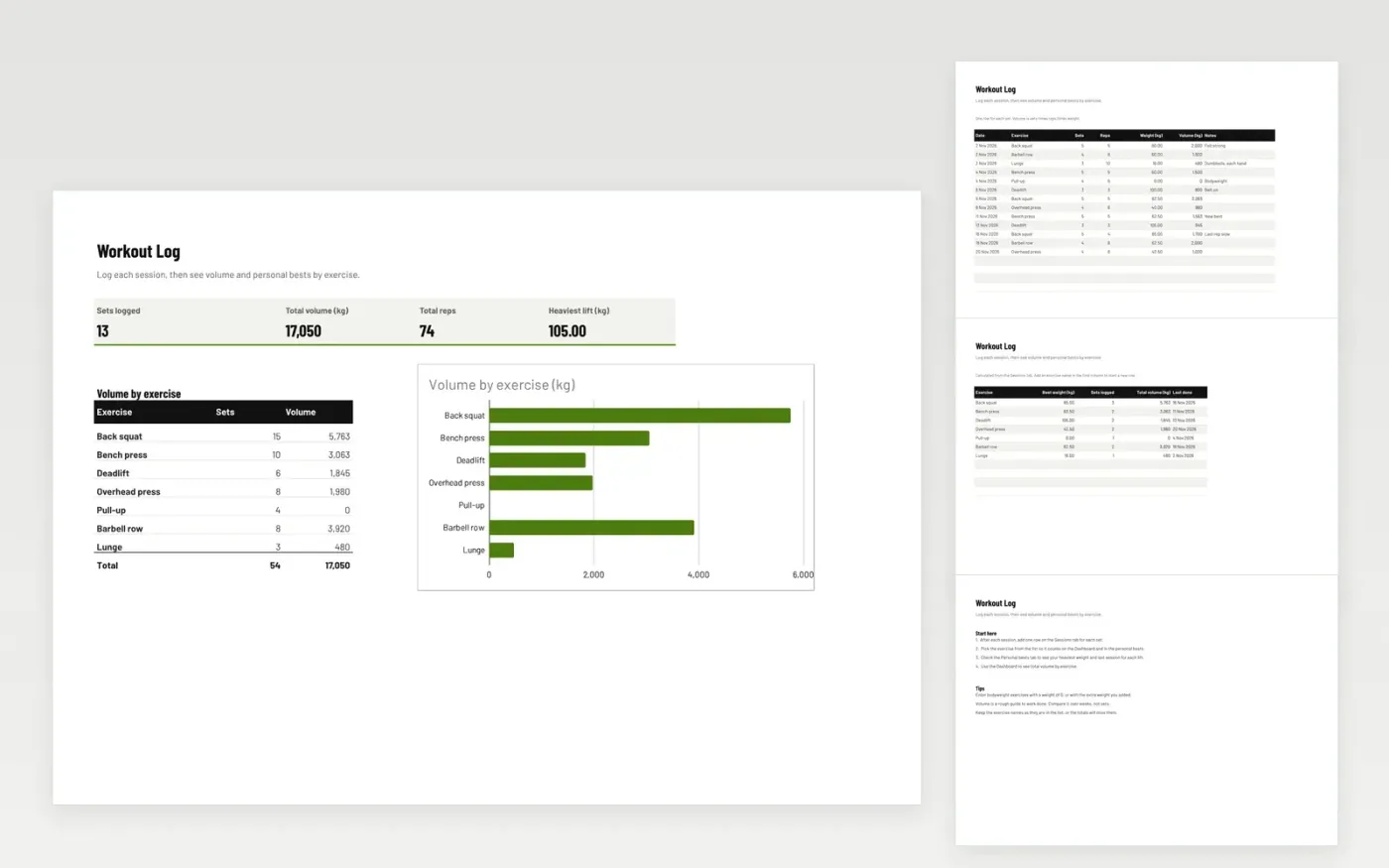
This template is a simple training log. The Sessions tab has one row for each set, with the date, exercise, sets, reps and weight. Volume for each set is worked out for you as sets times reps times weight.
The Personal bests tab shows your heaviest weight, number of sets, total volume and last session for each exercise. The Dashboard totals your volume and reps, with a chart by exercise. It comes with sample data. Make a copy, then replace the sample rows. Formulas and charts update on their own.
Click Make a copy in Google Sheets, then confirm on the Google page. The copy is saved to your own Google Drive.
Start on the Sessions tab: replace the sample rows with your own.
Keep the formula columns as they are; they fill in as you type.
Read the How to use tab for tips. For Excel, download the .xlsx file instead.
Yes. Download the template and use it in Google Sheets or Excel at no cost.
Yes. Download the .xlsx file to open it in Excel. The formulas, dropdowns and charts work in both Excel and Google Sheets.
Yes. Enter a weight of 0 for bodyweight moves such as pull-ups, or the extra weight you added. Volume is then worked out from the sets and reps.
More Google Sheets templatesMore business operations templates
Docs + Word7 pages
Free
Docs + Word8 pages
Free
n8n
Free