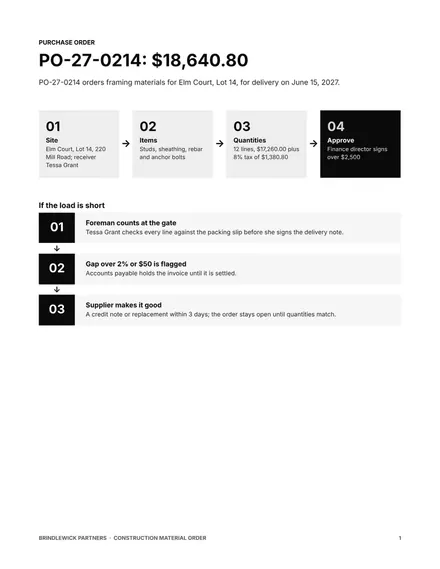
Construction Material Order
Docs + Word4 pages
Free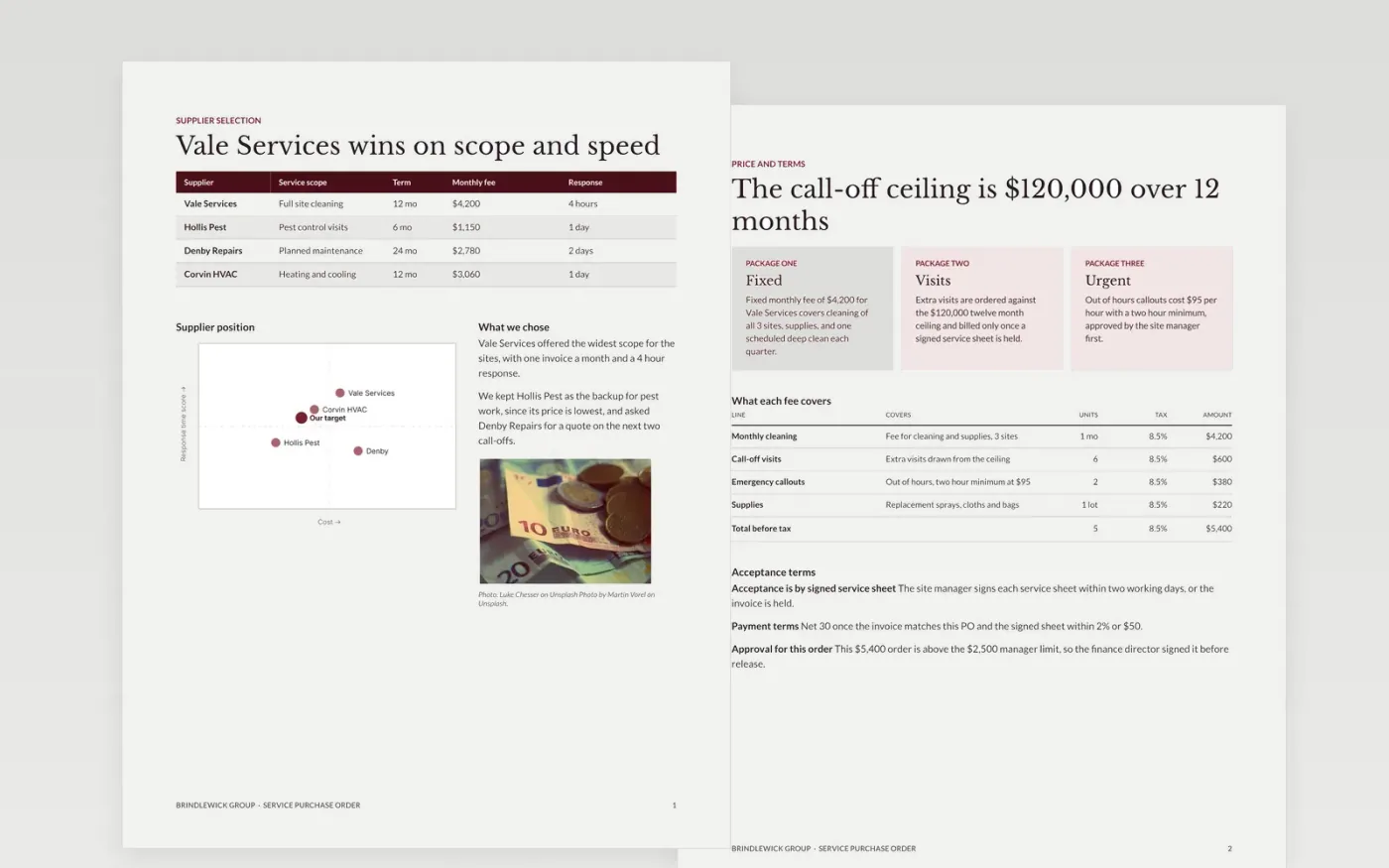
Service purchases go wrong when the order is vague about what the supplier must do, when it must be done and what it costs. This purchase order settles those points before any work starts. It is laid out as a supplier brief: the supplier and account details, the scope at each site, the visit schedule, the line prices with tax, and the acceptance rules that let accounts payable match an invoice to a signed service sheet.
The sample shows Brindlewick Group ordering monthly site cleaning from Vale Services, with a $120,000 twelve month call-off ceiling and an approval step for orders above $2,500. Replace the buyer header, supplier terms and line prices with your own, then check the totals and the approval limit before you send the order. Every figure must agree across the pages.
Click Make a copy in Google Docs, then confirm on the Google page. The copy is saved to your own Google Drive.
Replace the buyer header, PO numbering and approval limits with your own details.
Enter the supplier, account code and payment terms as they appear in your supplier master.
Update the scope, schedule and line items with the codes and prices you agreed.
Delete the guide page, then send the file to the supplier or share the link.
Yes. Most finance teams treat an order as binding only after an approver named in the limits table has signed it. Keep the approval line in the file so the supplier and accounts payable can see who authorised the spend.
Yes. Brindlewick Group, the supplier names, the people and every amount are fictional sample data. Replace them with your own details before you issue an order to a real supplier.
Yes. Replace the service scope and schedule with delivery dates and quantities, and keep the unit price and tax columns. The three way match works the same way for goods received against the order.
Docs + Word4 pages
Free
Docs + Word4 pages
Free
Docs + Word4 pages
Free
Docs + Word3 pages
Free
Slides + PowerPoint10 slides
Free
Docs + Word3 pages
Free
Docs + Word3 pages
Free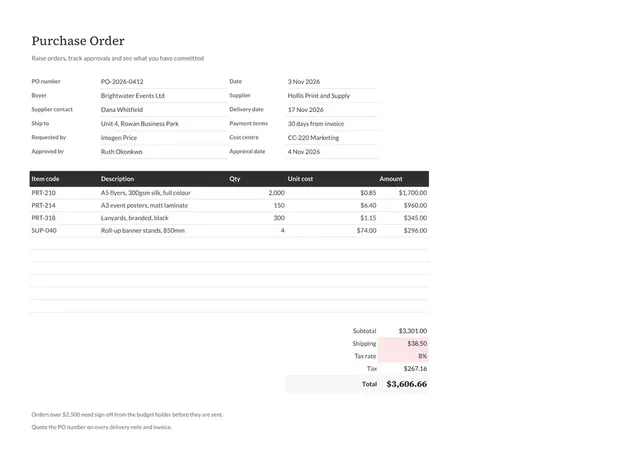
Sheets + Excel3 tabs
Free










