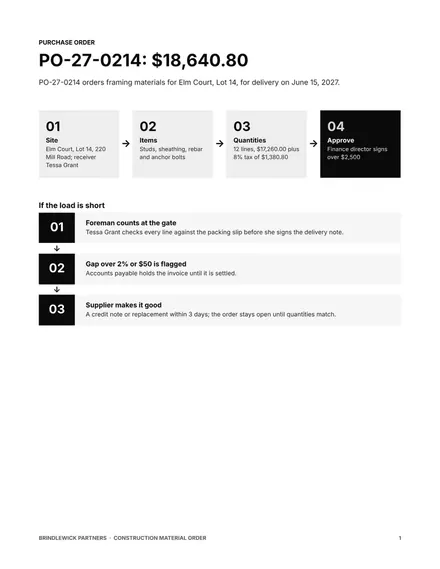
Construction Material Order
Docs + Word4 pages
Free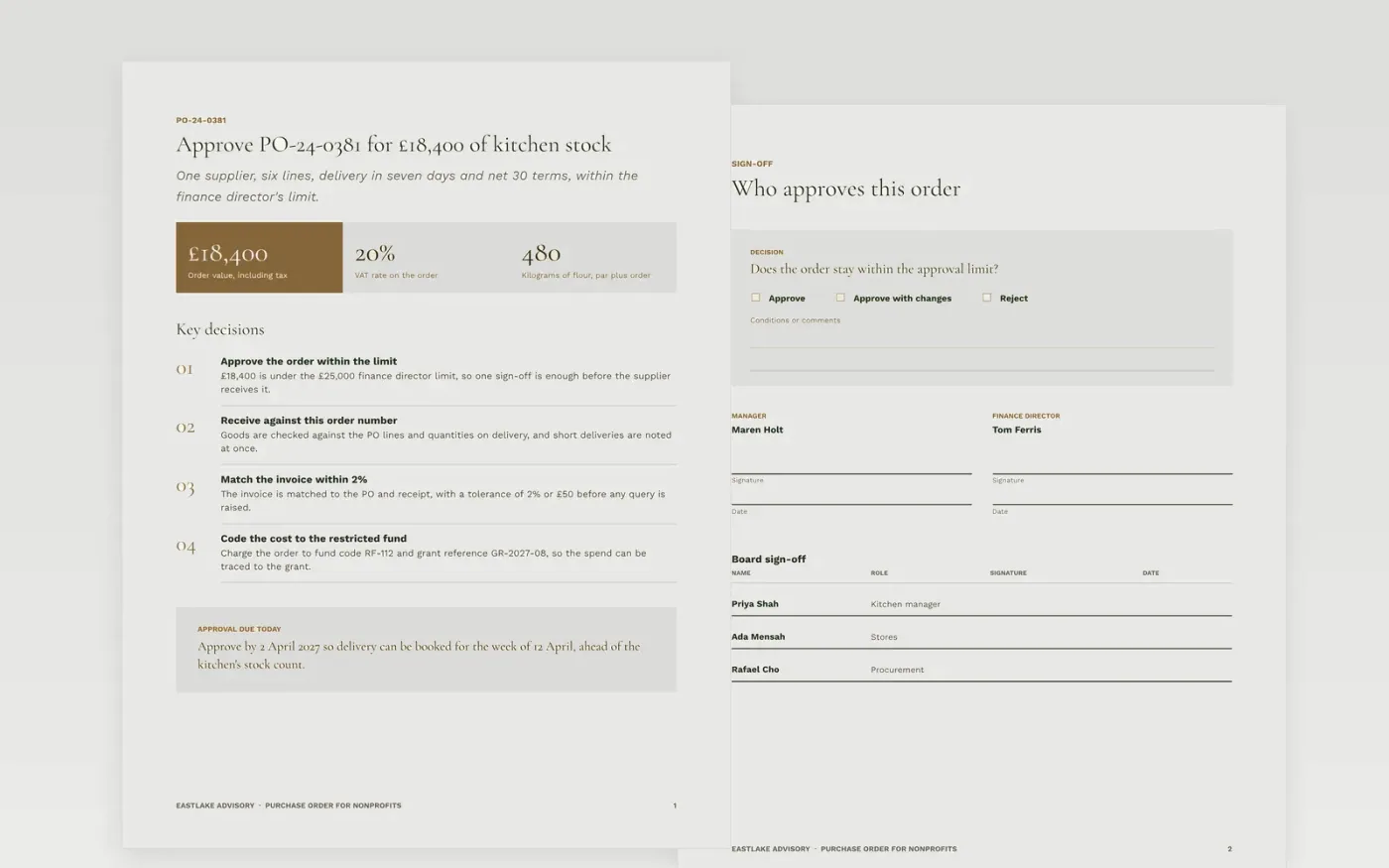
A charity that buys without a traceable order pays invoices it cannot match and charges grant money to the wrong budget. This template puts the order on one page in the order a supplier and an accounts team read it: the buyer and supplier details, the items with quantities and prices, the delivery terms, the fund code and grant reference, and the approval. Each order carries a number so the three-way match can work.
The sample order is from Eastlake Advisory, a fictional firm buying kitchen stock for a food project against a restricted grant. It shows a summary with headline figures, the approval sign-off and a guide page. Replace the supplier, items, fund code, approval limits and numbering with your own, and check each line against your supplier master before the order is sent.
Click Make a copy in Google Docs, then confirm on the Google page. The copy is saved to your own Google Drive.
Replace the buyer header, PO numbering and approval limits with your own.
Enter the supplier name, account code and payment terms as held in your supplier master.
Replace the item lines with product codes, quantities and agreed prices, then add the fund code.
Delete the guide page, then send the order for approval or present it at the finance meeting.
Yes. Eastlake Advisory, the supplier, the people named and every price, fund code and PO number in this order are fictional. Replace them with your own details before the order is issued to a supplier.
The fund code tells accounts which budget or grant carries the cost, so restricted money is spent only on what the grant allows. Without it, the cost lands in suspense and has to be moved later.
Yes. Raising the order first is the control that lets the invoice be checked against it. An order raised after the invoice defeats the match, so treat late orders as an exception to be reported.
Docs + Word4 pages
Free
Docs + Word4 pages
Free
Docs + Word4 pages
Free
Docs + Word3 pages
Free
Slides + PowerPoint10 slides
Free
Docs + Word3 pages
Free
Docs + Word3 pages
Free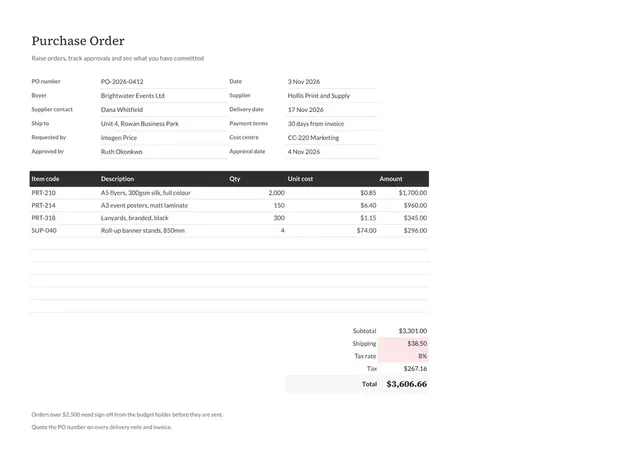
Sheets + Excel3 tabs
Free










