
Lead Intake Webhook
n8n
Free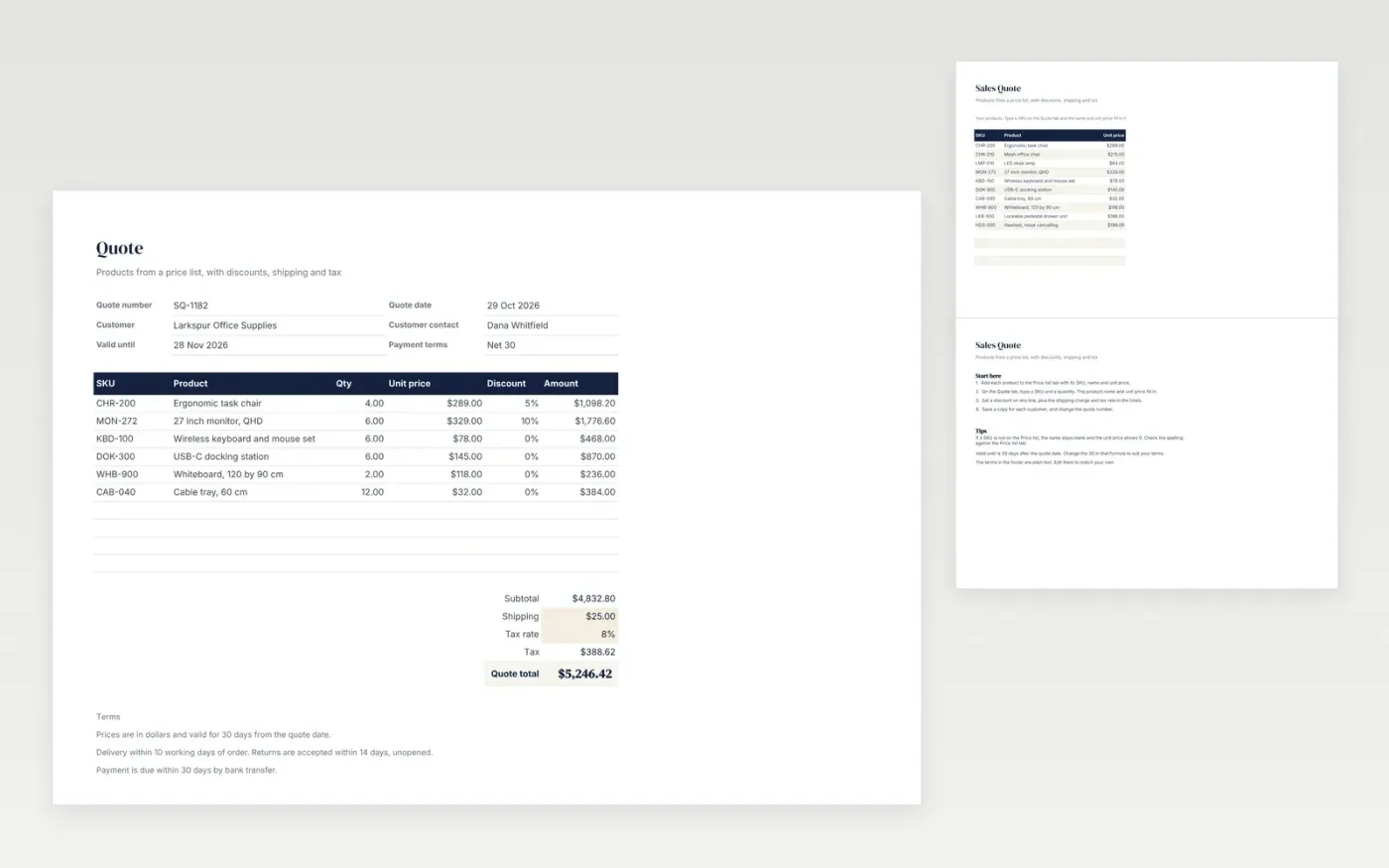
A product quote for a business customer. The Price list tab holds your SKUs, product names and unit prices. On the Quote tab, type a SKU and quantity, and the name and price fill in. Each line can have its own discount, and shipping and tax are added to reach the quote total. Standard terms sit in the footer.
It comes with sample data for an office equipment supplier. Make a copy and replace the price list and sample lines. The product names, prices, totals and terms update on their own.
Click Make a copy in Google Sheets, then confirm on the Google page. The copy is saved to your own Google Drive.
Start on the Quote tab: replace the sample rows with your own.
Keep the formula columns as they are; they fill in as you type.
Read the How to use tab for tips. For Excel, download the .xlsx file instead.
Yes. Download the template and use it at no cost to send your own quotes.
Yes. Download the .xlsx file and open it in Excel. The lookups, formulas and totals work there too.
The product name stays blank and the unit price shows 0, so the line adds nothing to the total. Check the SKU against the Price list tab.
n8n
Free
Slides + PowerPoint12 slides
Free
Docs + Word3 pages
Free







