
Sales Playbook Overview Deck
Slides + PowerPoint12 slides
Free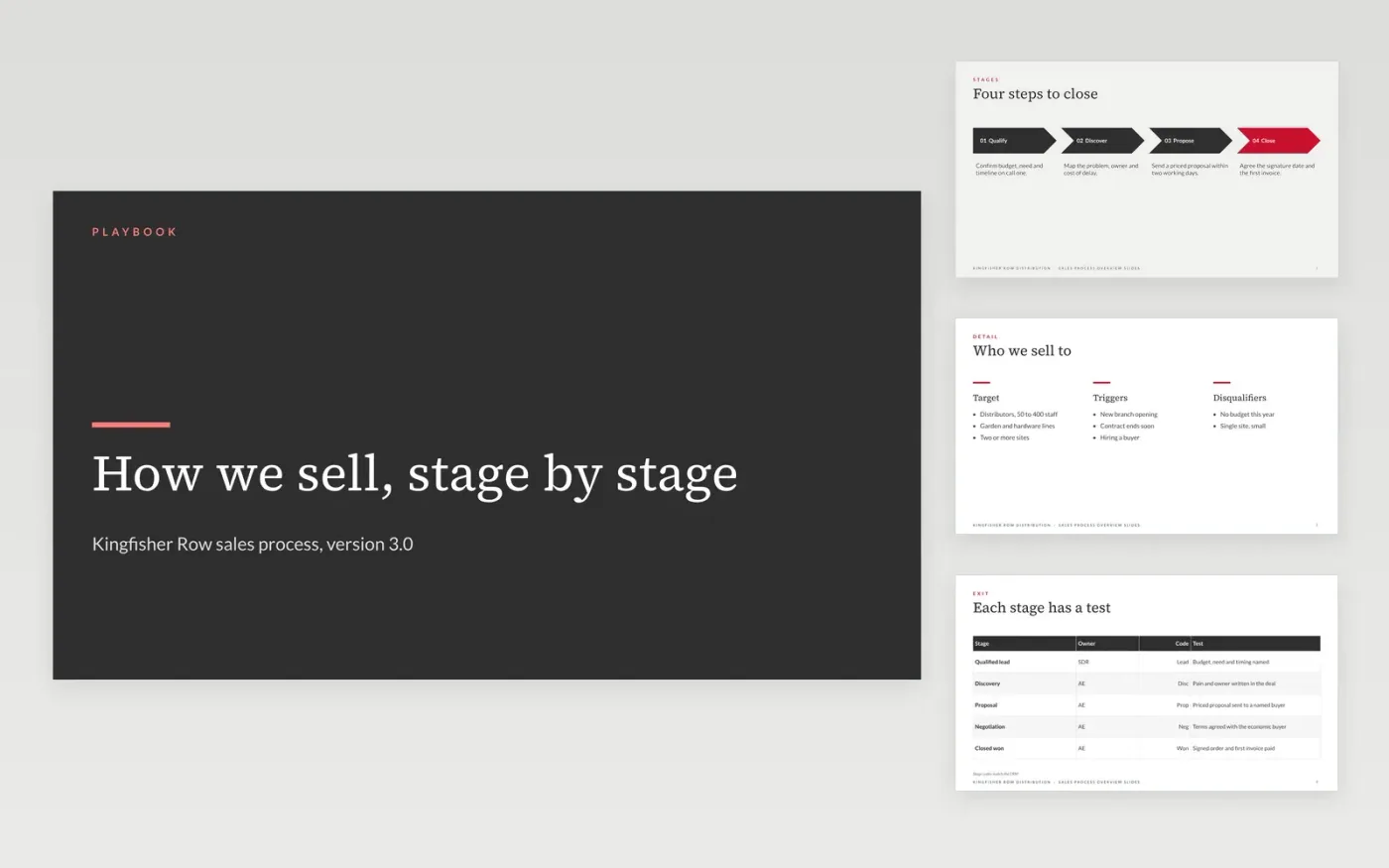
New reps ramp faster when the sales process is written down as stages with exit criteria a manager can test, rather than learned from whoever sat nearby. This deck covers the process in four parts: the steps, the exit criteria for each stage, the tools and CRM rules, and the metrics. Each slide states a rule, so a rep can check a deal against it in a minute.
The sample is for Kingfisher Row Distribution, an invented distributor of garden and hardware supplies. Its process runs five stages from qualified lead to closed won, with a 52% qualified-to-proposal rate and a 31% proposal-to-won rate. Every name and figure is fictional. Replace the stage names with your CRM's opportunity stages first, then rewrite each exit criterion so a manager can check it on a call.
Click Make a copy in Google Slides, then confirm on the Google page. The copy is saved to your own Google Drive.
Rename the stages on the stages slide so they match your CRM's opportunity stages exactly.
Rewrite each exit test so a manager can check it on a call, and set the CRM field name beside it.
Replace the tools and metrics with your own, and add an owner and review date to the cover.
Delete the guide slide, then share the deck with new reps or present it at onboarding.
Yes. Click Make a copy in Google Slides to save an editable copy to your own Google Drive at no charge. Change the stages, tests and tools in your copy as the process changes.
No. Kingfisher Row Distribution, its deal values, win rates, cycle times and the people named in the deck are fictional sample content. Replace each one with figures from your CRM before you share the playbook.
Review it each quarter, and after any change to the CRM stages. Give it one owner and a version number, so new reps always learn from the current process rather than an old copy.
Slides + PowerPoint12 slides
Free
Slides + PowerPoint12 slides
Free
Slides + PowerPoint12 slides
Free
n8n
FeaturedFree
Docs + Word7 pages
Free
Docs + Word7 pages
Free
Docs + Word7 pages
Free
Docs + Word7 pages
Free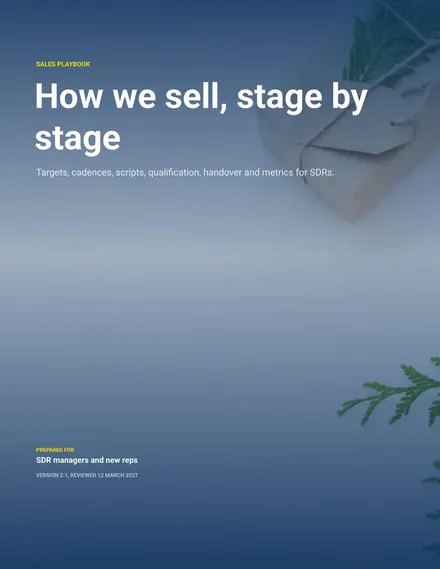
Docs + Word8 pages
Free
Docs + Word6 pages
Free
Docs + Word7 pages
Free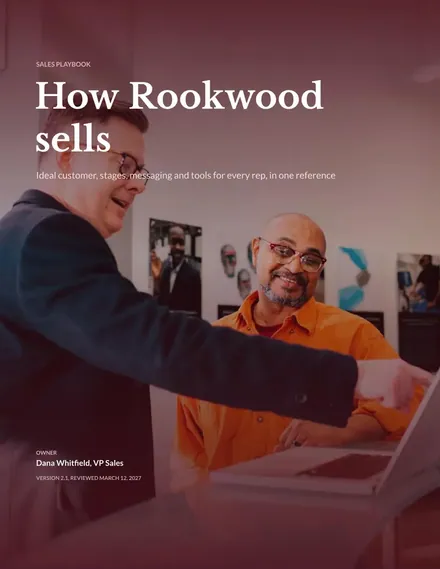
Docs + Word9 pages
Free
Docs + Word8 pages
Free










