Annual Plan Presentation
Slides + PowerPoint12 slides
Free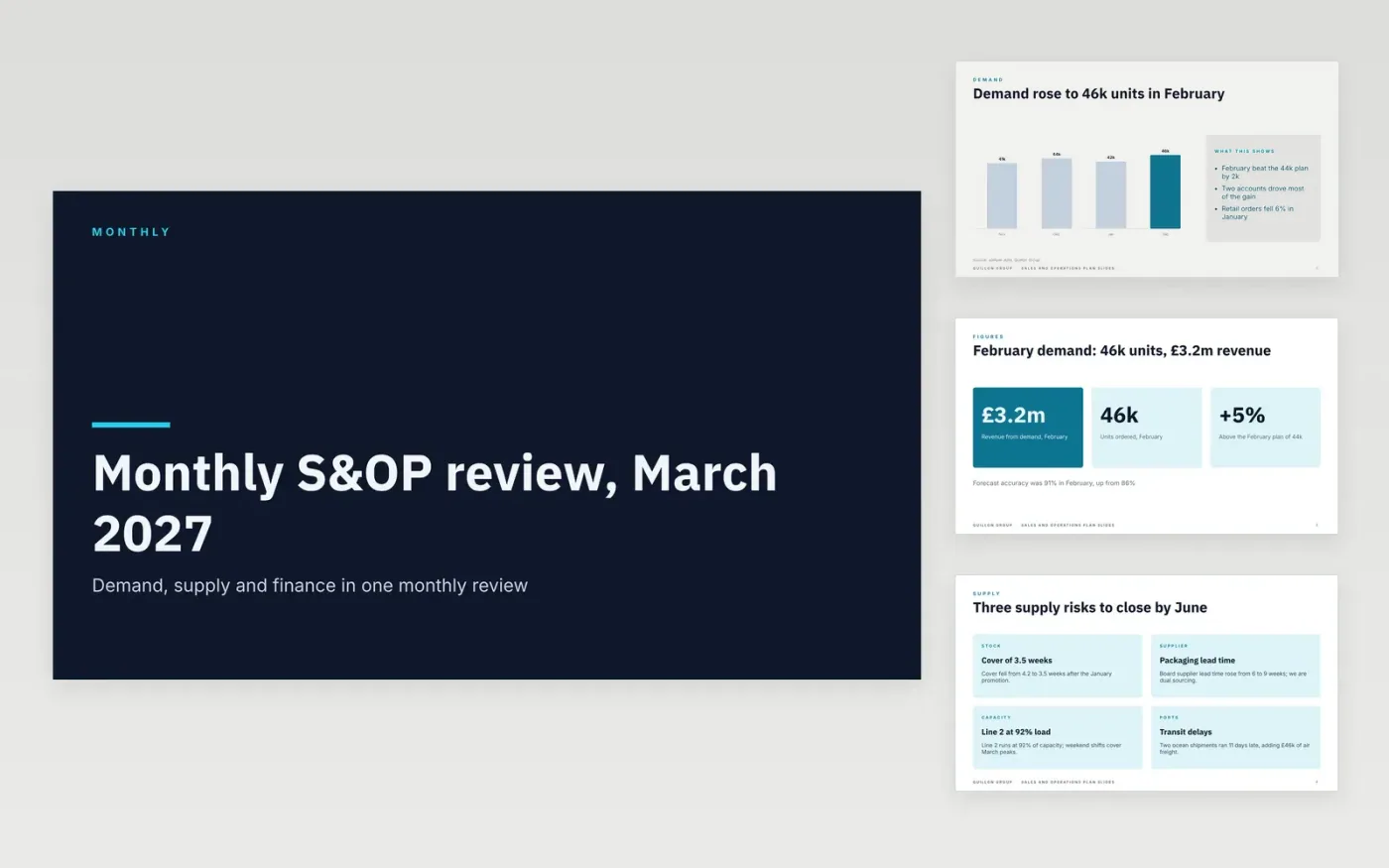
Supply chain teams meet each month to agree one plan for demand, supply and money, but the review often drifts into long status updates and the same unresolved gaps. This deck gives the meeting a fixed order: demand first, then supply, the gap between them, the financial view and the decisions the room must make. Each slide has one headline that states the point, a chart or table with a source line, and space for the owner of each number.
The figures are sample data for Quillon Group, a fictional company, so you can see how a finished review reads. February demand, the April supply gap and the margin table are invented and kept consistent across slides. Replace them with your actuals and forecast, update the variance to plan, and change the decisions to match your own gaps. It also works as an annual operating plan template for the monthly checks that follow the budget.
Click Make a copy in Google Slides, then confirm on the Google page. The copy is saved to your own Google Drive.
Replace the sample demand, supply and finance figures with your own actuals, then update the chart source line.
Check that the gap, the financial table and the decisions reconcile to the same totals as the demand and supply slides.
Set an owner and a date for every number before you share the deck with the planning group.
Delete the guide slide, then share the deck with the planning group or present it from Google Slides.
No. Quillon Group, its people and every figure are fictional sample data. Replace them with your own actuals and forecast before you use the deck with your team.
Most teams run it monthly, with demand and supply reviewed first and the financial view agreed before the decisions slide. Quarterly reviews can reuse the same order with a longer forecast horizon.
Yes. Duplicate a chart or table slide, keep the headline as a statement of the point, and add the new figures to the same totals so the gap and financial view still reconcile across the deck.
More Google Slides templatesMore business operations templates
Slides + PowerPoint12 slides
Free
Docs + Word7 pages
Free
Docs + Word8 pages
Free
Docs + Word7 pages
Free
Docs + Word8 pages
Free










