
Sales and Operations Plan Slides
Slides + PowerPoint11 slides
Free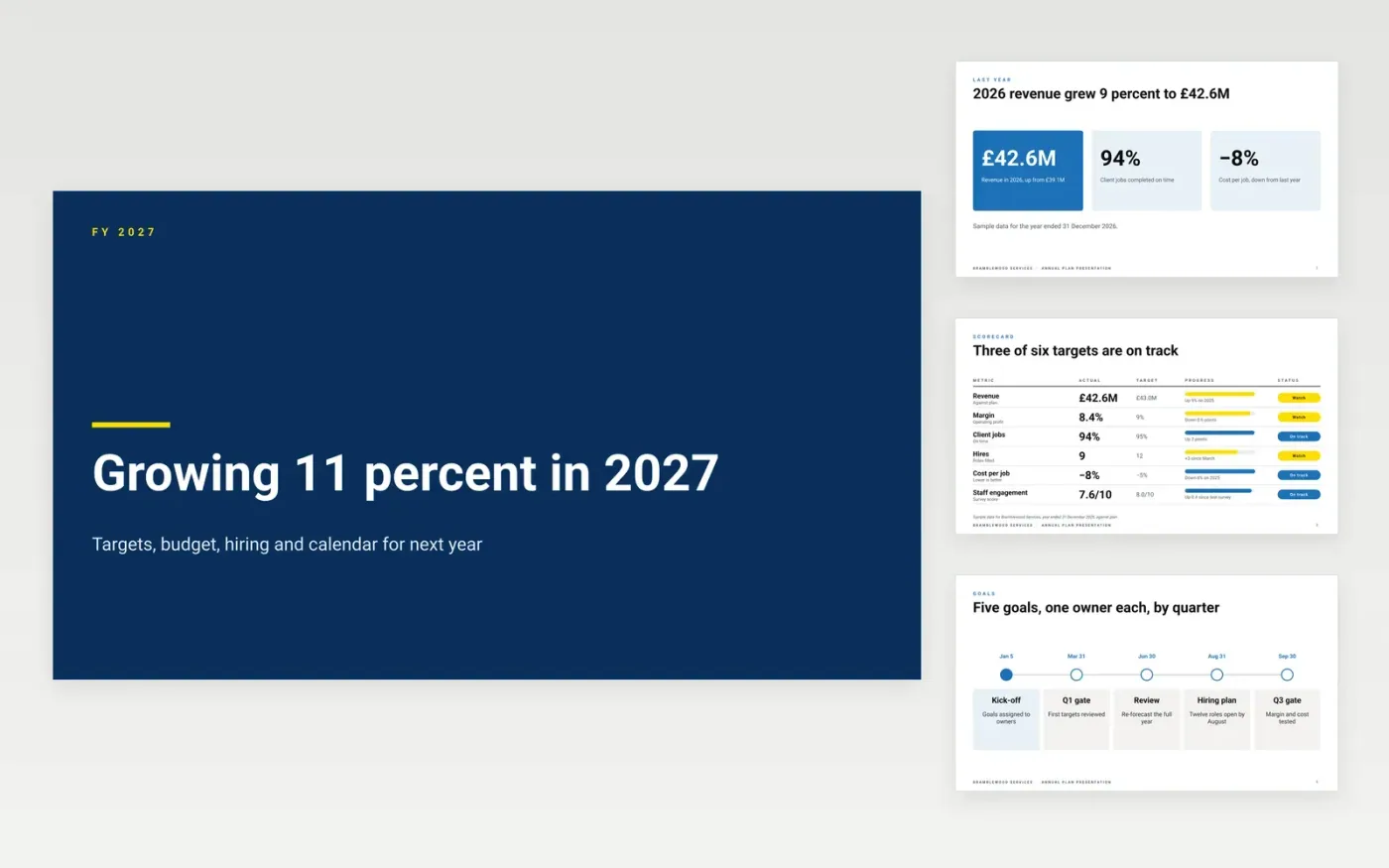
A plan that is not tied to numbers and owners stalls soon after the offsite. This annual operating plan template gives leadership one deck to set next year's commitments: last year's results, targets, initiatives, the budget by department, the hiring plan and the calendar of reviews. Every slide ends in a number or an owner, so the board can approve the plan and each department can see its own spend and goals on a single page.
The sample is for Bramblewood Services, a fictional services firm with £42.6M revenue in 2026. The plan commits to £47.3M revenue in 2027, a 9 percent operating margin, 12 hires to reach 130 people, and a £43.0M cost budget with £1.7M contingency. Replace the actuals, targets, owners and budget lines with your own, then check that the department totals reconcile to the headline target before the board sees the deck.
Click Make a copy in Google Slides, then confirm on the Google page. The copy is saved to your own Google Drive.
Replace last year's results with your actuals and the variance to plan.
Set five to eight targets you can measure monthly, each with an owner.
Rebuild the budget by department, then reconcile it to the headline target.
Delete the guide slide, then share the deck or present it in full screen.
No. Bramblewood Services, its people and every figure in this deck are fictional sample data. Replace them with your own plan before you share it.
The board, the CFO and department heads see the full deck. For an all-staff kickoff, show the goals, the initiatives and the calendar, and leave out individual budget lines.
Reconcile the department totals to the headline target before approval. If they still differ, either cut an initiative or name the gap as a risk with an owner and a date.
More Google Slides templatesMore business operations templates
Slides + PowerPoint11 slides
Free
Docs + Word7 pages
Free
Docs + Word8 pages
Free
Docs + Word7 pages
Free
Docs + Word8 pages
Free










