
Quarterly Business Review Deck
Slides + PowerPoint11 slides
Free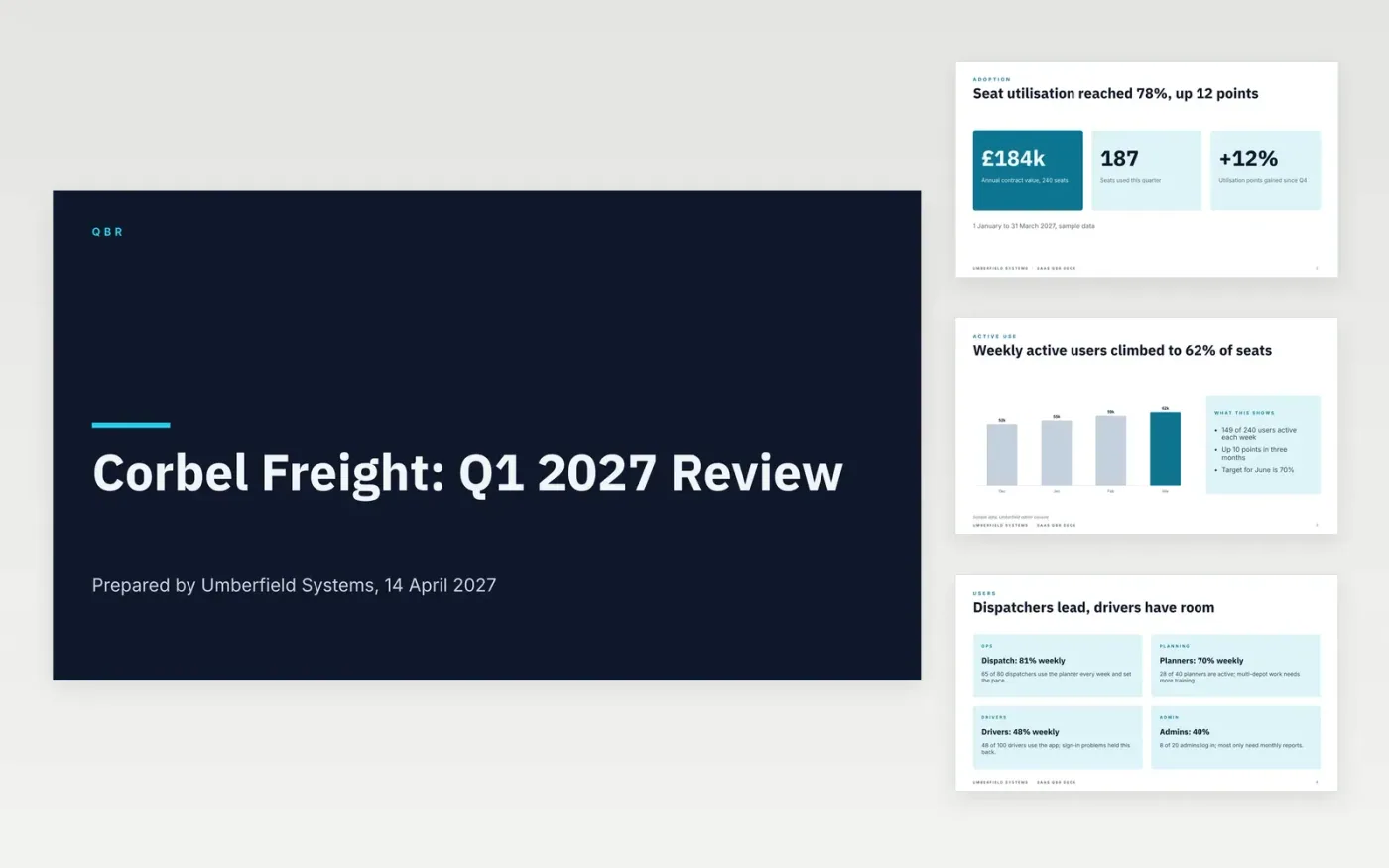
A quarterly business review fails when it reports activity instead of outcomes, hides a weak quarter or turns into a renewal pitch. This deck leads with adoption and active users, then covers feature usage, support, return on investment, the roadmap the customer asked for and a dated success plan with owners.
The sample is a Q1 2027 review for Corbel Freight, a fictional customer of Umberfield Systems, with a £184,000 contract, 78% seat utilisation and a 2.4 times return. It admits where drivers lag. Replace the customer, quarter and numbers with your own, keeping a target beside each one.
Click Make a copy in Google Slides, then confirm on the Google page. The copy is saved to your own Google Drive.
Replace the customer name, sponsor and the goals agreed at the last review, then paste your real usage, ticket and satisfaction figures with the quarter dates.
Rewrite the roadmap to the items this customer asked for, marking which are committed and which are only planned.
Update the success plan with one measurable target and a named owner for each goal next quarter.
Delete the guide slide, then share the deck or present it with time left for the customer to talk.
Lead with the customer's own goals and how they moved, not with product usage. Keep selling out of the first twenty minutes and leave time for the customer to talk about next quarter.
Show it plainly, with a cause and a fix. The sample admits that driver adoption lags and one support issue is overdue. Surprising a sponsor with churn risk later costs far more than a candid slide now.
No. Umberfield Systems, Corbel Freight, the people named and every figure are fictional sample data. Replace them with your own account data before you present the deck.
Slides + PowerPoint11 slides
Free
Slides + PowerPoint10 slides
Free
Slides + PowerPoint14 slides
Free
Slides + PowerPoint12 slides
Free
Slides + PowerPoint11 slides
Free










