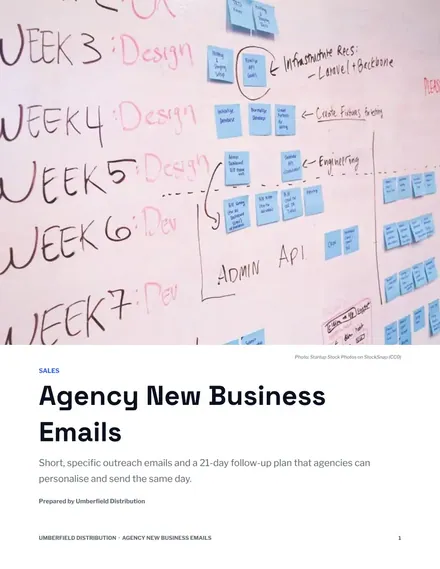
Agency New Business Emails
Docs + Word7 pages
Free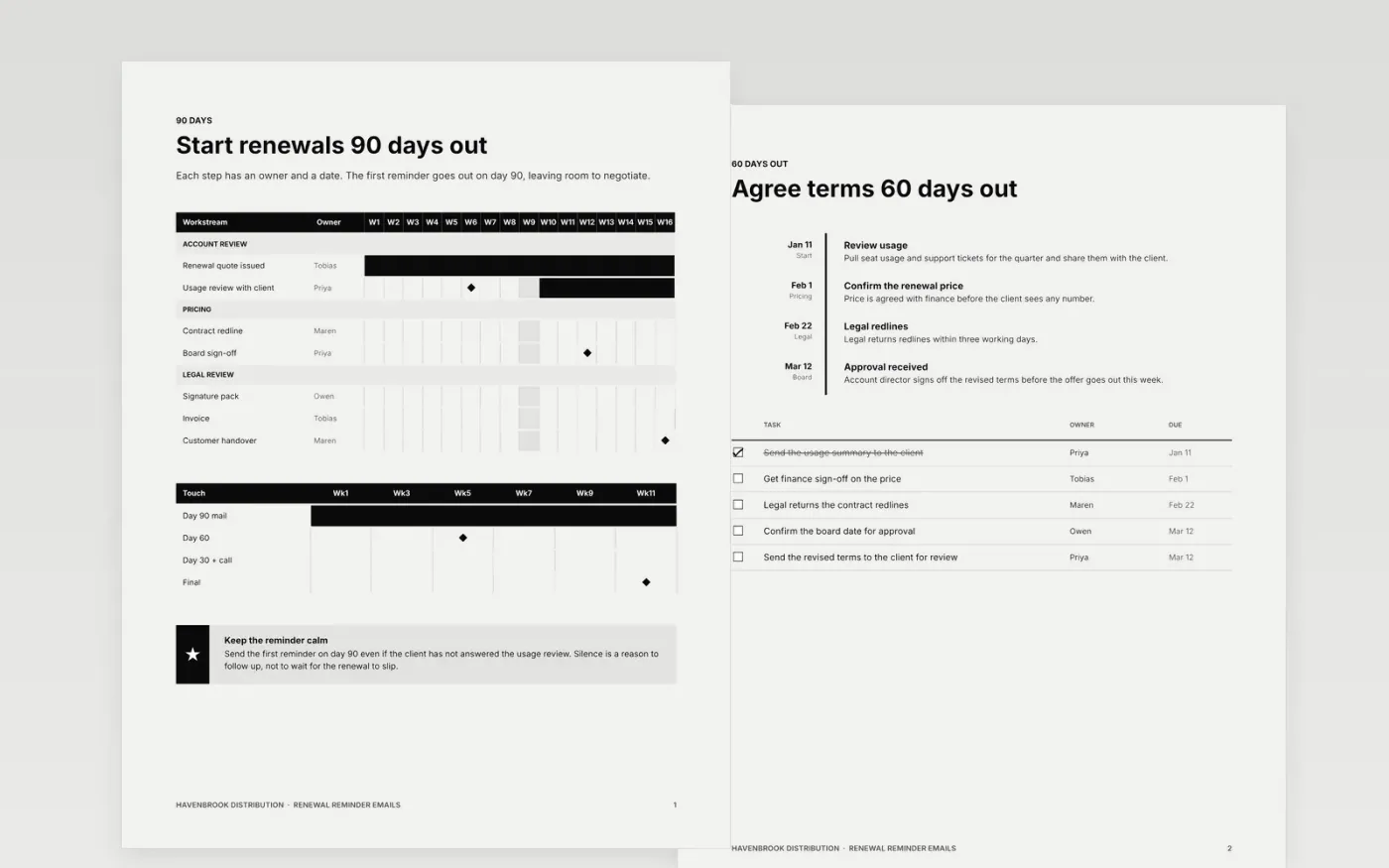
Account teams lose renewals when the first nudge arrives late or reads like a form letter. This Google Docs template sets out a renewal reminder sequence that starts ninety days before a contract ends and keeps every step short, specific and owned. It runs over six pages: a ninety-day schedule, the 60-day stage gates, the 30-day key dates, a final action plan, a phased roadmap and a make-it-yours guide.
The sample follows Havenbrook Distribution, a fictional wholesaler, and its account managers as they move one client from the first reminder to a signed order. The dates, owners and figures are invented for illustration. Before you send anything, replace the sender, your own contract end dates, the subject lines and the meeting link, and delete any step you do not run.
Click Make a copy in Google Docs, then confirm on the Google page. The copy is saved to your own Google Drive.
Replace Havenbrook Distribution, the sender name and the value line in each email with your own.
Set the dates, gaps and owners on each page to match your contract end dates and approval steps.
Swap in the subject lines and meeting link you use, and add your opt-out line for each region.
Delete the guide page, then share the copy with your team or present it from Google Docs.
No. The emails are written for a fictional firm, so change the sender, figures and opening line for each client before you send. Check every subject line too.
Yes. Havenbrook Distribution, the people named in the sequences and every figure are fictional. They are sample content so you can see what good looks like.
The seven touches run over 14 to 21 days with gaps of two to four working days. Renewal reminders fall at 90, 60, 30 and 7 days before the contract ends.
Docs + Word7 pages
Free
Docs + Word6 pages
Free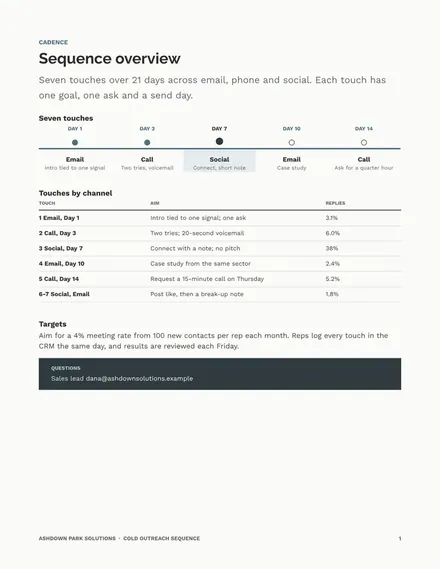
Docs + Word6 pages
Free
Docs + Word5 pages
Free
Docs + Word5 pages
Free
Docs + Word9 pages
Free
Docs + Word7 pages
Free










