Sales Email Templates
Docs + Word8 pages
Free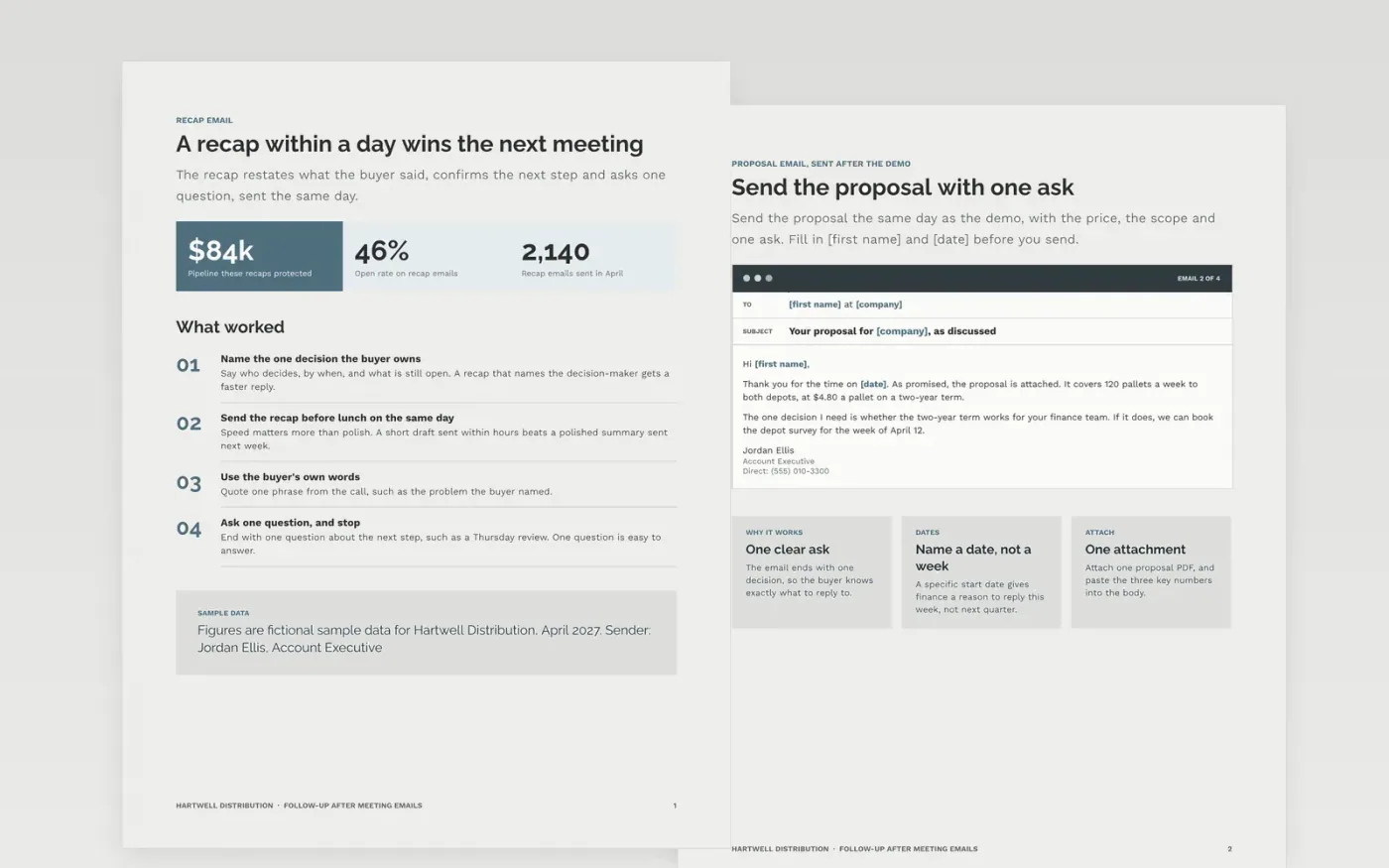
Most deals stall in the gap between a good meeting and a written next step. Reps lose momentum when the recap goes out late, the proposal has no date, or the chaser only says just checking in. This template gives account executives tested emails and a timed plan for each step: the recap, the proposal, the chasers and the close-out, so that each email asks one clear question.
The sample follows a distribution sales rep at Hartwell Distribution through a recap, a proposal for 120 pallets a week and a timed chaser plan. All names, prices, dates and figures are fictional. Replace the sender, the value line and the timings with your own, and delete any step your team does not run.
Click Make a copy in Google Docs, then confirm on the Google page. The copy is saved to your own Google Drive.
Replace the sender name, company and value line in every email before you send any of them.
Rewrite each opening line to reference a real trigger, and check every merge field before sending.
Set your own timings and subject lines, then add the opt-out line for each region you sell into.
Delete the guide page, then share the emails with your sales manager for review before the first send.
Yes. Hartwell Distribution, Jordan Ellis, the buyers, the prices and every figure in this sample are fictional. Replace them with your own details before any email goes to a real buyer.
No. Each email is a starting point. Change the opening line to reference something real about the buyer, and check that every name, date and figure is correct before you press send.
Seven touches over 14 to 21 days is a reasonable sequence for a warm lead. Stop when the buyer has said no or gone silent after the break-up email, and record the reason in the CRM.
Docs + Word8 pages
Free
n8n
Free
Slides + PowerPoint12 slides
Free









