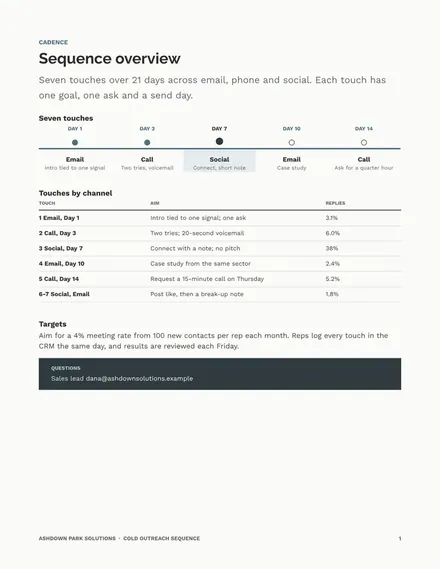
Cold Outreach Sequence
Docs + Word6 pages
Free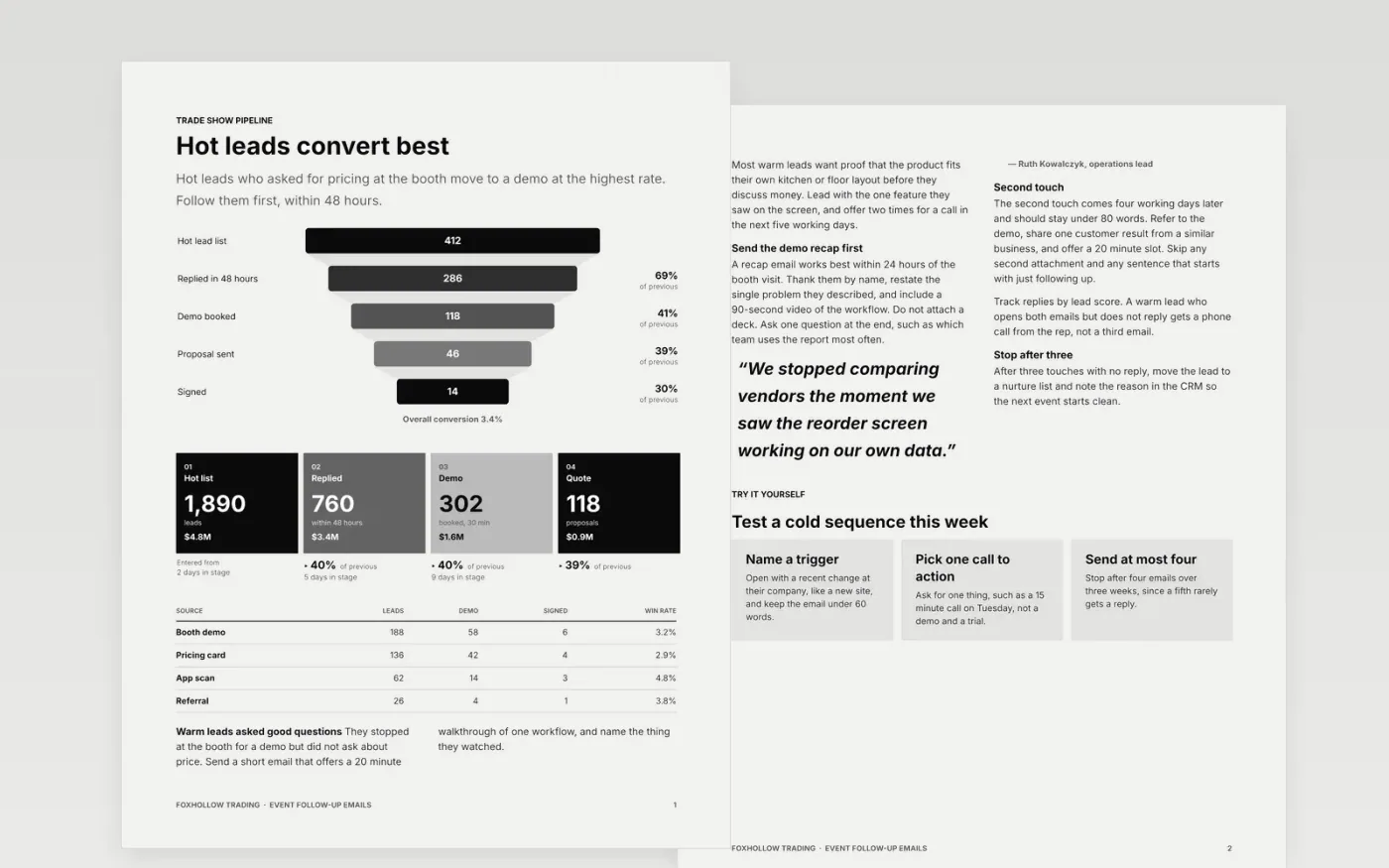
Trade show leads go cold fast, and reps often send one generic note to everyone they scanned. This template sorts the list by interest level first: hot leads who asked for pricing, warm leads who stayed for a demo, and cold leads who only took a brochure. Each group has its own short sequence of emails, so the first message matches what the lead actually did at the event.
The sample follows Foxhollow Trading, a fictional US supplier of commercial kitchen equipment, after a three-day regional expo. Its figures are sample data: 412 hot leads, a 69 percent reply rate within 48 hours and a meeting request step that books a 30 minute call. Replace the company, the offer and the meeting link with your own before any email goes out.
Click Make a copy in Google Docs, then confirm on the Google page. The copy is saved to your own Google Drive.
Replace the sender name, company and one-line value statement in every email before you send any.
Rewrite each opening line to mention a real trigger, such as a hire, a funding round or a product launch.
Set your own timings, subject lines and meeting link, and delete any sequence you do not run.
Delete the guide page, then share the document with your sales manager or present it from Google Docs.
No. Foxhollow Trading, every person named in the emails and all of the figures are fictional sample data. Replace them with your own company, contacts and results before you use any message with a real prospect.
Send the hot-lead email within 48 hours while the conversation is fresh. Warm and cold leads can follow in the next two weeks, with gaps of two to four working days between touches.
In most cases, yes. Add an unsubscribe or opt-out sentence to every cold email and check the consent rules that apply to each recipient's country before sending, since they vary by region.
Docs + Word6 pages
Free
Docs + Word7 pages
Free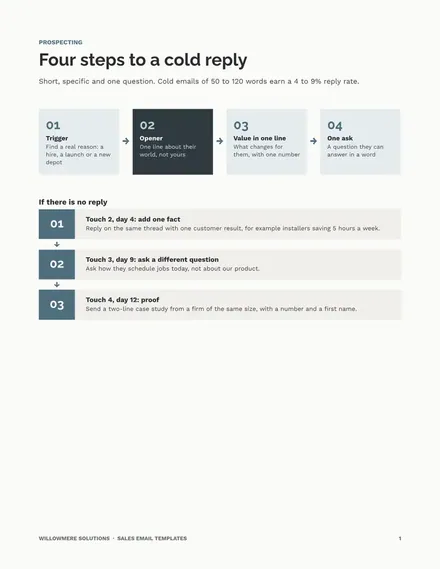
Docs + Word9 pages
Free
Docs + Word5 pages
Free
Docs + Word6 pages
Free
Docs + Word6 pages
Free
Docs + Word7 pages
Free










