Customer Win-Back Emails
Docs + Word6 pages
Free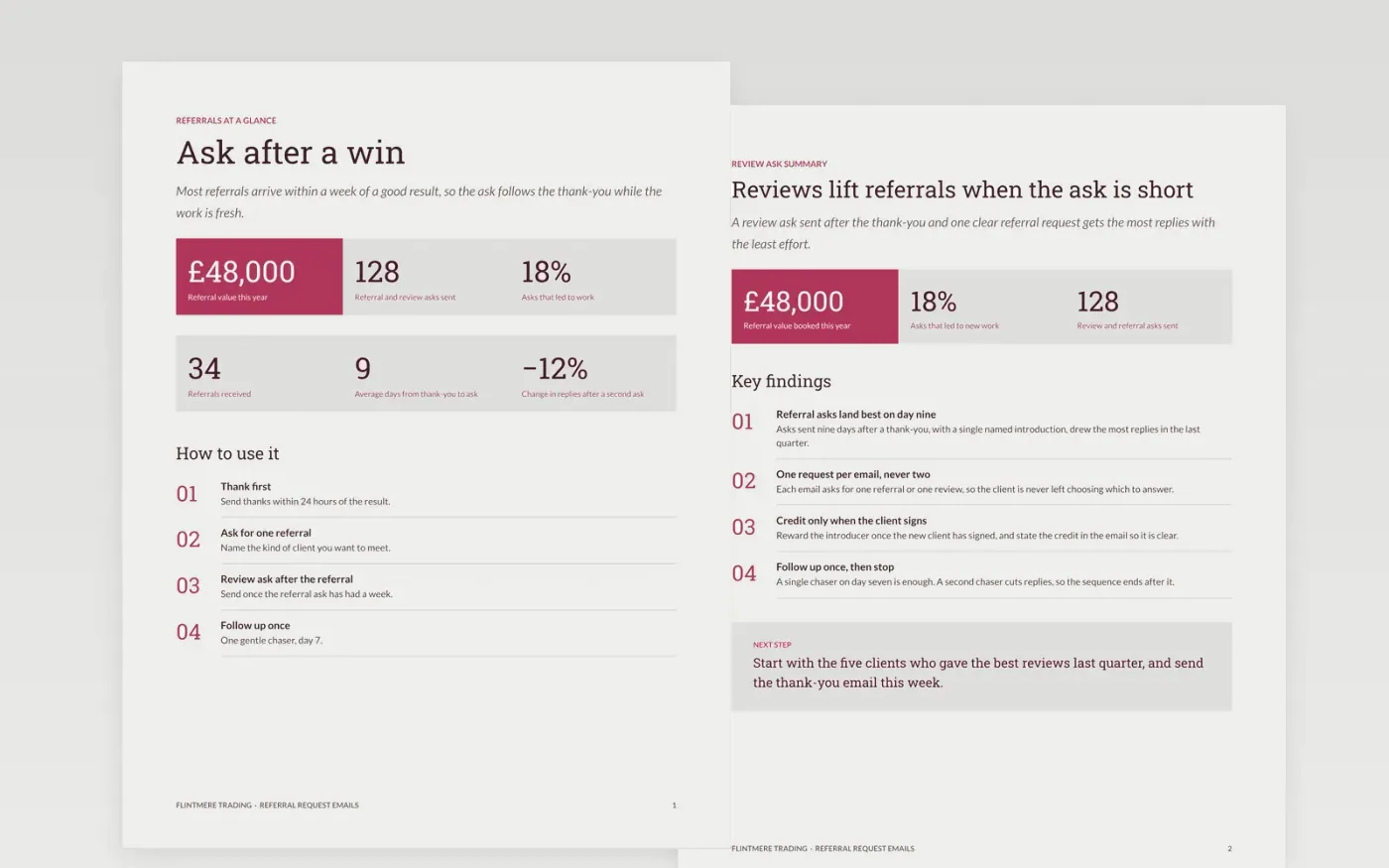
Most happy clients would recommend a business if asked at the right moment, but many owners never ask, or ask in a way that feels awkward. This template gives Flintmere Trading one email for each step: a thank-you after a good result, a referral ask a few days later, a review ask, and a single gentle follow-up if nothing comes back. Each email is short and asks for one thing, so the client can say yes without rereading the whole message.
The sample emails show a trading company that asks for a referral about nine days after the thank-you, and offers a £50 credit once an introduction becomes a signed client. Replace the sender name, the offer, the review link and the timings with your own, then read each email aloud to check it still sounds like a person wrote it before you send it to a real client.
Click Make a copy in Google Docs, then confirm on the Google page. The copy is saved to your own Google Drive.
Replace the sender name, business name and one-line value statement that appear in every email.
Rewrite each opening line to refer to a real moment, such as a finished job or a renewed contract.
Set your own timings, the review link you actually use and the credit you offer for an introduction.
Delete the guide page, then share the emails with your team or present the sequence at your next meeting.
No. Flintmere Trading, the people named in the emails, the £50 credit and every response rate are fictional sample data. Replace them with your own details and records before you send any message to a client.
Check the consent and opt-out rules for your sector and country before you send. Include a clear way to opt out in every email, and keep a record of who has agreed to hear from you.
Often yes, but the offer must be clear and fair. Pay the credit only once the new client has signed, and state the terms in the email so there is no later dispute about what was promised.
Docs + Word6 pages
Free
Docs + Word9 pages
Free
Docs + Word7 pages
Free
Docs + Word6 pages
Free
Docs + Word5 pages
Free
Docs + Word6 pages
Free
Docs + Word7 pages
Free










