
Quarterly Business Update for Staff
Slides + PowerPoint11 slides
Free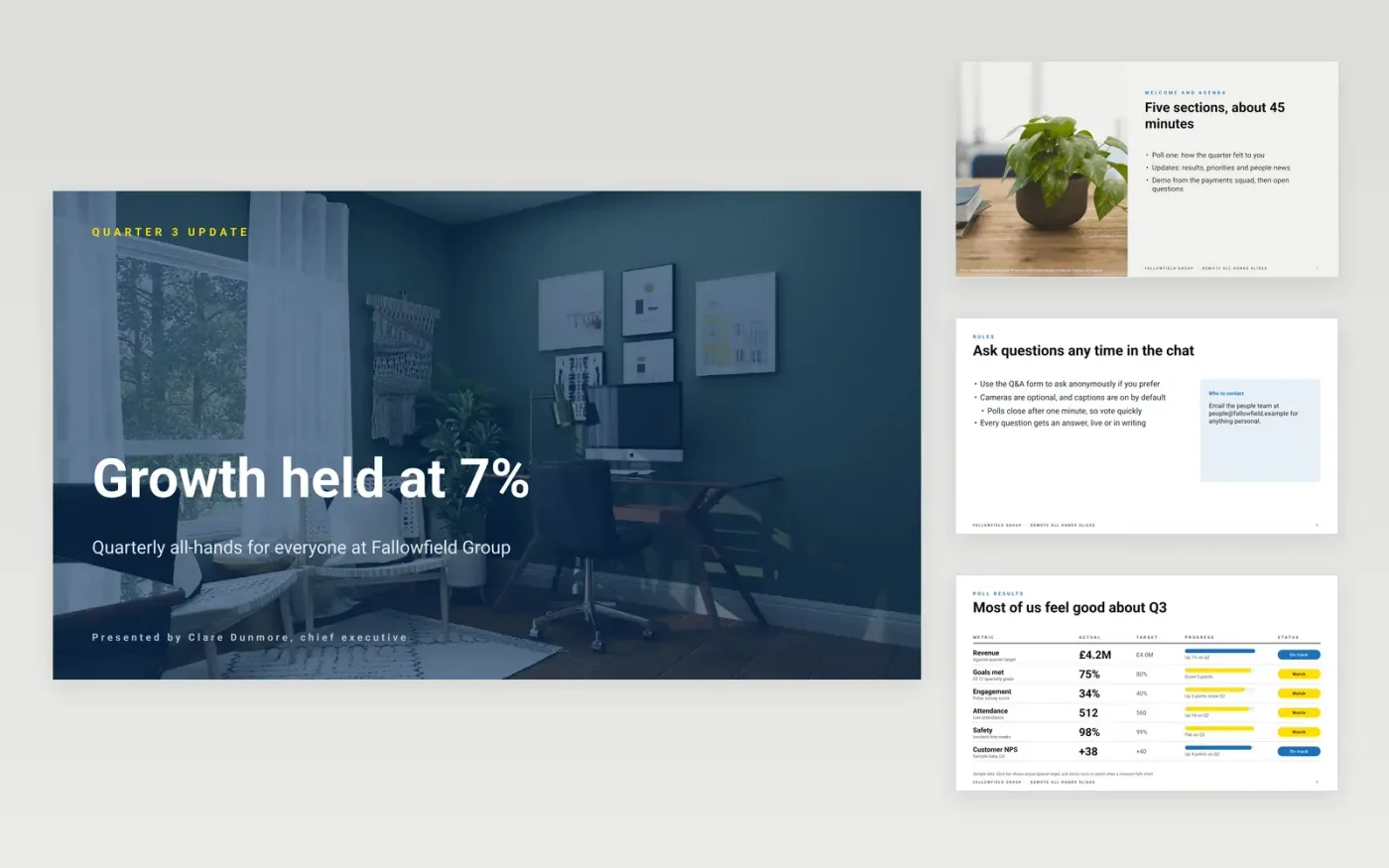
A remote all-hands is easy to lose when people join from different time zones, muted and half listening. This deck gives leaders a fixed run of short sections: a welcome, a live poll, the updates, a demo and open questions. Slides use large text and few words, so they stay readable on a small video tile, and each section is short enough to hold attention.
The sample reports on Fallowfield Group for one quarter, with revenue up 7% against a target of 100%, a headcount of 640 and a net promoter score of +38. Replace the results, priorities, people news and recognition with your own, add the question channel and the name of the person who will answer, and send a written summary to anyone who could not attend.
Click Make a copy in Google Slides, then confirm on the Google page. The copy is saved to your own Google Drive.
Replace the quarter's results and trend figures with your own, and name the source on the scorecard slide.
List three to five priorities for next quarter in plain language, with the owner of each.
Add the question channel, say whether it is anonymous, and name who will answer each question.
Delete the guide slide, then share the summary with everyone who could not attend or present the deck.
No. Fallowfield Group, the people named on the slides, the results, poll numbers and recognition are fictional sample data. Replace them with your own figures and announcements before you present the deck to staff.
Two is a good number for a 45-minute meeting, one early to warm people up and one in the middle to test a priority. Keep each poll to a single question with four answers, so people on small video tiles can read and vote quickly.
Note it, answer it in writing within a set number of days, and send that answer to everyone who attended and everyone who could not. Unanswered questions are the most common reason staff feel an all-hands was for show.
Slides + PowerPoint11 slides
Free
Slides + PowerPoint11 slides
Free
Slides + PowerPoint10 slides
Free
Slides + PowerPoint10 slides
Free
Slides + PowerPoint12 slides
Free
Slides + PowerPoint12 slides
Free
Slides + PowerPoint12 slides
Free
Slides + PowerPoint12 slides
Free










