
Company All Hands Deck
Slides + PowerPoint12 slides
Free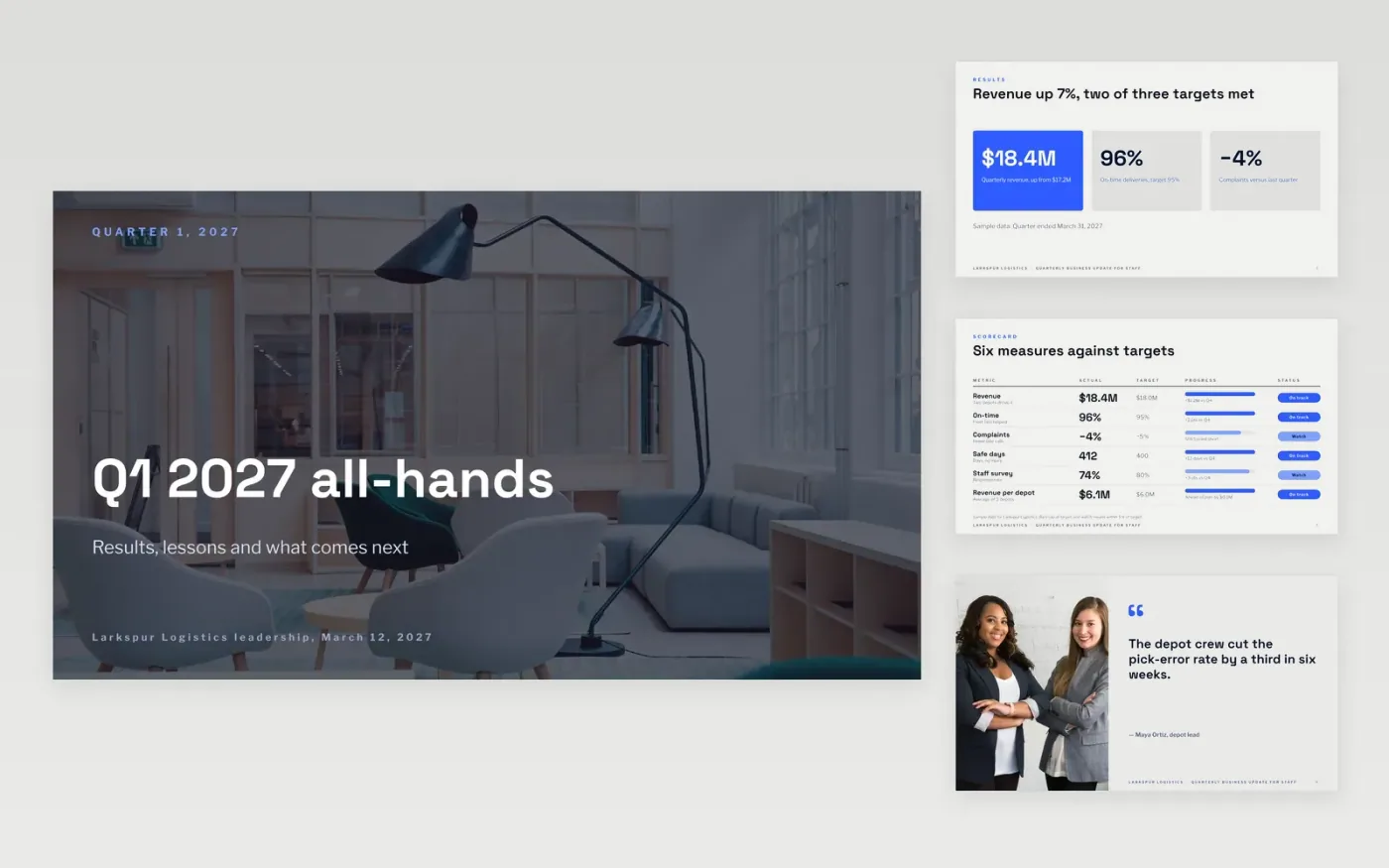
Staff hear about results second-hand unless leaders tell them directly, and a quarterly update that only lists good news loses trust quickly. This deck gives leaders a set order for the conversation: results with the numbers, wins, lessons, the goals for next quarter and recognition, then questions. Each slide carries one message, so the talk stays readable from the back of a room and on a remote call.
The sample follows a fictional quarter at Larkspur Logistics, with revenue up 7% to $18.4M, on-time deliveries at 96% and one safety target missed. Replace the figures, wins, lessons and goals with your own, name the question channel and anonymity option, and plan a written summary for anyone who cannot attend.
Click Make a copy in Google Slides, then confirm on the Google page. The copy is saved to your own Google Drive.
Replace the Larkspur Logistics name, the quarter's results and the trend figures on the first slides with your own.
List three to five priorities for next quarter, and set up the question channel and anonymity option before the session.
Delete the guide slide, check every figure against your reports, then share or present the deck to all staff.
Yes. Click Make a copy in Google Slides and the deck is saved to your own Google Drive, with no sign-up and no charge.
Yes, but send a short written summary with answers to any questions that were not reached live, so everyone gets the same facts.
No. Larkspur Logistics, its staff, results and every figure are fictional sample data. Replace them with your own before you present the deck.
Slides + PowerPoint12 slides
Free
Docs + Word7 pages
Free
Docs + Word21 pages
Free
Slides + PowerPoint10 slides
Free
Slides + PowerPoint11 slides
Free









