Startup All Hands Slides
Slides + PowerPoint11 slides
Free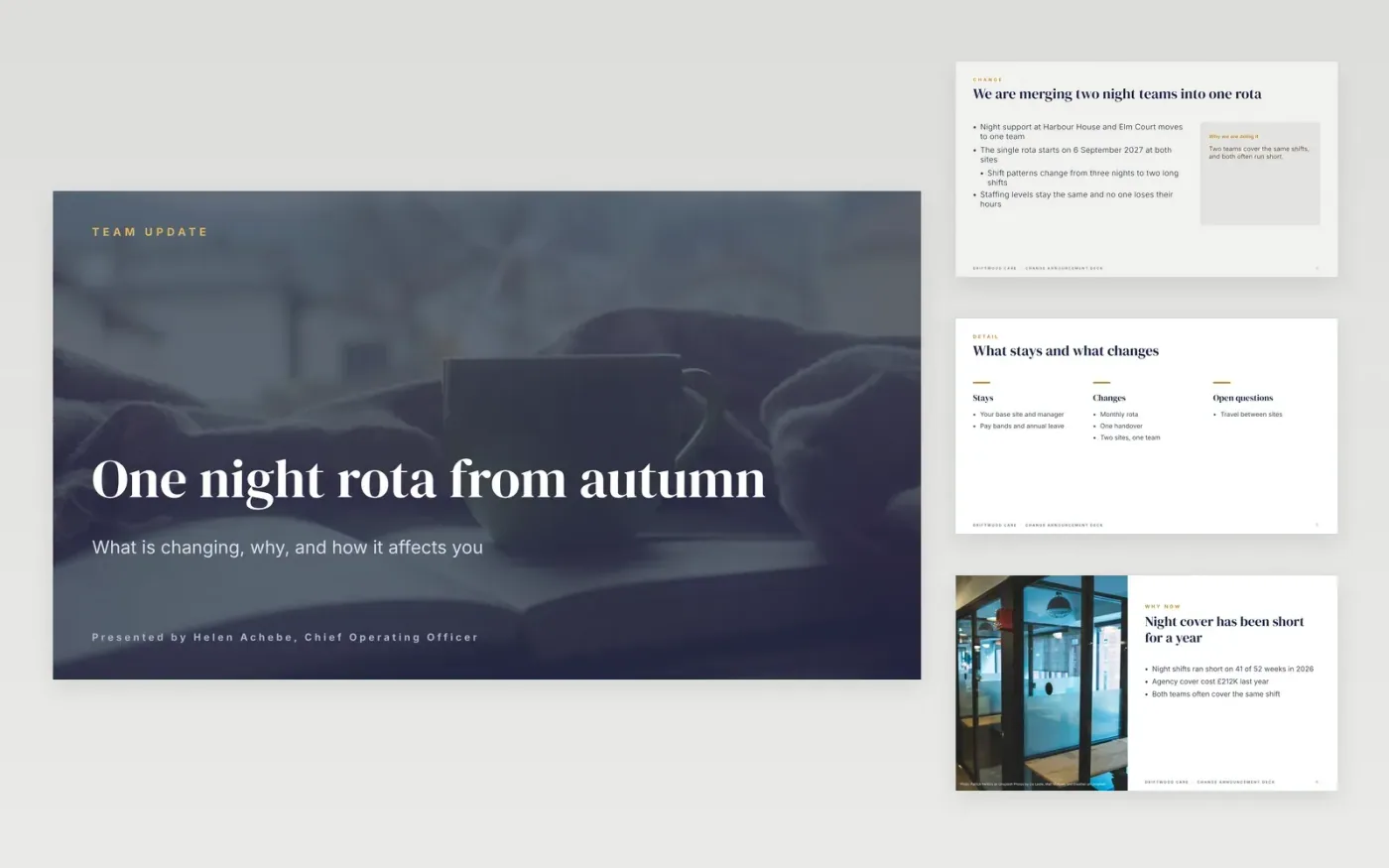
Telling staff about a change is hard to get right in one go. People want to know what is changing, why, and what it means for their own work, and they want a fair chance to ask questions. This all-hands deck follows that order: what is changing, the reasons, the impact on each person, the timeline and the support on offer. It works as a town hall presentation template or a company update presentation for both in-person and remote teams.
The sample announces a single night rota for Harbour House and Elm Court, starting 6 September 2027, after a pilot showed night gaps on 41 of 52 weeks. Replace it with your own change, reasons and dates, confirm that every one-to-one conversation has already happened, then add your question channel and a written follow-up for people who could not attend.
Click Make a copy in Google Slides, then confirm on the Google page. The copy is saved to your own Google Drive.
Replace the change, the reasons and the dates, then check each one against the decision paper.
Confirm the one-to-one conversations have happened before you show the change to everyone.
Add your question channel, the anonymity option and the person who answers each question.
Delete the guide slide, then share the deck with staff or present it at the all-hands.
Yes. Driftwood Care, Harbour House, Elm Court and every person named in this sample are fictional. Figures and dates are sample data, so replace them before you share the deck.
Only after the individual conversations have taken place. Staff should hear about their own position from their manager first, with the deck covering the wider change for the whole team.
Collect questions in advance and during the session, answer about ten live, then publish written answers to the rest within a week so people who could not attend still get them.
Slides + PowerPoint11 slides
Free
Slides + PowerPoint12 slides
Free
Slides + PowerPoint11 slides
Free
Slides + PowerPoint12 slides
Free
Slides + PowerPoint11 slides
Free
Slides + PowerPoint12 slides
Free
Slides + PowerPoint12 slides
Free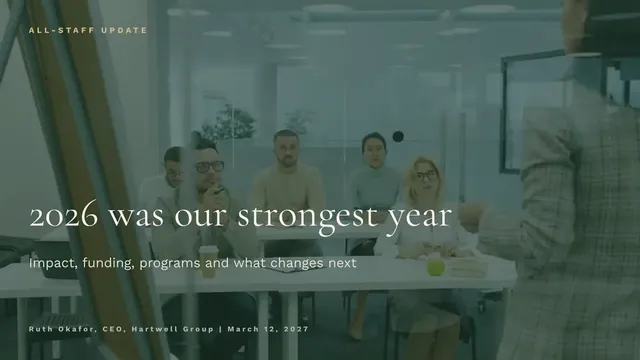
Slides + PowerPoint10 slides
Free










