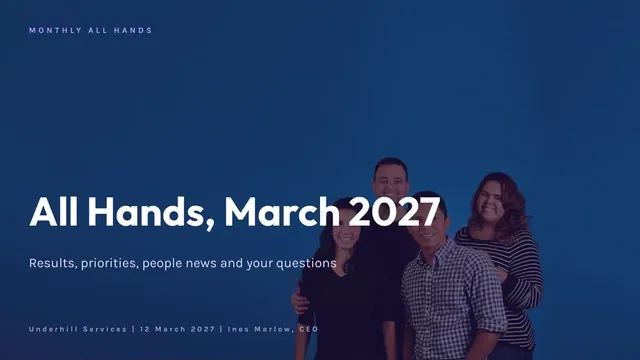
Company All Hands Deck
Slides + PowerPoint12 slides
Free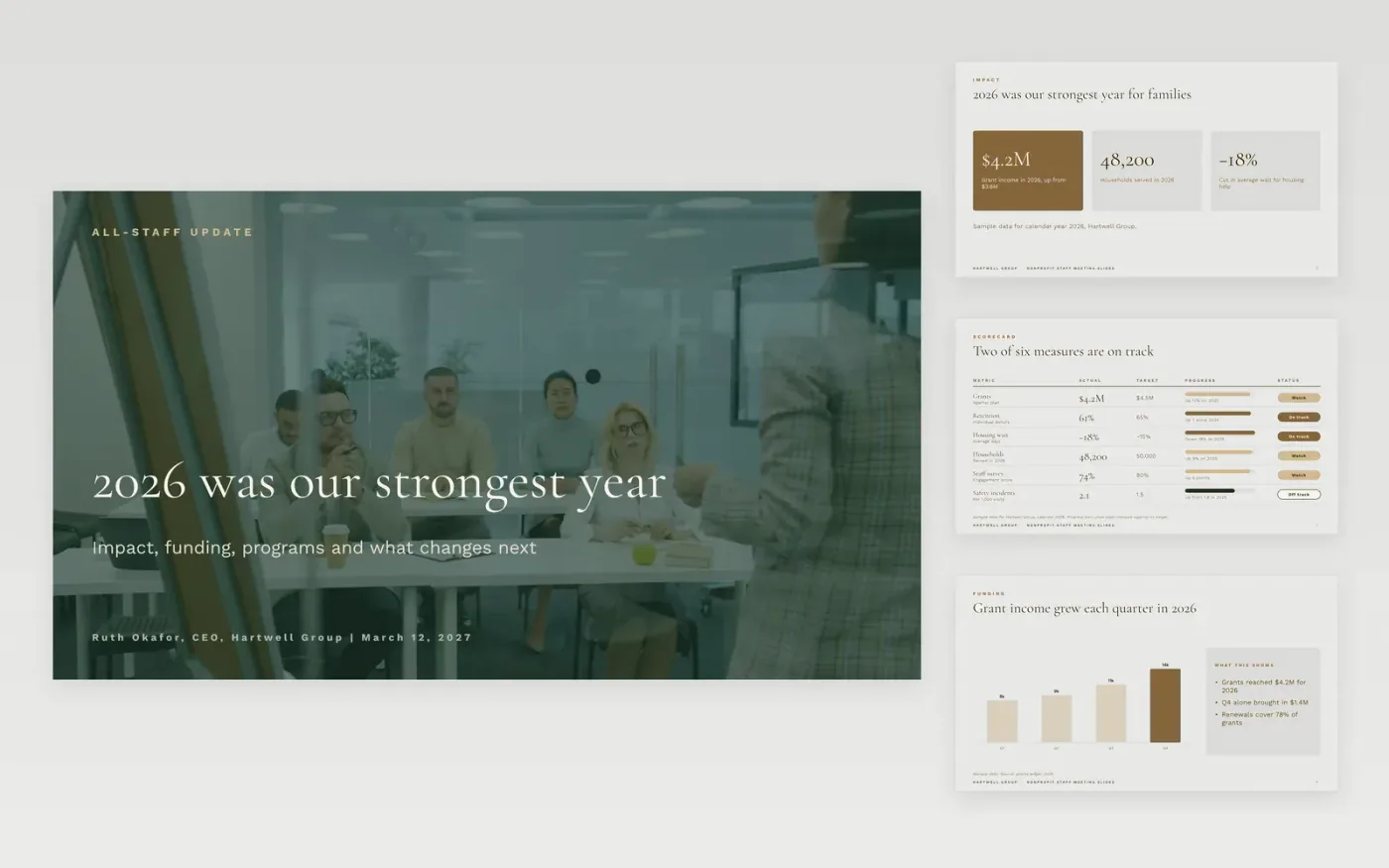
This all hands meeting template gives charity leaders one clear order for a staff or volunteer update: a photo cover, headline impact figures, a scorecard, funding, programs, people news and a question-and-answer close. It leads with the numbers, shows the misses as well as the wins, and leaves time for questions, so the meeting builds trust rather than reading out a newsletter. Each slide has one job, which keeps the story easy to follow on a screen or in a remote call.
The sample is for Hartwell Group, a fictional charity that helps households with housing and food. It reports 48,200 households served in 2026, grant income of $4.2M and an 18 percent cut in the average wait for housing help. The scorecard shows two measures on track and one safety measure off track. Replace the figures, names and priorities with your own before the meeting, then send a short written summary to anyone who could not attend.
Click Make a copy in Google Slides, then confirm on the Google page. The copy is saved to your own Google Drive.
Replace the cover photo, title and byline with this quarter's details.
Update the impact figures, the scorecard and the funding chart with your own data.
Add the question channel, the anonymity option and the name of who will answer.
Delete the guide slide, then share the deck or present it in full screen.
No. Hartwell Group, its staff and all the figures in this deck are fictional sample data. Replace them with your own details before you share the deck with staff.
Many charities send the slides after the meeting, with answers to questions that were not reached. Share the deck only after leadership has agreed the figures and the people news.
Yes, if you set up a question form that accepts anonymous entries. Add that channel to the closing slide, and name the person who will answer each question and when.
Slides + PowerPoint12 slides
Free
Docs + Word7 pages
Free
Docs + Word21 pages
Free
Slides + PowerPoint11 slides
Free
Slides + PowerPoint11 slides
Free









