After Action Review
Docs + Word6 pages
Free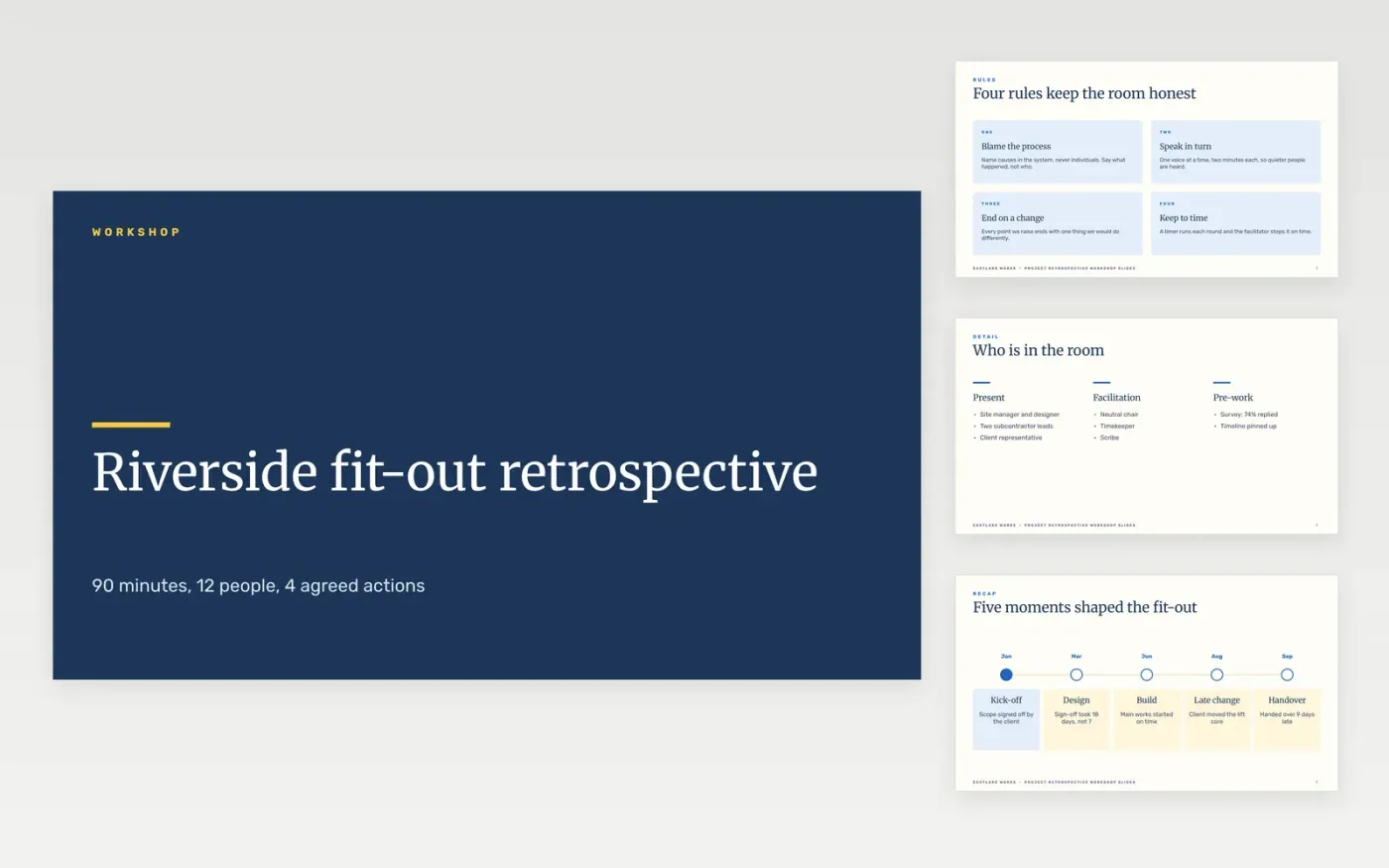
Retrospectives often drift into complaints with nothing to show at the end. This deck gives a facilitator a ready running order: set the ground rules, map the timeline, sort ideas into start, stop and continue, vote with dots, then turn the winners into actions with owners and dates.
The sample follows a fictional fit-out project at Eastlake Works, with a 14 month timeline, a 36 dot vote and four agreed actions. Replace the project facts, ground rules and votes with your own, give every action an owner and a date, and delete any you will not act on.
Click Make a copy in Google Slides, then confirm on the Google page. The copy is saved to your own Google Drive.
Replace the project name, timeline moments and figures with the facts of the project you are reviewing.
Run the exercises with your team, then update the start, stop and continue slide and the dot vote result.
Give each action an owner and a date on the roadmap and process slides, and delete any you will not act on.
Delete the Make it yours slide, then present the deck in the workshop or share it with the team.
The sample is planned for 90 minutes with 12 people: 15 minutes for rules and timeline, 35 for sorting ideas, 15 for the vote and 25 for actions. Adjust to your group.
Yes. The ground rules keep the discussion on the process rather than on individuals, and every point ends in one thing to change, which suits difficult projects.
No. Eastlake Works, its people, the project and every figure and email address in the sample are fictional and are there only to show what a finished deck looks like.
More Google Slides templatesMore project management templates
Docs + Word6 pages
Free
Docs + Word5 pages
Free
Slides + PowerPoint11 slides
Free
Docs + Word8 pages
Free
Docs + Word8 pages
Free









