Lessons Learned Report
Docs + Word8 pages
Free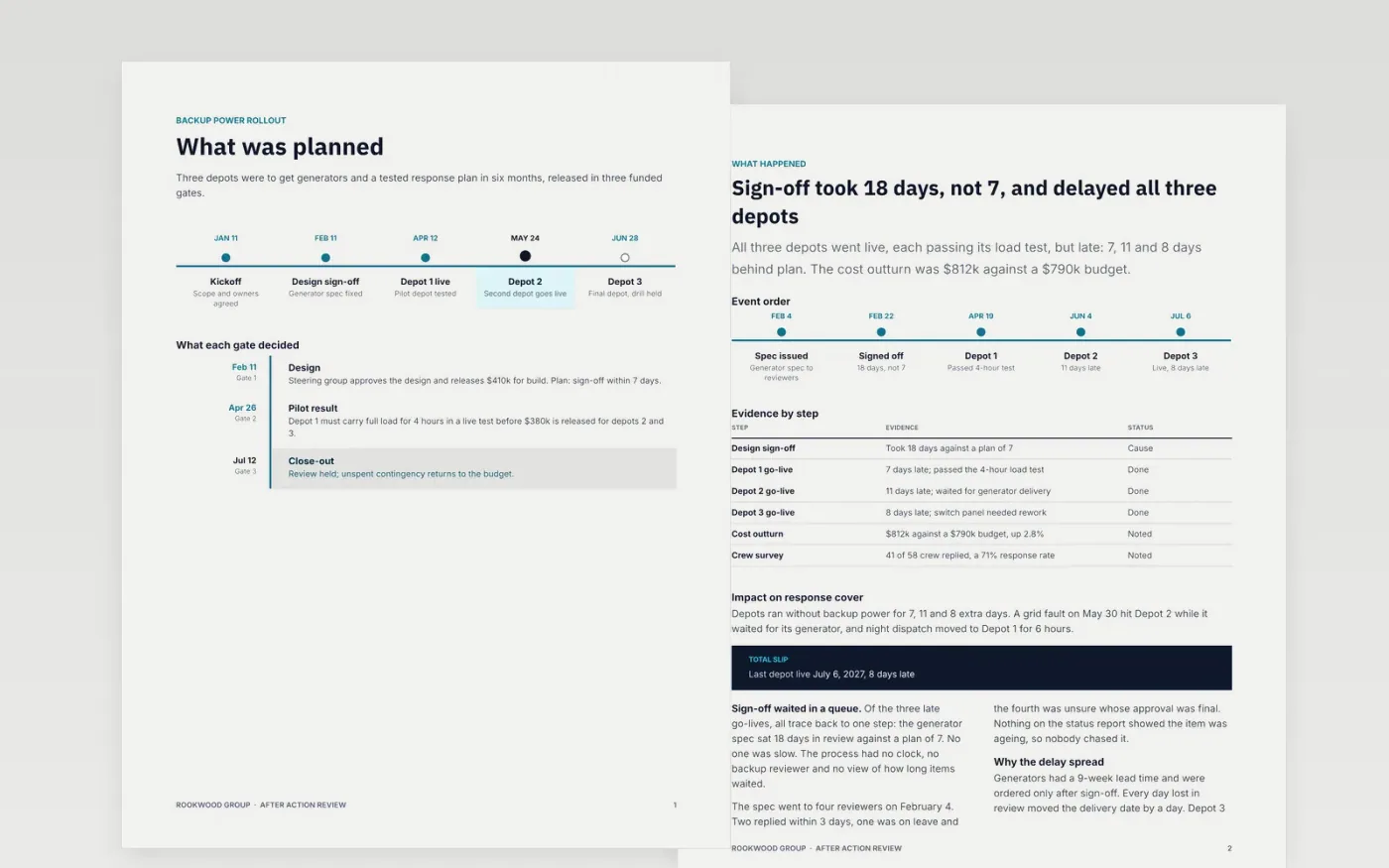
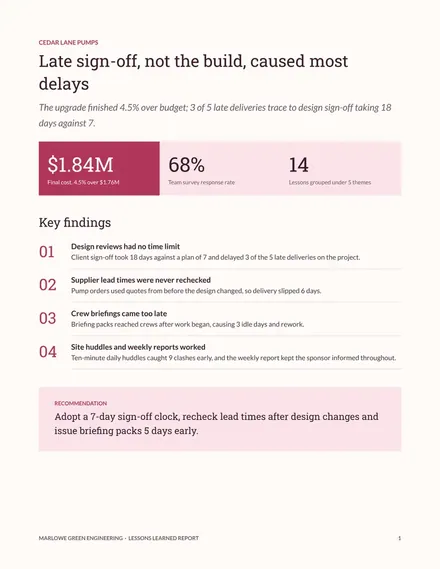
Most project reviews end as a list of complaints that nobody acts on. This six-page Google Docs template follows the four questions of an after action review: what was planned, what happened, why it happened, and what changes next. Each page has a fixed layout for gates, a timeline of events, root causes and a checklist with owners and dates.
The sample follows Rookwood Group's backup power rollout across three depots, where design sign-off took 18 days against a plan of 7. It shows evidence, a blameless root cause and six actions due within 90 days. Replace the dates, figures and owners with your own, and delete any action you will not do.
Click Make a copy in Google Docs, then confirm on the Google page. The copy is saved to your own Google Drive.
Replace the plan and the gate dates on page 1 with your own milestones and what each gate decided.
Rewrite the events, evidence and root causes on pages 2 and 3, ending each finding with what should change.
Give every action on pages 4 and 5 an owner and a date, and delete any you will not act on.
Delete the guide page, then share the document or present it in your retrospective.
Yes. The four questions work for drills, outages and events. Change the gate timeline to the plan you had and keep the evidence table for what actually happened.
Five to eight is usual. Each needs one owner and a date within 30 to 90 days, otherwise nothing changes. Delete any action nobody will take on.
No. Rookwood Group, the people, the depots and every figure are fictional and made up for the example. Replace them with your own before sharing.
Docs + Word8 pages
Free
Docs + Word5 pages
Free
Slides + PowerPoint11 slides
Free
Docs + Word8 pages
Free
Slides + PowerPoint10 slides
Free









