Lessons Learned Report
Docs + Word8 pages
Free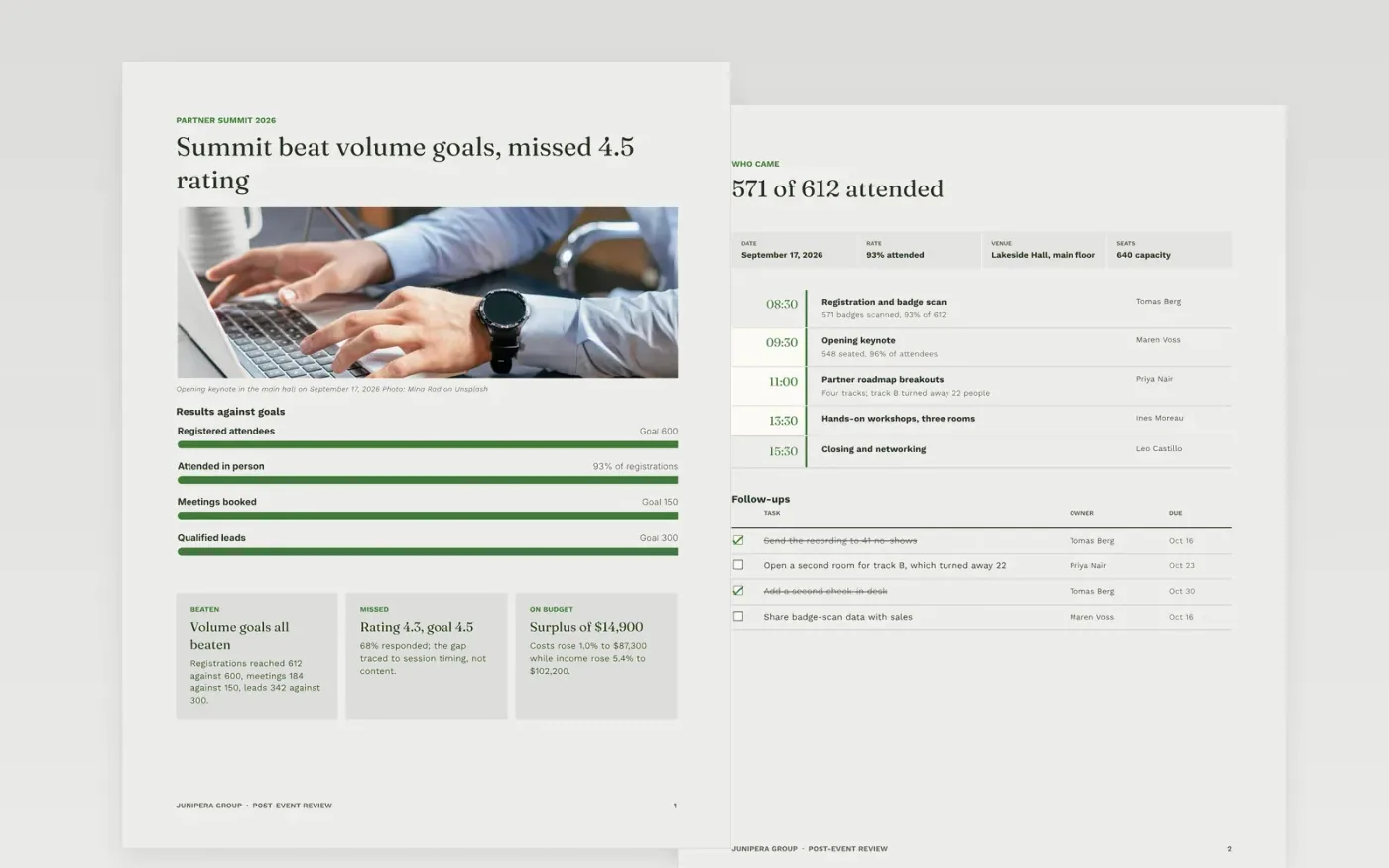
Most event reviews list what happened and stop. This template keeps the review short and puts the weight on what changes next time. It runs from goals against results and attendance, through survey feedback and the budget outturn, to lessons, an owned action list and a simple plan by month.
The sample follows the Junipera Group Partner Summit 2026: 612 registered, 571 attended, a 4.3 rating from a 68% survey response and a surplus of $14,900 against a $10,600 budget. Replace the figures, causes and owners with your own, and delete any action you will not carry out.
Click Make a copy in Google Docs, then confirm on the Google page. The copy is saved to your own Google Drive.
Replace the sample goals, attendance counts and survey results with your own, keeping the same units.
Enter your budget, forecast and actual for each line, and write a one-line cause for every line that moved.
Give each recommendation one owner and a date within 90 days, and delete any you will not act on.
Delete the Make it yours page, then share the document with your sponsor and the team planning the next event.
Yes. Make a copy in Google Docs and it is yours to edit, with no sign-up here and no cost.
Within two to four weeks, while the survey comments and invoices are fresh. The sample closes the survey on September 30 and shares the review on October 9.
No. Junipera Group, its people and every figure are fictional and made up for the example. Replace them with your own before you share the document.
Docs + Word8 pages
Free
Docs + Word6 pages
Free
Docs + Word5 pages
Free










