
Office Relocation Plan
Docs + Word9 pages
Free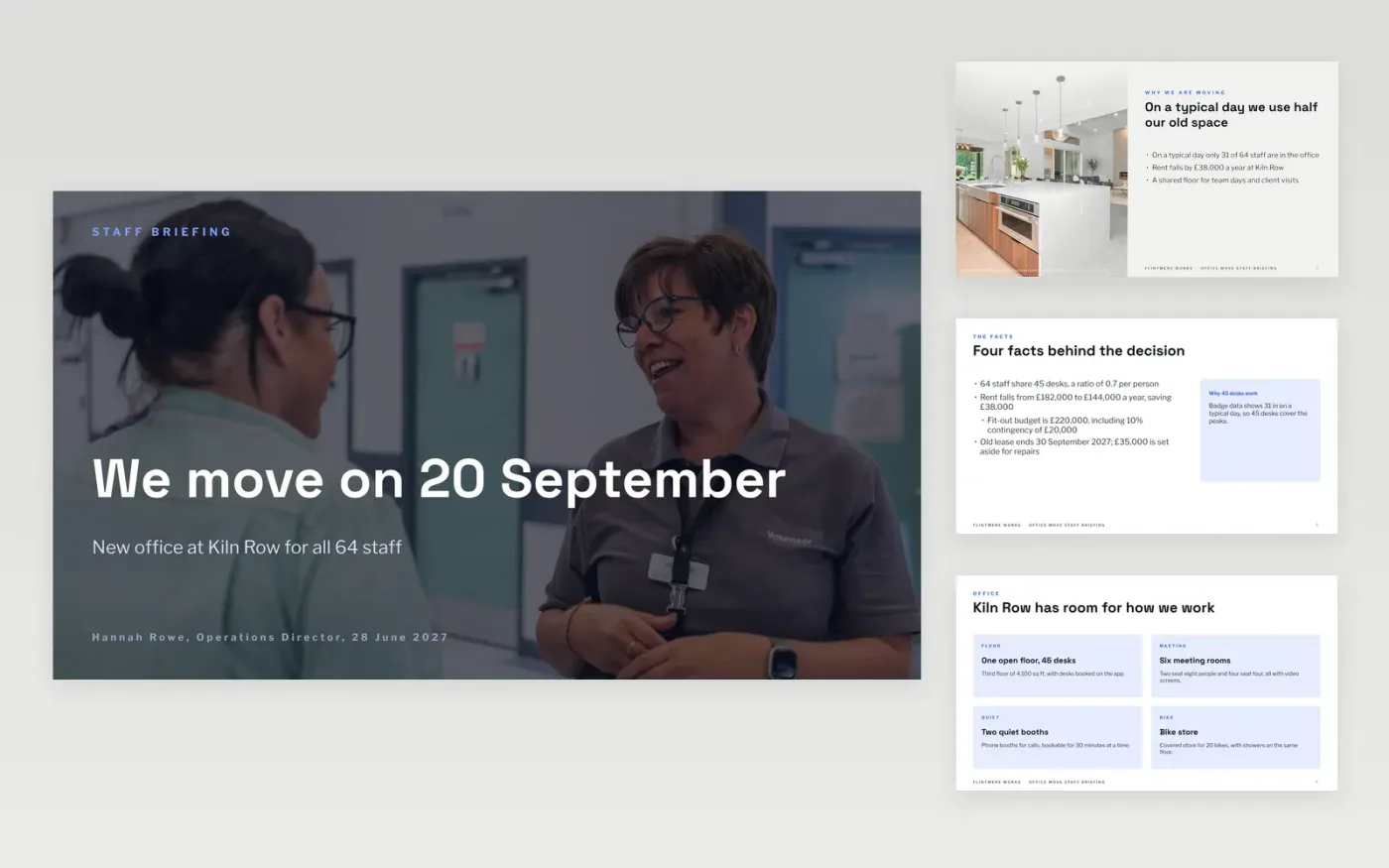
Staff hear a move date and then guess the rest, so managers field the same questions for weeks. This eleven-slide briefing gives them the reasons, the new office, the timeline, the work streams, what each person must do and an FAQ, in the order people ask about them.
The sample follows a fictional company, Flintmere Works, moving 64 staff to 45 shared desks over the weekend of 17 to 19 September 2027, with a 10-week fit-out and a £220,000 budget. Replace the address, dates, figures and owners with your own, and write the FAQ from your staff's real questions.
Click Make a copy in Google Slides, then confirm on the Google page. The copy is saved to your own Google Drive.
Replace the address, move date, headcount and the reasons for moving with your own.
Rebuild the timeline and roadmap backwards from your lease end date, using your suppliers' lead times.
Put your quotes and a 10% contingency in the budget figures, name one owner per work stream and write the FAQ from real staff questions.
Delete the Make it yours guide slide, then present the deck to staff or send it ahead of the briefing.
About 12 weeks before the move, then follow up with shorter updates at 6 and 2 weeks. The sample timeline is built around those three notices.
Yes. Delete the cards and roadmap lanes you do not need and keep the timeline, the task slide and the FAQ. The slide order stays logical with fewer slides.
No. Flintmere Works, the people named, the email addresses and every figure are fictional. They show what finished content looks like, so replace them with your own details.
More Google Slides templatesMore business operations templates
Docs + Word9 pages
Free
Docs + Word7 pages
Free
Docs + Word8 pages
Free










