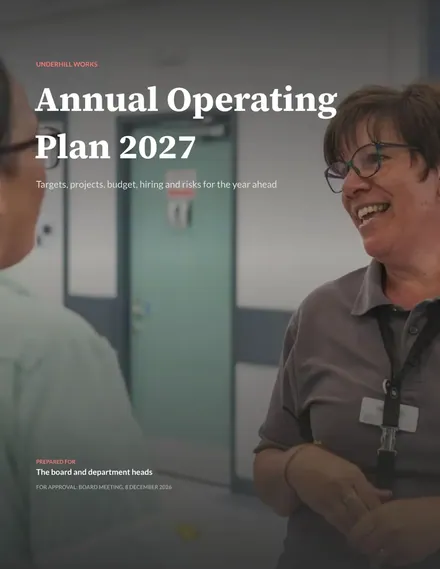
Annual Operating Plan
Docs + Word8 pages
Free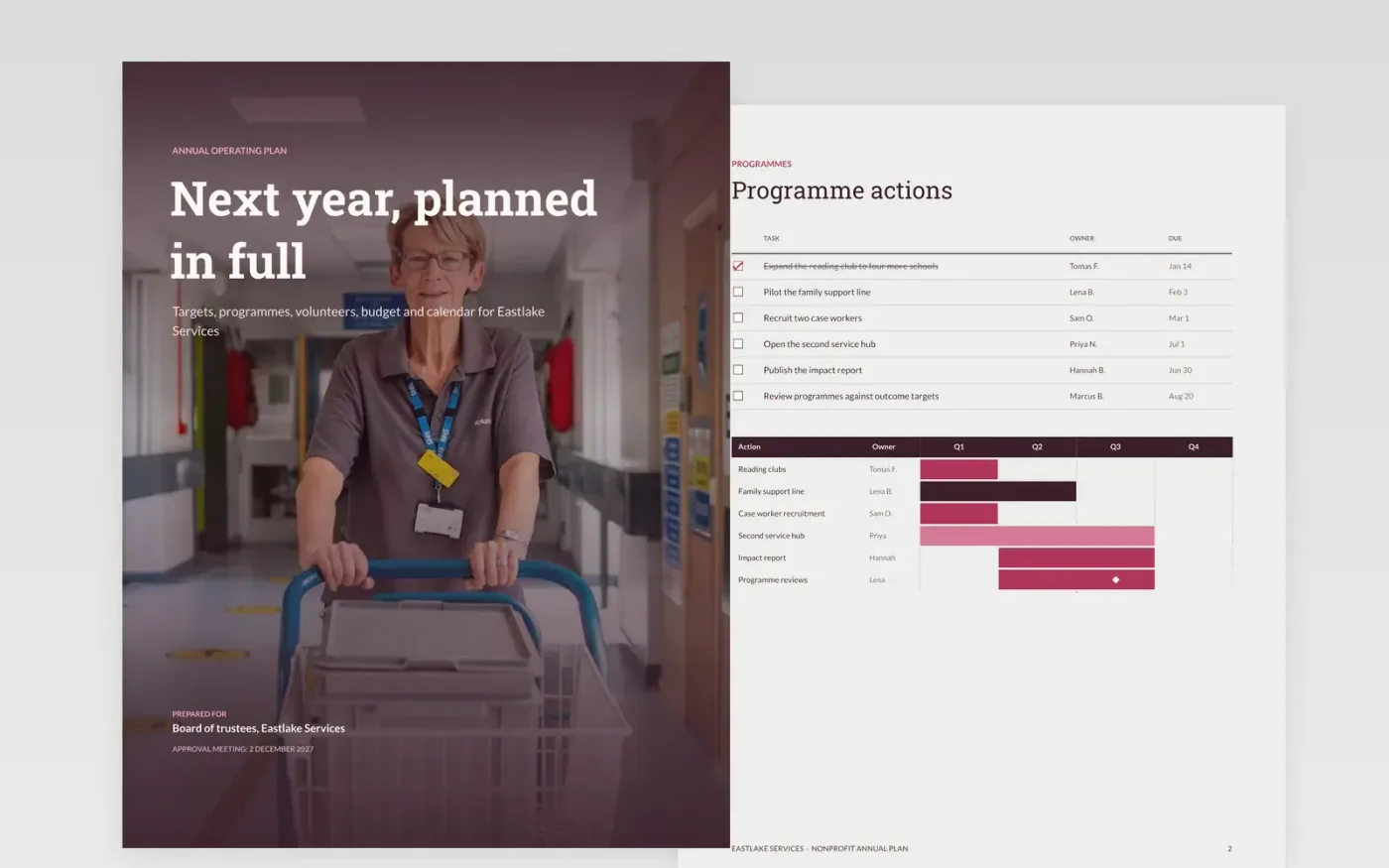
A charity plan that lists goals without costs, or costs without owners, is hard to hold anyone to. This template puts next year's programmes, fundraising targets, volunteer numbers, budget and calendar in one document, so the board can approve the whole plan and each team can see its own commitments. Each page answers one question and keeps the same owners and dates throughout.
The sample describes Eastlake Services, a fictional charity, with a budget of £1000k, a fundraising target of £360k and a checklist of six programme actions with owners and due dates. Replace the figures with last year's actuals and the variance to plan, then rebuild the budget so its total reconciles to the headline target. Keep the sample data caption until finance has checked the numbers.
Click Make a copy in Google Docs, then confirm on the Google page. The copy is saved to your own Google Drive.
Replace last year's actuals with your own figures and note the variance to plan on each page.
Rebuild the budget table by department, then check that its total matches the headline target.
Assign an owner and a quarterly milestone to each target, then add the review dates to the calendar.
Delete the guide page, then share the document with the board or present it at the kick-off.
No. Eastlake Services, the named trustees and staff, and every figure in this plan are fictional. Replace them with your own actuals before the plan goes to anyone.
It should. The budget has to be funded by the income in the donut chart, so check that each cost block is covered by a named income source before you approve it.
Review the plan monthly against actuals and re-forecast at each quarterly review. Set a trigger, such as income running more than 10% below target, that forces an earlier re-forecast.
More Google Docs templatesMore business operations templates
Docs + Word8 pages
Free
Docs + Word7 pages
Free
Docs + Word7 pages
Free
Slides + PowerPoint10 slides
Free
Slides + PowerPoint12 slides
Free
Slides + PowerPoint11 slides
Free
Slides + PowerPoint12 slides
Free










