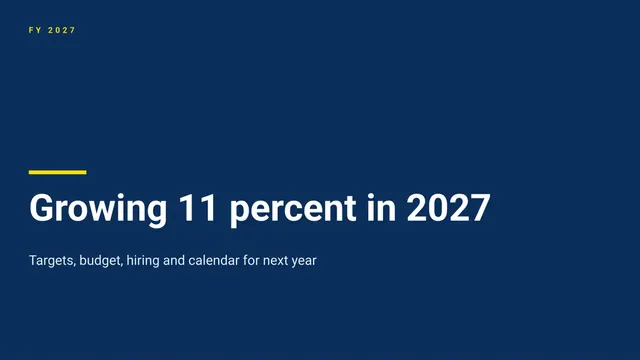
Annual Plan Presentation
Slides + PowerPoint12 slides
FreeA department plan often reaches leadership as a spreadsheet with no story, so approvers cannot see the targets, the money or the trade-offs behind them. This deck presents one department's plan in a fixed order: last year's results, the goals, the budget that funds them, the hiring that delivers them and the risks that could stop them. Each slide ties back to the one before, so a budget that does not match the targets shows up in the room.
The sample is for Foxhollow Services, a fictional services company asking for 12% revenue growth to $7.2M in FY27 on a $6.55M cost budget. It phases six hires across the year, names four initiatives and lists five risks with owners. Replace the actuals, budget categories, hires and risks with your own, and check that the budget total reconciles to the headline target.
Click Make a copy in Google Slides, then confirm on the Google page. The copy is saved to your own Google Drive.
Replace last year's results on slides 2 and 3 with your actuals and the variance to plan.
Rebuild the budget on slides 6 and 7 by department, so the total ties to the revenue target.
Phase the hires on slides 8 and 9 by quarter, with start dates that are realistic for your team.
Delete the guide slide, then share the plan for approval or present it from Google Slides.
No. Foxhollow Services, Hannah Lowe, Ravi Mensah, the other people named, the email addresses ending in .example and every revenue, cost and headcount figure are fictional sample data. Replace them with your own before the plan goes to approval.
If the cost budget does not reconcile to the revenue and margin targets, some initiatives end up unfunded, and nobody notices until the year is half gone. Reconcile the totals first, then show any remaining gap as a named trade-off.
Review actuals monthly against the scorecard, and re-forecast each quarter. Re-forecast sooner if any target drops below 90% of plan for two months, since waiting for year end hides the problem.
More Google Slides templatesMore business operations templates
Slides + PowerPoint12 slides
Free
Slides + PowerPoint11 slides
Free
Slides + PowerPoint10 slides
Free
Docs + Word7 pages
Free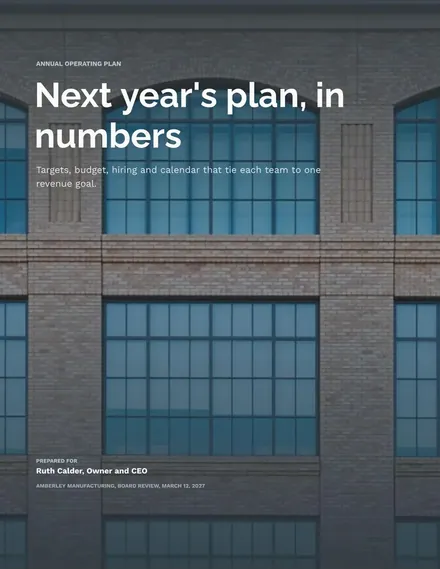
Docs + Word7 pages
Free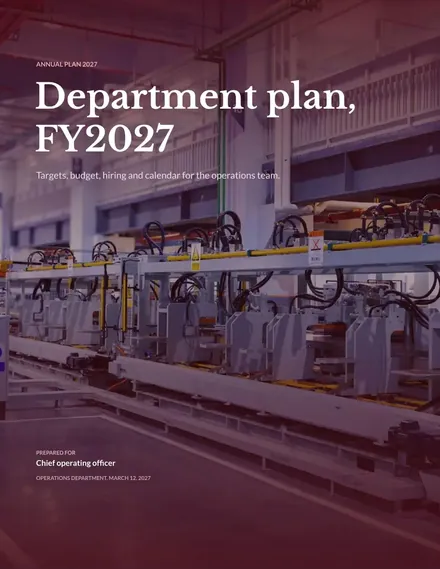
Docs + Word7 pages
Free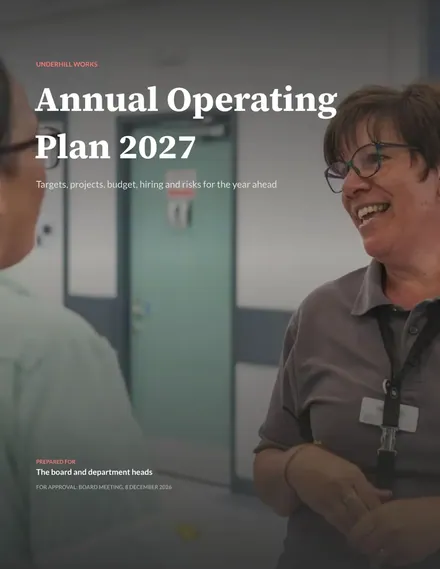
Docs + Word8 pages
Free










