Strategic Account Plan Deck
Slides + PowerPoint10 slides
Free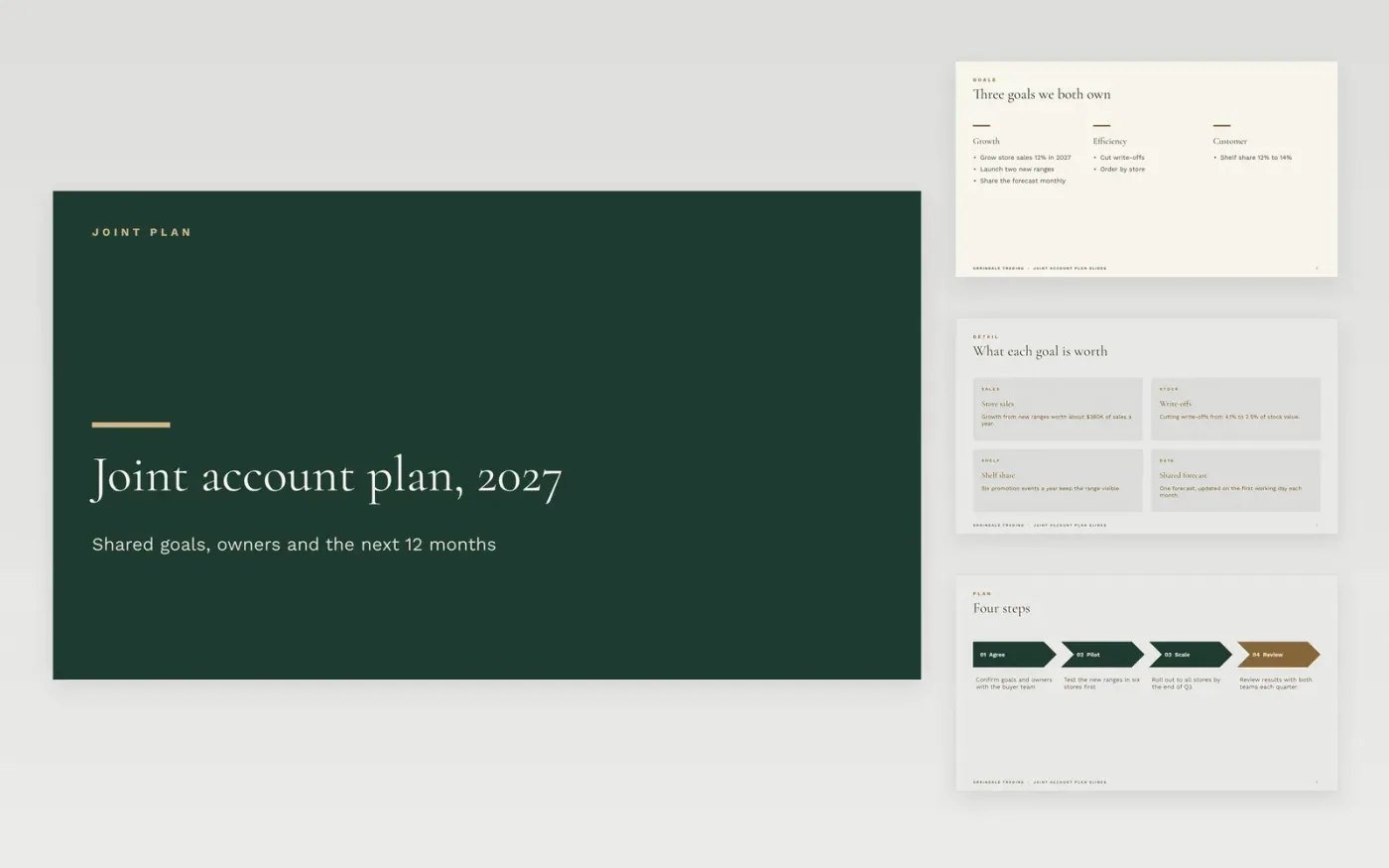
Account plans fail when they describe the customer's business from the outside and nobody owns the actions. This template is built with the customer instead: shared goals, the initiatives that follow from them, a table of named owners and dates, and a twelve-month timeline. It runs across ten slides, each short enough to present in a single review call.
The sample is a fictional plan for Orrindale Trading, a retailer whose store sales are set to grow 12% in 2027, with write-offs cut from 4.1% to 2.5% of stock value and shelf share lifted from 12% to 14%. Replace the goals, owners and dates with the ones agreed in your own conversation, and keep every figure traceable to a source.
Click Make a copy in Google Slides, then confirm on the Google page. The copy is saved to your own Google Drive.
Replace the goals with the ones agreed with the customer, not with your own pitch.
Enter each owner and due date in the table, and check that both teams are named.
Add the figure for each goal with its source, and remove any you cannot show.
Delete the guide slide, then share the deck with the customer or present it at the review.
Share the version both teams have agreed. Keep internal notes on whitespace, risk and account health in a separate deck, so the shared plan stays candid and the internal view stays honest.
No. Orrindale Trading, the people named, the store figures and every target in this sample are fictional. Replace them with your own customer data before you present the plan to anyone.
Review it each quarter with the customer, and refresh the owners and dates at each review. A plan that is not updated becomes a document nobody opens, so set the next review date on the closing slide.
Slides + PowerPoint10 slides
Free
Slides + PowerPoint10 slides
Free
Slides + PowerPoint10 slides
Free
Docs + Word7 pages
Free
Docs + Word7 pages
Free
Docs + Word9 pages
Free
Docs + Word4 pages
Free
Docs + Word8 pages
Free










