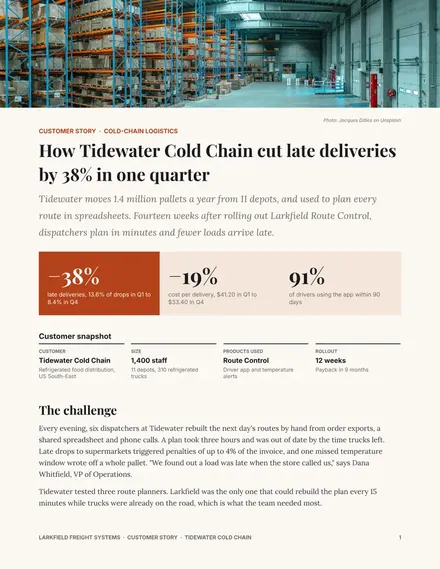
Customer Case Study
Docs + Word3 pages
Free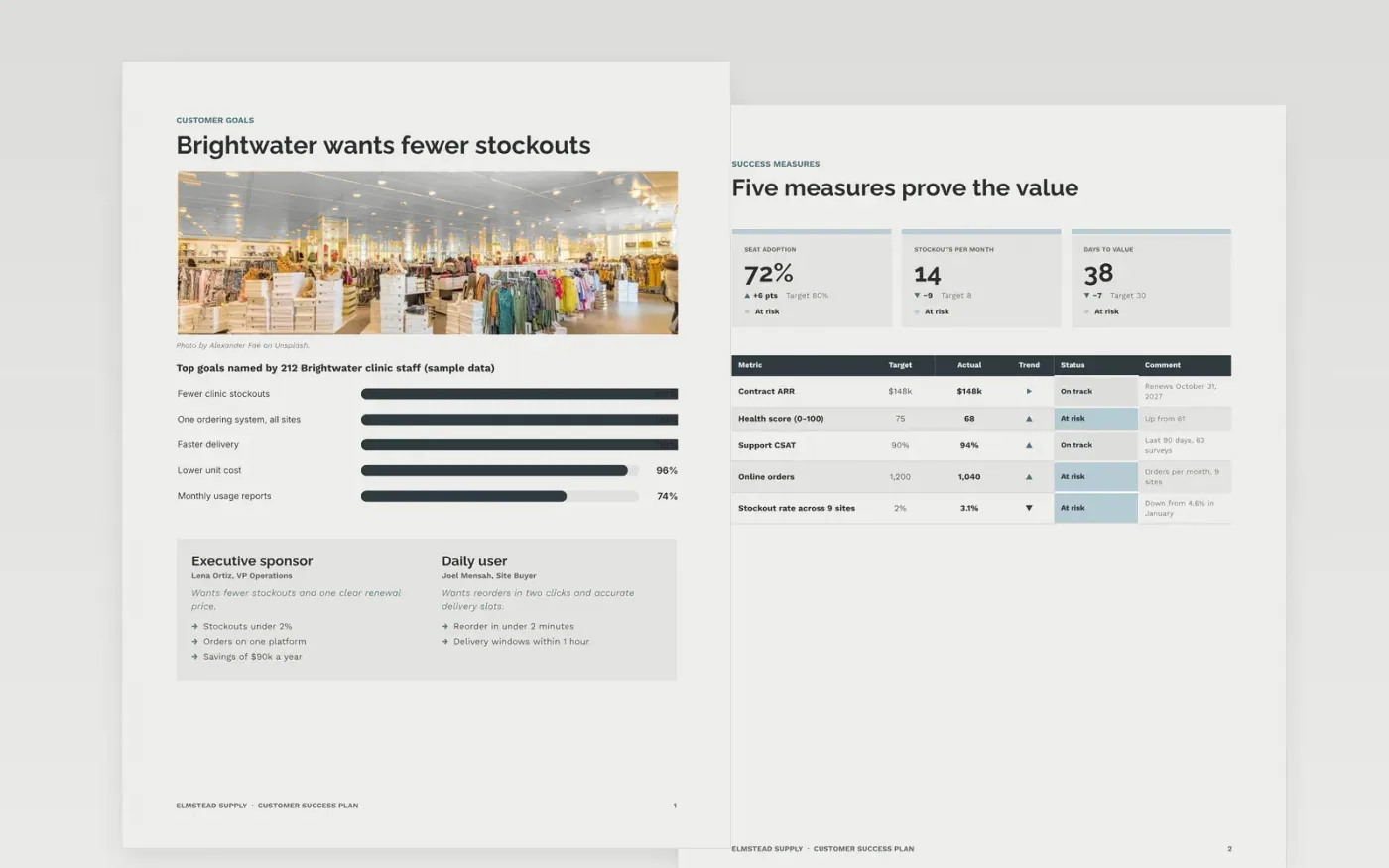
A renewal is won or lost long before the contract comes up. This template gives a customer success manager and the customer's sponsor one shared plan for the year: the goals in the customer's own words, the measures that prove value, dated milestones, a risk register with a save play for each risk, and a review rhythm.
The sample follows a nine-site clinic group, Brightwater Clinics, and its supplier, Elmstead Supply, six months into a $148,000 annual contract with a health score of 68 and a renewal on October 31, 2027. Replace the customer, measures, dates and owners with your own account.
Click Make a copy in Google Docs, then confirm on the Google page. The copy is saved to your own Google Drive.
Replace the customer, sponsor and renewal date, and rewrite the goals in the customer's own words.
Set the measures, targets and health score bands, then date the milestones and name an owner on both sides.
List the real risks with an early signal, a save play, an owner and a due date, and schedule the reviews.
Delete the Make it yours guide page, then share the document or present it.
No. Elmstead Supply, Brightwater Clinics, the people and every figure are fictional sample content. Replace them with your own account details.
Yes, the goals, measures, milestones and reviews are written to be shared. Keep internal pricing and the more candid risk notes in a separate internal copy.
The sample treats under 50 as red, 50 to 74 as amber and 75 or more as green. Change the bands and weights to match your own scoring model.
Docs + Word3 pages
Free
n8n
Free
Slides + PowerPoint12 slides
Free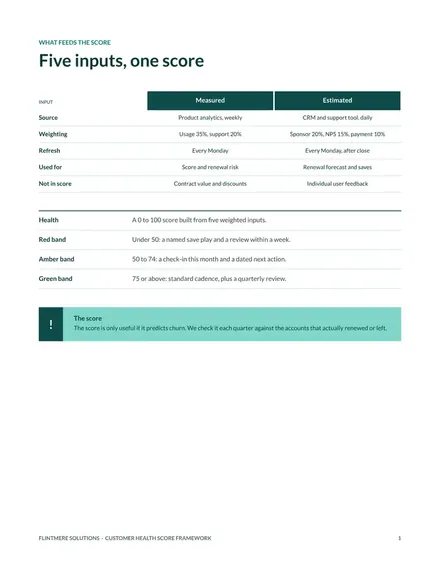
Docs + Word7 pages
Free
Docs + Word7 pages
Free









