
Sales Training Presentation
Slides + PowerPoint10 slides
Free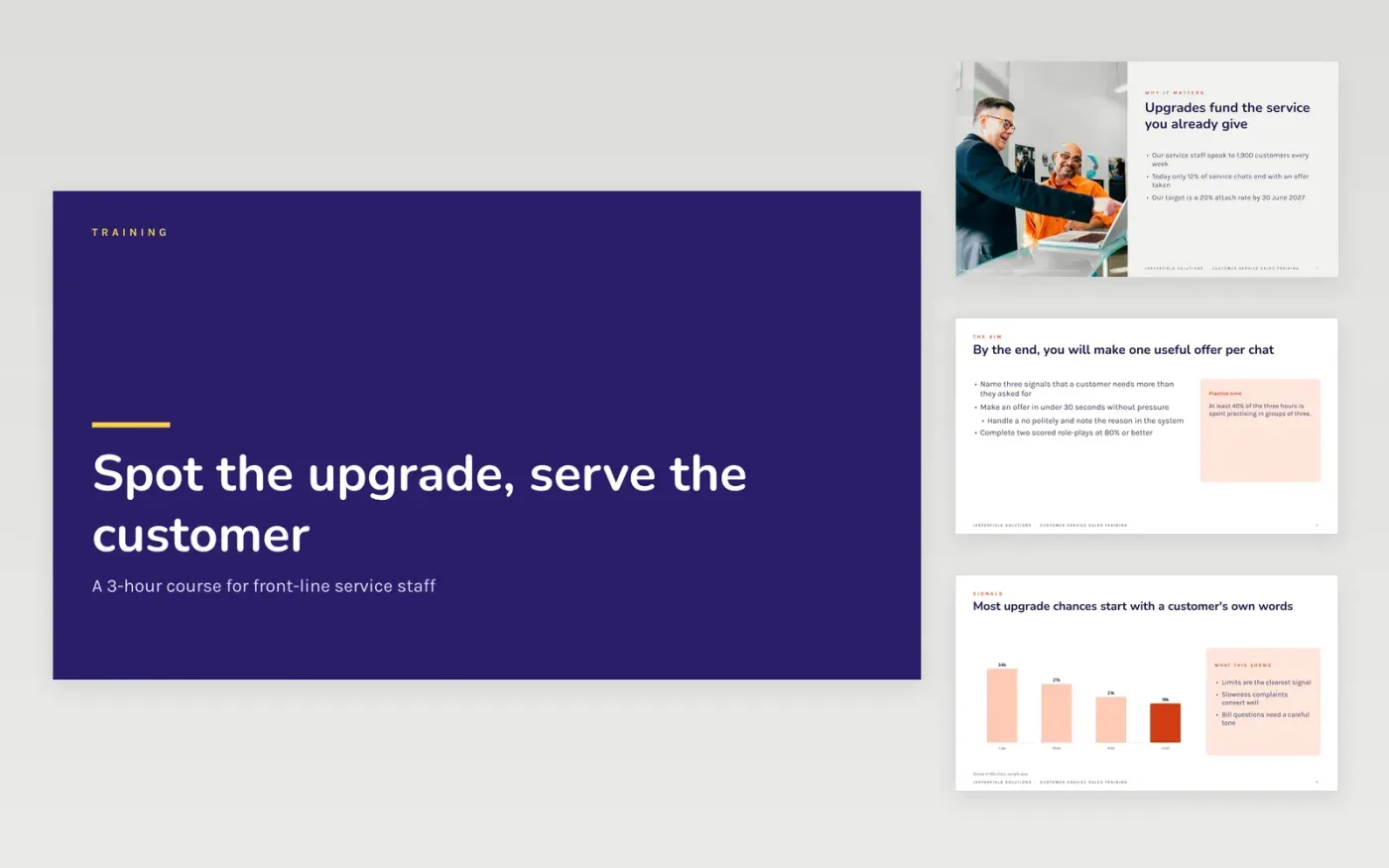
Service teams talk to customers all day, yet most upgrade chances pass unnoticed because nobody taught staff what a signal sounds like. This deck teaches one skill in a three-hour session: why offers matter, which customer words signal a need, which offers are allowed, and how to practise them in scored role-plays.
The sample follows Jasperfield Solutions, a fictional company whose service staff lifted their attach rate from 12% to 18% in a four-week pilot. It includes a signals chart, four offer cards, coaches and a 15-minute role-play round. Replace the examples, prices and pass mark with your own, then delete the guide slide.
Click Make a copy in Google Slides, then confirm on the Google page. The copy is saved to your own Google Drive.
Replace the signals chart, the pilot figures and the source line with data from your own chats or calls.
Update the offer cards with your real plans and prices, and swap the coaches for your own trainers.
Adjust the role-play round, scoring and pass mark to your coaching standard, and add your manager follow-up.
Delete the guide slide, then present the course or share the deck from Google Slides.
Yes. It is a free Google Slides template. Make a copy to your own Drive, edit every slide and use it in your own training sessions.
No. Jasperfield Solutions, the coaches and every figure are fictional sample content. Replace all of it with your own examples and data before you teach with it.
The sample is planned as a three-hour session with at least 40% of the time spent practising in groups of three. You can shorten it by cutting slides in Google Slides.
Slides + PowerPoint10 slides
Free
Slides + PowerPoint12 slides
Free
n8n
Free










