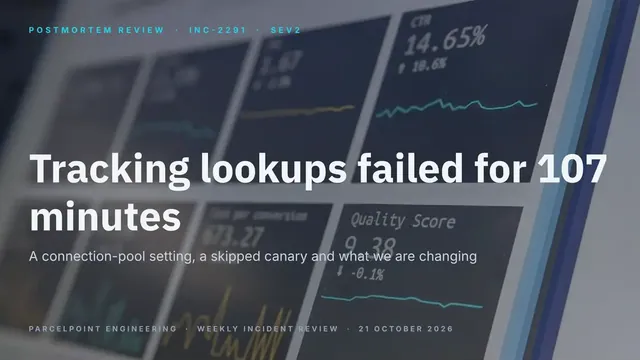
Postmortem Review Deck
Slides + PowerPoint12 slides
Free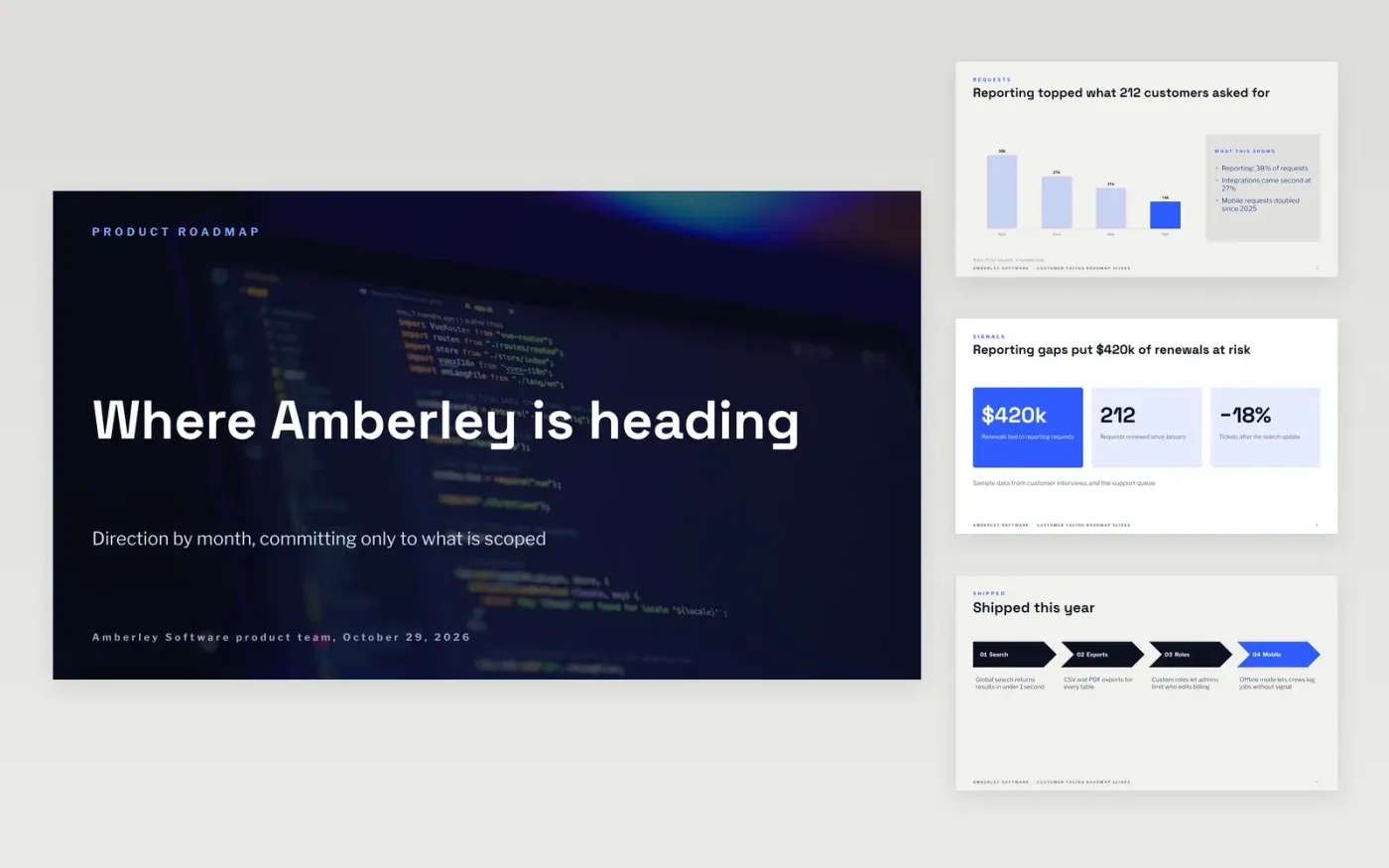
A roadmap shared with customers can turn into a list of promises. This deck avoids that. It opens with what customers asked for, shows what has shipped, and then presents work as now, next and later, so the team commits to outcomes it has scoped and labels everything else as exploration. It is organized as ten slides.
The sample follows Amberley Software, a job scheduling product for field service companies. It shows a request chart, a revenue-at-risk figure, four recent releases, a staged timeline and four ways to give feedback. Replace the themes, releases and figures with your own, and remove dates from anything you have not scoped.
Click Make a copy in Google Slides, then confirm on the Google page. The copy is saved to your own Google Drive.
Replace the request chart and headline numbers with your own customer feedback and the share of renewals it affects.
Rewrite the shipped, now, next and later items so each one names an outcome, and keep dates only on what is committed.
Update the feedback cards with your portal, call booking and beta group, and add a named contact on the last slide.
Delete the Make it yours slide, then share or present the deck.
Only for work that is scoped and committed. Use now, next and later for everything else, and describe the outcome rather than the delivery date.
Yes, and it builds trust. Use the exploration slide to explain how ideas are tested and why some are declined, so customers know what to expect.
No. Amberley Software, its people, customers and every figure are fictional sample content. Replace all of it with your own information before sharing.
More Google Slides templatesMore developer workflows templates
Slides + PowerPoint12 slides
Free
Docs + Word14 pages
Free
Slides + PowerPoint14 slides
Free
Slides + PowerPoint11 slides
Free
Slides + PowerPoint10 slides
Free
Slides + PowerPoint11 slides
Free
Slides + PowerPoint12 slides
Free










