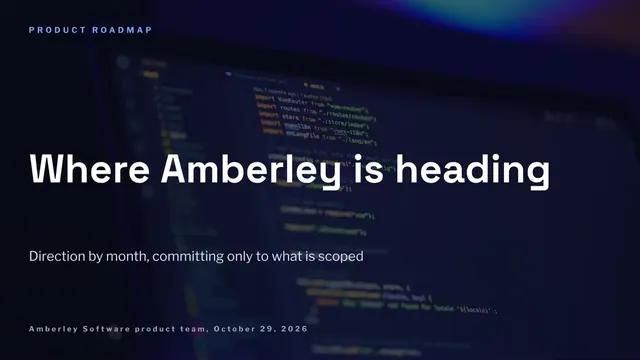
Customer-Facing Roadmap Slides
Slides + PowerPoint10 slides
Free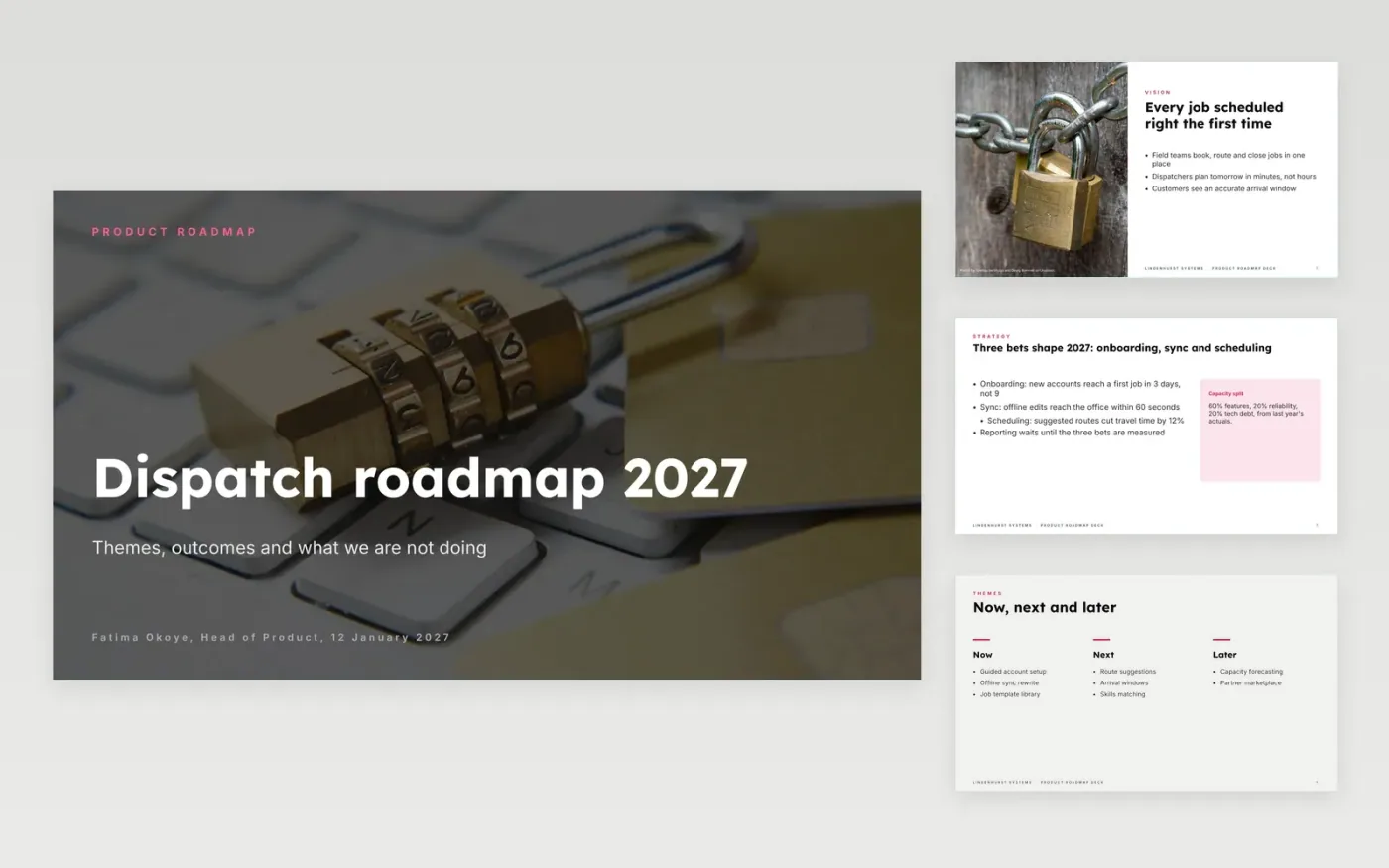
Roadmaps fail when they read as a feature list with dates the team cannot keep. This deck presents the roadmap as themes and outcomes: a vision, the problems each theme solves, a now, next and later view, a scorecard of measures, the capacity split and the work you have chosen not to do. Commitments are clear for now and honest about uncertainty after that.
The sample is the 2027 roadmap for Lindenhurst Systems, a fictional field-service software company, with three bets, a 60/20/20 capacity split and six outcome measures. Replace the vision, rename the themes, set your real capacity split from last quarter's actuals, rewrite the not-doing list with requests you have declined, and remove dates from anything in next or later.
Click Make a copy in Google Slides, then confirm on the Google page. The copy is saved to your own Google Drive.
Replace the vision with one sentence your team would recognise, then rename the themes and map each to one outcome and one metric.
Set the capacity split to your real allocation and defend it with last quarter's actuals.
Rewrite the not-doing list with real requests you have declined, and remove dates from anything in next or later.
Delete the guide slide, then share the deck or present it.
Only for work that is scoped and committed. Show now as committed, next as intent and later as exploration, so the deck never promises dates the team cannot keep.
Yes, after you remove internal commitments, capacity figures and any item a customer could read as a promise. The now, next and later view is the safest part to share.
No. The organisation, people and figures are fictional sample data. Replace every name, email address and number with your own before presenting.
More Google Slides templatesMore developer workflows templates
Slides + PowerPoint10 slides
Free
Slides + PowerPoint12 slides
Free
Docs + Word14 pages
Free
Slides + PowerPoint11 slides
Free
Slides + PowerPoint10 slides
Free
Slides + PowerPoint11 slides
Free










