One-Page Company Profile
Docs + Word2 pages
Free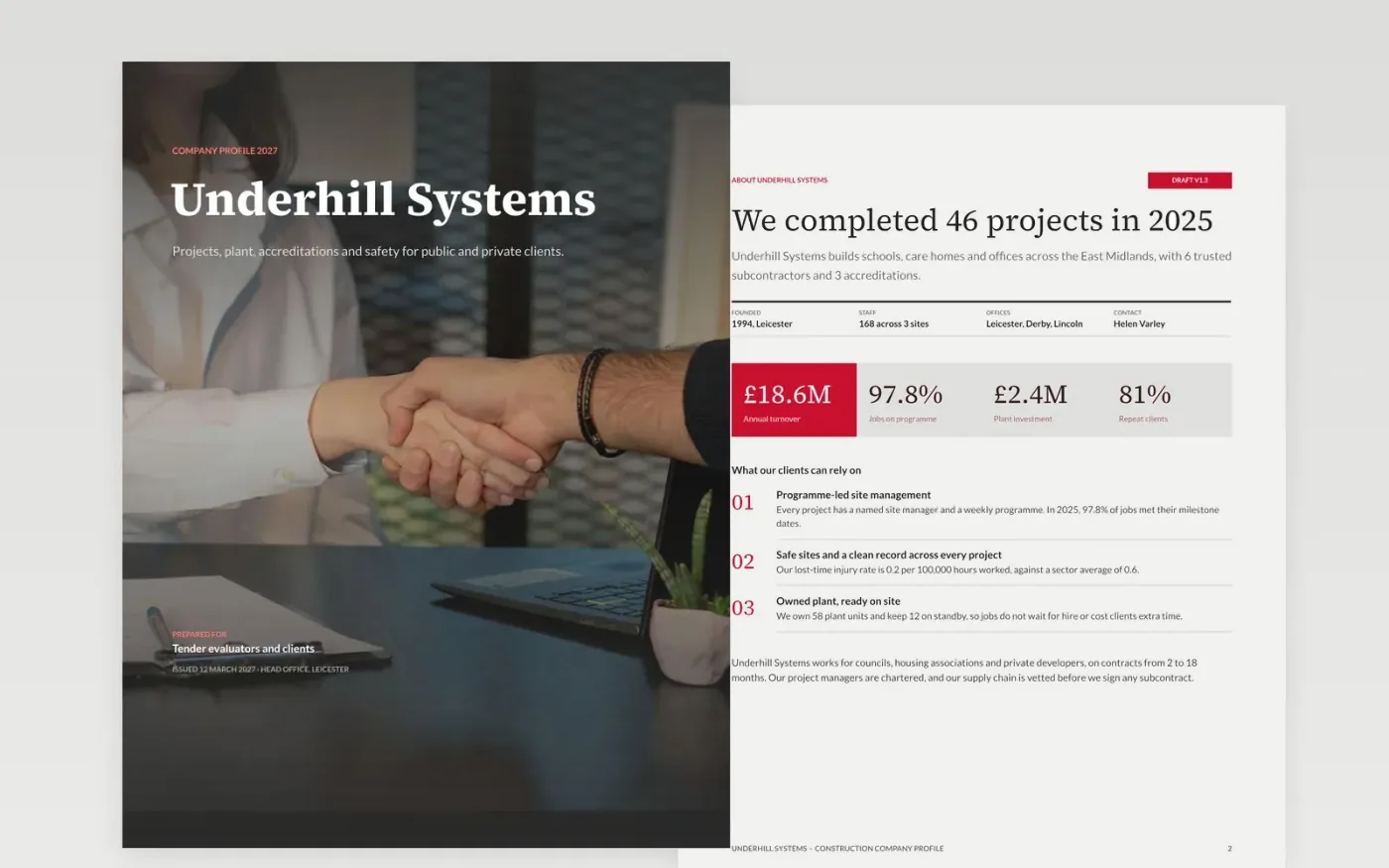
Buyers, tender evaluators and partners often meet a contractor on paper before they meet its people, so the first document they read has to answer who you serve and what you can prove. This template sets that out in seven pages: an about page with key facts, a projects checklist, a plant and delivery process, accreditations written as numbered policy clauses, a safety record form and a short guide to making it yours.
The sample describes Underhill Systems, a fictional contractor founded in 1994 with 168 staff, 46 projects completed in 2025, three accreditations and 58 plant units. Every figure is made up to show the scale a finished profile should have. Replace the about text first, then the key facts, project examples, team and safety figures, and check that every number matches across pages.
Click Make a copy in Google Docs, then confirm on the Google page. The copy is saved to your own Google Drive.
Replace Underhill Systems, the cover details and the key facts with your own.
Rewrite the about text first, then check each project and client example for permission.
Update the plant, accreditation and safety figures from your own records.
Delete the guide page, then share the document or present it.
Yes. Make a copy in Google Docs and it is yours to edit, with no sign-up on this page and no charge for the copy.
Yes. The pages use standard Google Docs styles, so you can change fonts, colours and layouts as you would in any other document.
No. Underhill Systems, its people, projects and figures are fictional and shown only as a sample. Replace each one with your own before you share the profile.
Docs + Word2 pages
Free
Docs + Word8 pages
Free
n8n
Free
Docs + Word6 pages
Free
Docs + Word7 pages
Free
Slides + PowerPoint10 slides
Free









