
Annual Report
Docs + Word6 pages
Free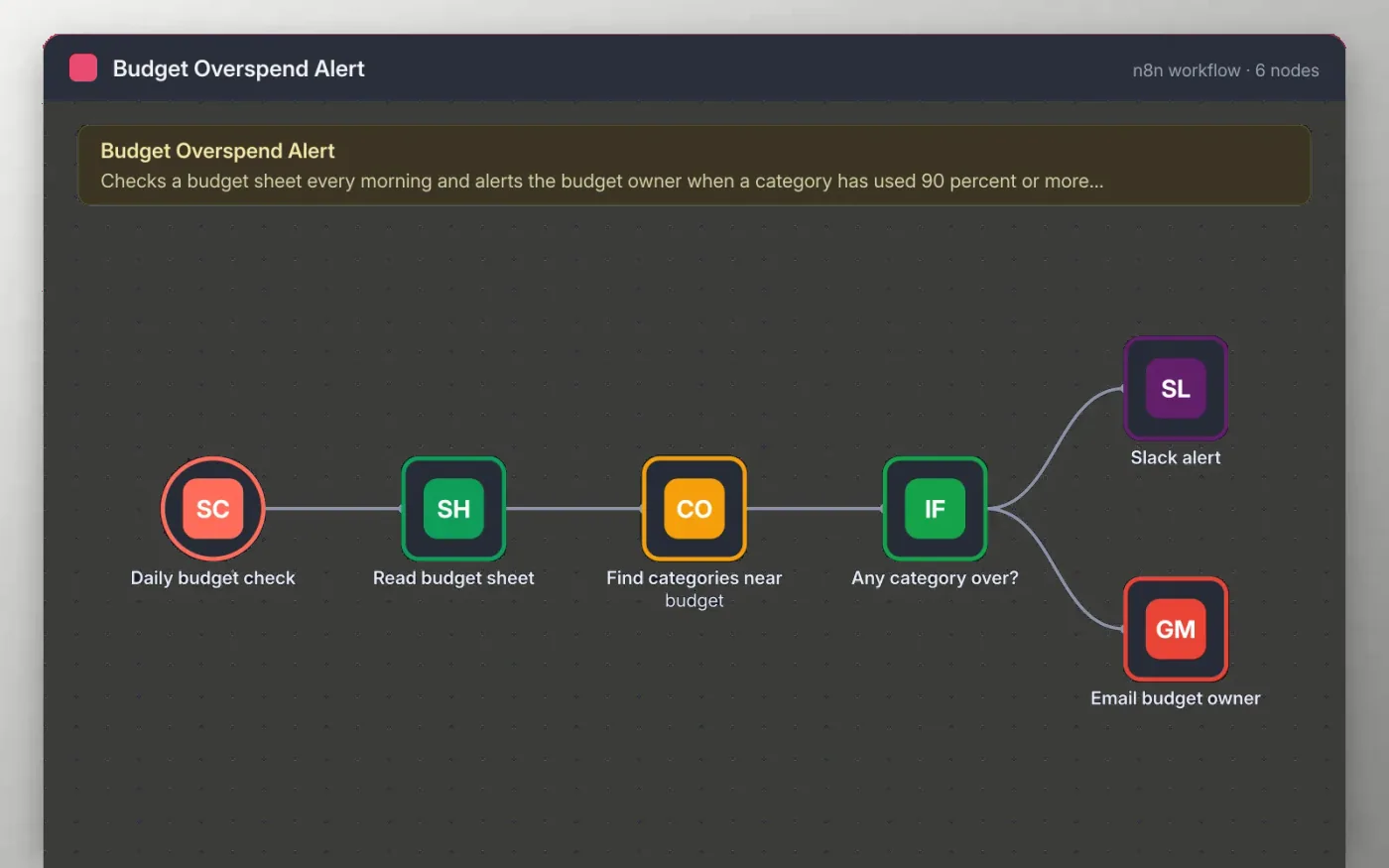
Every morning this workflow reads your budget sheet, works out what share of each category budget has been spent, and keeps the categories at 90 percent or more.
If any category qualifies, the budget owner gets one Slack message and one email listing them. If nothing is close to its limit, the workflow stops quietly. The threshold and recipients are yours to change.
Download the workflow JSON.
In n8n, choose Import from File and select the JSON.
Point Read budget sheet at your sheet and connect Google Sheets, Slack and Gmail.
Run the workflow once with a test row over 90 percent.
Activate the workflow so it checks every day at 9am.
Yes. Download the JSON and import it into your own n8n. There is no sign-up and no cost for the template.
No. The file has no keys or tokens. You connect your own Google, Slack and Gmail accounts after importing.
Yes. Change the 0.9 in the Find categories near budget code to the share you want to be warned about.
Docs + Word6 pages
Free
Excel
Free
Sheets + Excel4 slides
Free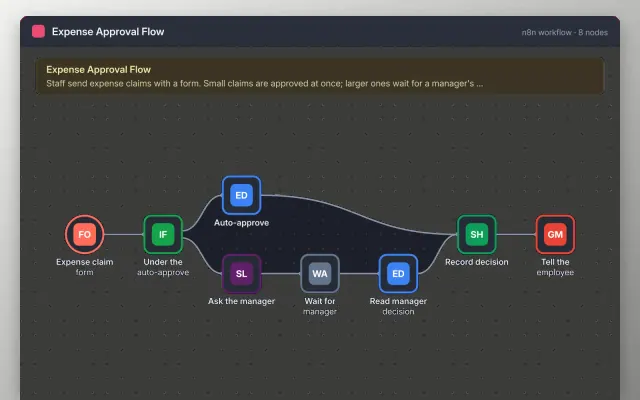
n8n
Free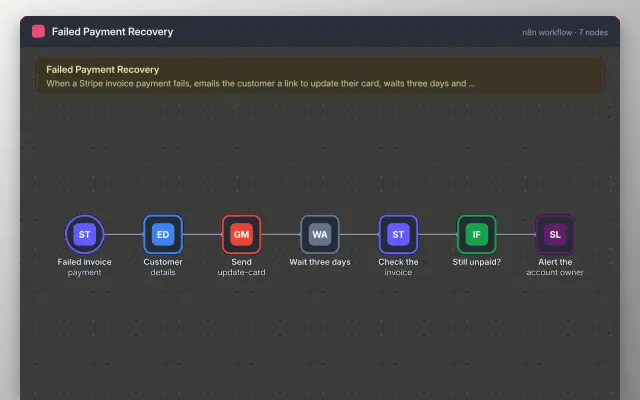
n8n
Free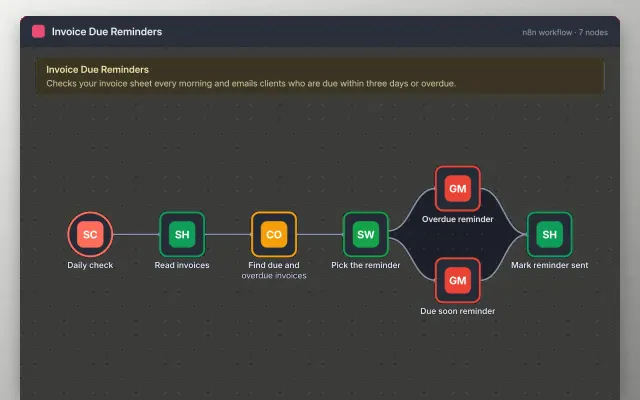
n8n
Free
n8n
Free
n8n
Free







