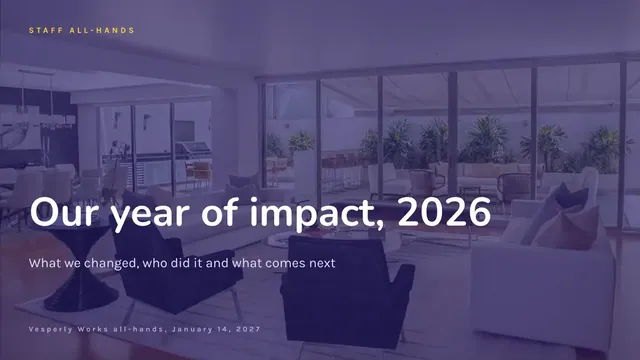
Annual Impact Review Slides for Staff
Slides + PowerPoint10 slides
Free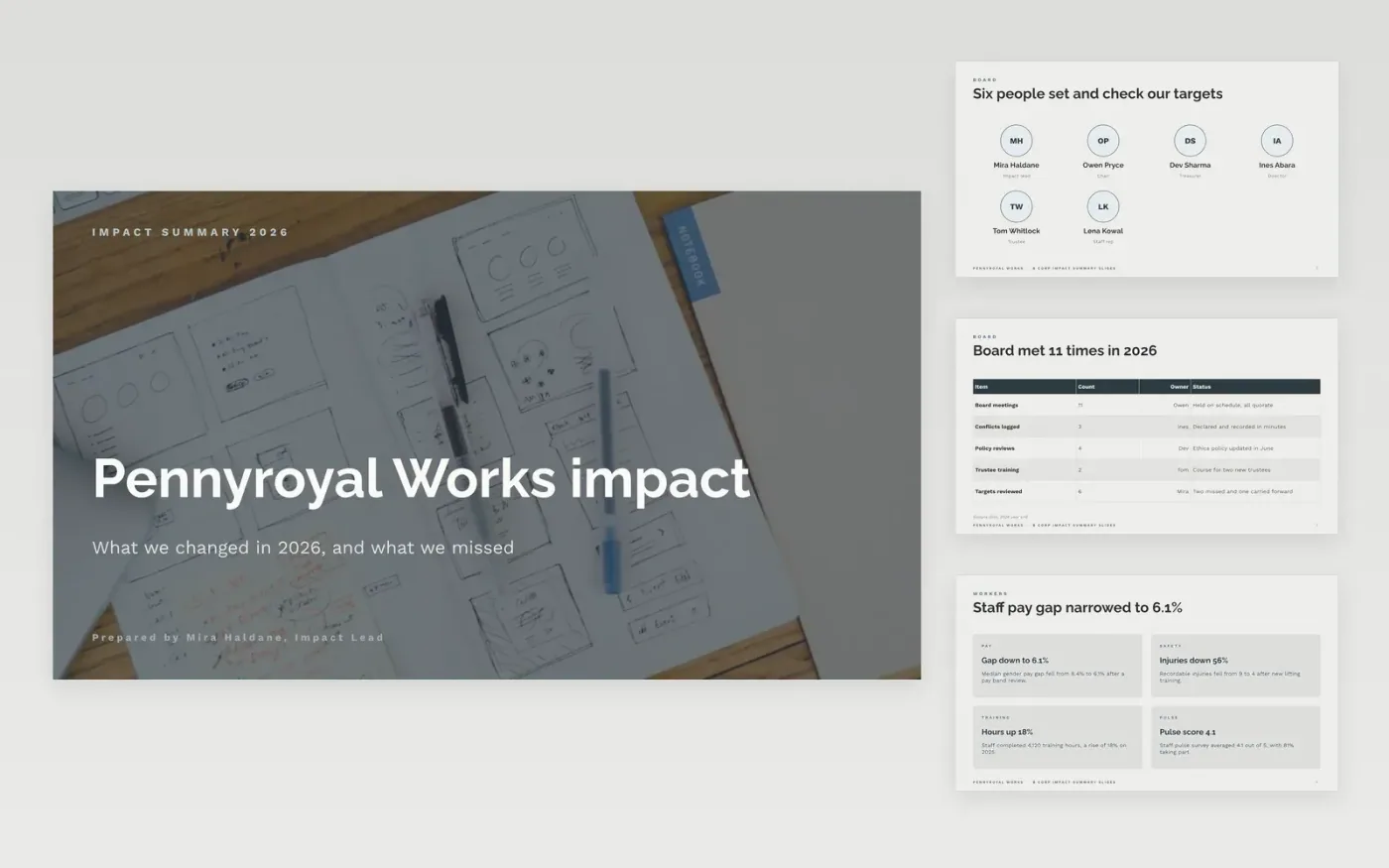
Funders, investors and staff want to see what a business did, what it measured and where it fell short, not just a polished story. This Google Slides deck gives an impact summary in six sections: governance, workers, community, environment, customers and goals. Each section pairs a headline number with the context behind it, so readers can check the claim for themselves.
The sample follows Pennyroyal Works, a fictional social enterprise whose board met 11 times in 2026 and missed two of its six targets. Its emissions, pay gap, volunteer hours and cost per outcome are invented sample data. Replace each figure with your audited year-end result, and swap the stories for case studies you have consent to publish.
Click Make a copy in Google Slides, then confirm on the Google page. The copy is saved to your own Google Drive.
Replace the headline figures with your audited outcomes and the prior-year comparison.
Check every emissions figure against its boundary, base year and emission-factor source.
Record consent from each person named or photographed before the deck is shared.
Delete the guide slide, then share the deck with funders or present it at the annual meeting.
Not to build the deck, but funders and investors will ask who checked the numbers. Ask your auditor or verifier to confirm the audited figures, and note any numbers they have not reviewed.
No. Pennyroyal Works, its board, staff, volunteers, customers and every figure in the deck are fictional sample data. Replace all of them before you publish the report.
Yes. Reporting misses next to wins builds trust with funders and staff. Give the target, the actual result, the cause and what changes next year.
More Google Slides templatesMore business operations templates
Slides + PowerPoint10 slides
Free
Slides + PowerPoint12 slides
Free
Slides + PowerPoint10 slides
Free
Docs + Word7 pages
Free
Docs + Word8 pages
Free
Docs + Word7 pages
Free
Docs + Word8 pages
Free
Docs + Word8 pages
Free
Docs + Word8 pages
Free










