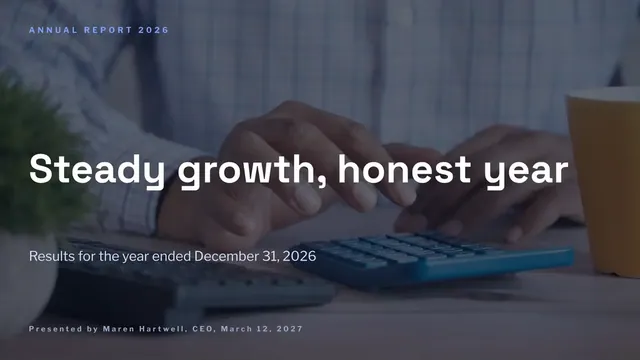
Annual Report Presentation
Slides + PowerPoint11 slides
Free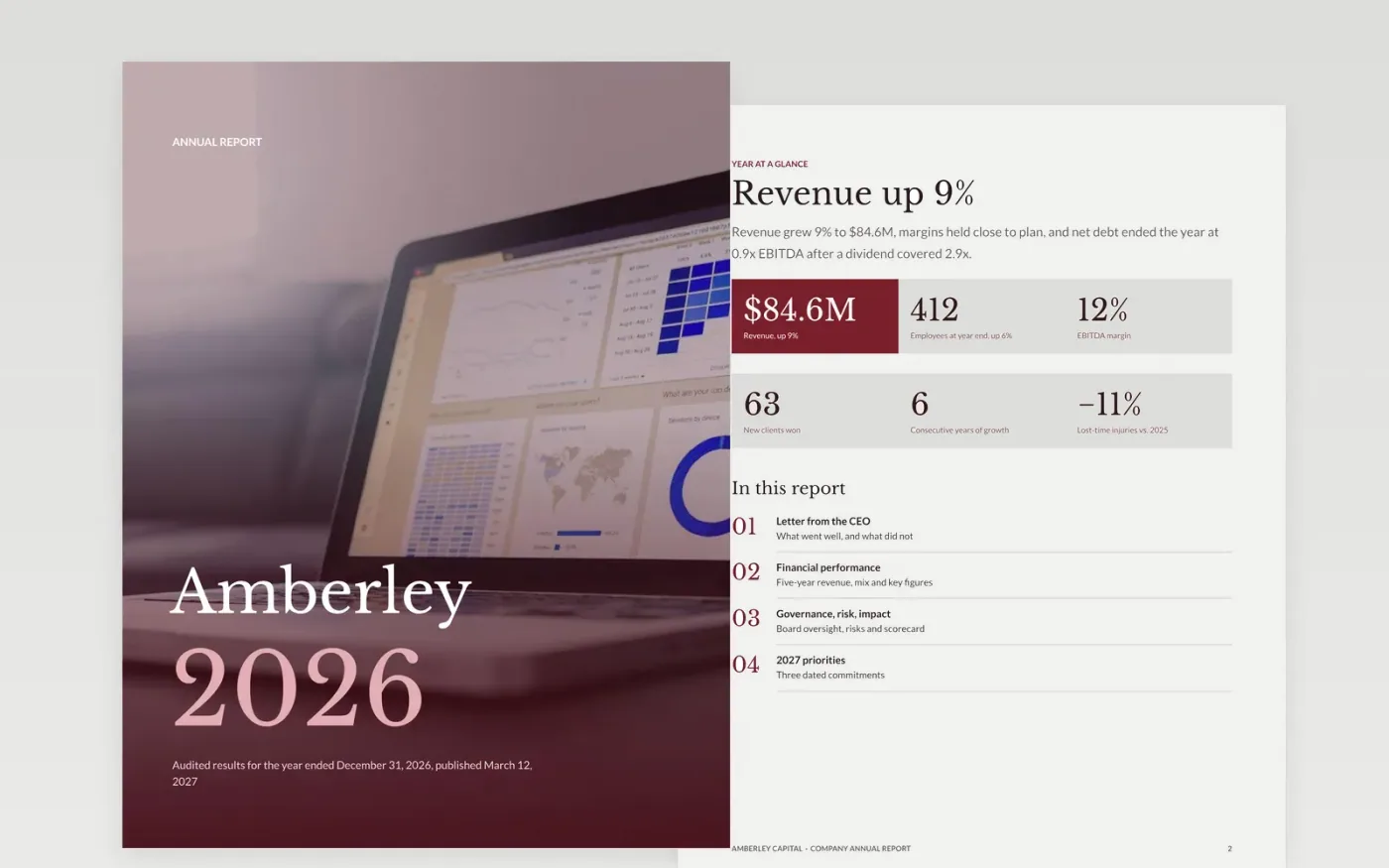
Shareholders, lenders and staff want an honest account of the year, not a brochure. This template gives mid-size private companies a clear order: six headline figures, a letter from the chief executive, financial charts with a key figures table, governance and risk, a scorecard, and priorities for next year.
The sample follows a fictional firm, Amberley Capital, through a year of 9% growth and one missed margin target, so the letter and the numbers tell the same story. Replace the figures with your audited results, name one thing that went worse than planned, and turn the priorities into dated commitments.
Click Make a copy in Google Docs, then confirm on the Google page. The copy is saved to your own Google Drive.
Replace the six figures on page 2 with your audited revenue, profit, cash, headcount and two sector measures, then update the key figures table to match.
Click each chart, choose Open source, and enter your last five financial years and your revenue mix. Keep prior-year columns in the table.
Rewrite the letter in the first person, update the scorecard statuses, and turn the priorities into three commitments with a measure and a date.
Delete the Make it yours guide page, then share the report with your board or export it as a PDF.
Yes. Swap revenue for total income, replace the revenue mix with voluntary and earned income, and add a reserves line and a fundraising cost ratio to the key figures table.
Yes. The key figures table sets the current year beside the prior year and the change, so readers can check every claim in the letter against the numbers.
No. Amberley Capital, the people named and every figure and chart are fictional sample data. Replace them with your own audited results before you publish.
Slides + PowerPoint11 slides
Free
Docs + Word17 pages
Free
Docs + Word6 pages
Free
Slides + PowerPoint11 slides
Free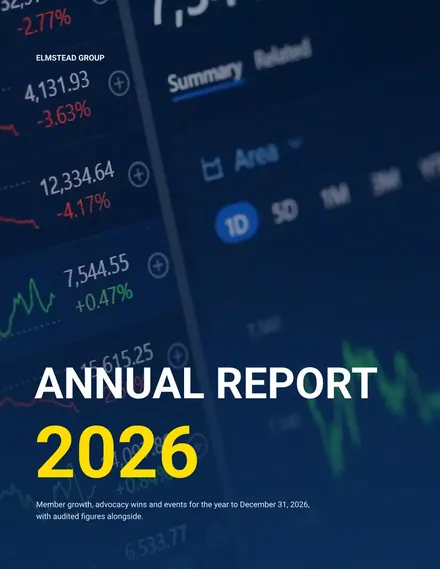
Docs + Word8 pages
Free
Docs + Word8 pages
Free
Docs + Word7 pages
Free










