
Company Annual Report
Docs + Word8 pages
Free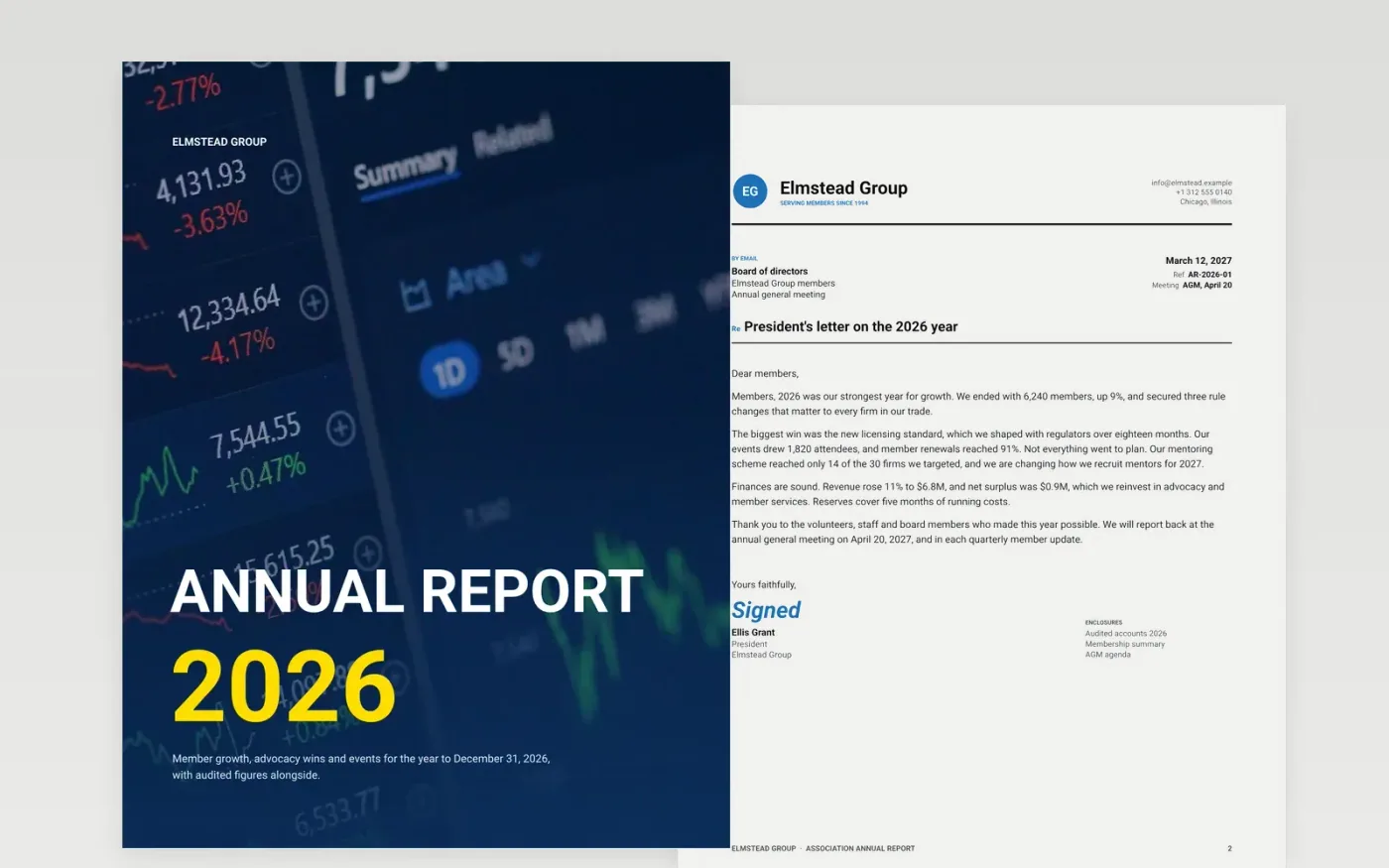
An association's annual report has to serve several readers at once: members who want to see what their dues bought, a board that must approve the accounts and the public who judge credibility. This template covers the year in eight pages, from the president's letter through membership, advocacy, events and finances to the board. Each claim sits beside a figure, so the story and the numbers support each other.
The sample is for the fictional Elmstead Group, which grew membership to 6,240 and revenue to $6.8M in 2026, and admits one mentoring target it missed. Replace the figures, letter, events and board with your own, keep prior-year comparatives in the key figures table, and show setbacks as plainly as wins.
Click Make a copy in Google Docs, then confirm on the Google page. The copy is saved to your own Google Drive.
Replace the Elmstead Group name, the headline figures and the president's letter with your own, in the first person.
Swap the revenue chart for your last five years and keep prior-year columns in the key figures table.
Delete the guide page, check every figure against the audited accounts, then publish the report to members.
Yes. Click Make a copy in Google Docs and the file is saved to your own Google Drive, with no sign-up and no charge.
Yes. Members and regulators trust reports that name one thing that went worse than planned and what will change as a result.
No. Elmstead Group, its members, board, letters and every figure are fictional sample data. Replace them with your own before publishing.
Docs + Word8 pages
Free
Docs + Word7 pages
Free
Docs + Word8 pages
Free
Docs + Word6 pages
Free
Slides + PowerPoint11 slides
Free
Slides + PowerPoint11 slides
Free










