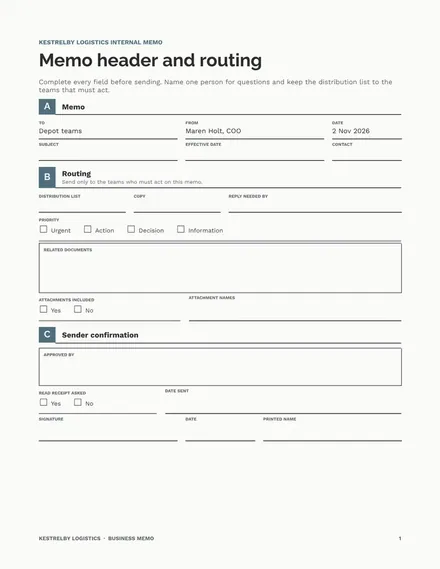
Business Memo
Docs + Word6 pages
Free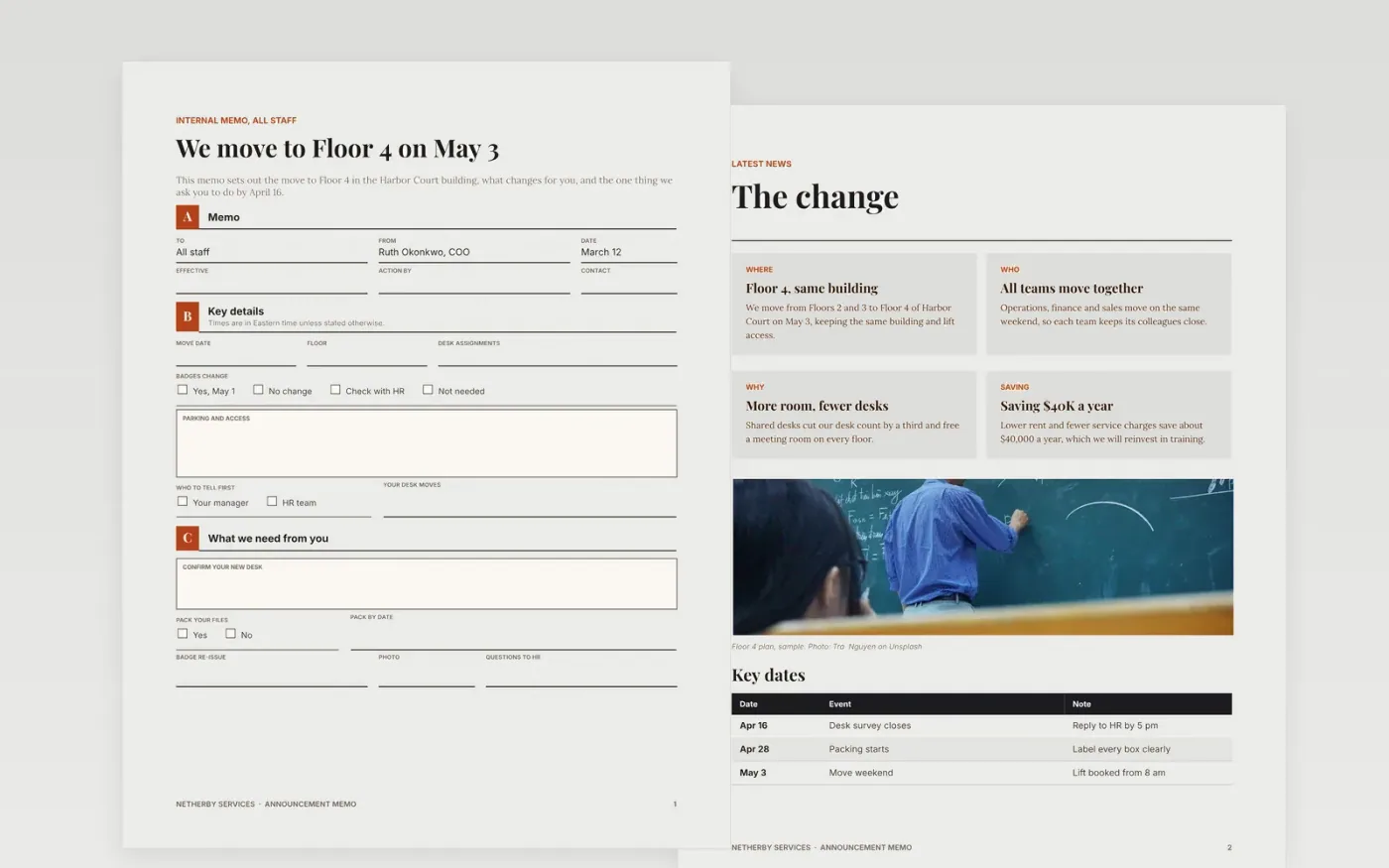
A memo that announces a change is read in a minute, and most people act only on the line that tells them what to do and by when. This business memo template puts the news first, then the reasons, the key dates and the action, with a named contact for questions. It works for an office move, a new hire or a policy change, and it keeps a warm tone without burying the point.
The sample is for Netherby Services, a fictional services company moving its Harbor Court team to Floor 4 on May 3. It shows a yearly saving of $40,000 from lower rent, a one-third cut in desks, a key date on April 16 and one action for each person. Replace the building, dates, names and contacts with your own, and send the memo only to the teams it affects.
Click Make a copy in Google Docs, then confirm on the Google page. The copy is saved to your own Google Drive.
Fill the header with the real recipients, sender, date and a subject that states the action.
Write the purpose in two sentences before you add any background.
Add the effective date and the one step staff must take, with a deadline.
Delete the guide page, then share the memo with the named teams.
No. Netherby Services, its people, the building, dates and contacts are fictional sample data. Replace them with your own details and check every date before you send the memo.
Use a memo when the news is settled and the action is simple. Use a conversation for anything sensitive about a person, such as a role change, and tell the affected people first.
Give two to four weeks between the memo and the effective date for a policy change, so people can plan. Shorter notice is fine for a one-day event if you say so clearly.
More Google Docs templatesMore business operations templates
Docs + Word6 pages
Free
Docs + Word3 pages
Free
Docs + Word7 pages
Free










