Sales Territory Plan
Docs + Word8 pages
Free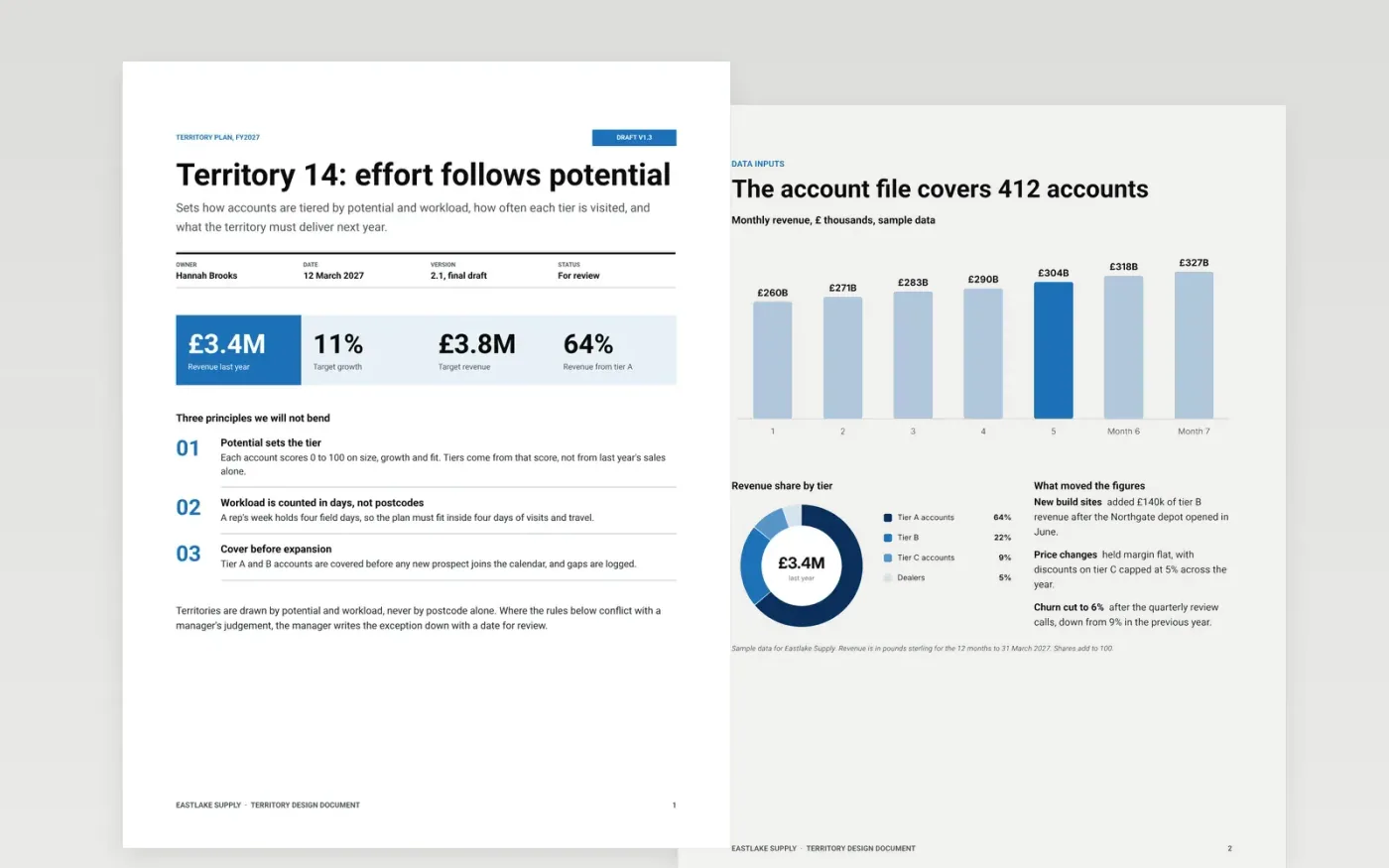
This territory design template is a ready-made Google Docs document for sales operations teams who need to split accounts fairly between reps. It sets out the principles, the data inputs, the account tiers, the visit cadence and the rules of engagement across seven designed pages, so every rep can see why their time goes where it does.
Each page holds sample figures for Eastlake Supply, a fictional distributor, so you can judge what a finished plan looks like before you start. Make your own copy, import your accounts and replace the tiers, targets and rules with your own. The scorecard and the monthly checks stay in place as the review routine.
Click Make a copy in Google Docs, then confirm on the Google page. The copy is saved to your own Google Drive.
Import your account list and recalculate tiers A, B and C by revenue and potential score.
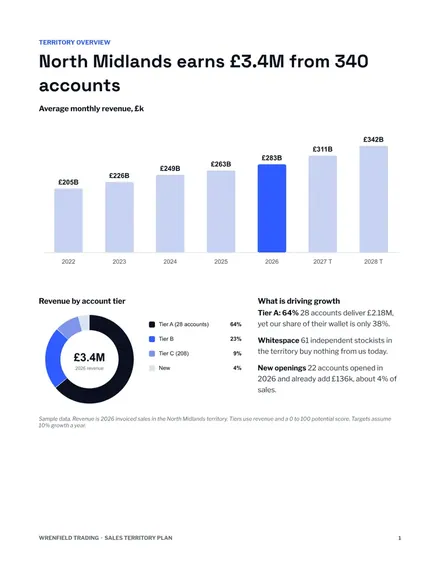
Update the territory overview with region, customer count, revenue and last year's growth.
Rebuild the visit calendar to your working days and check that it fits 45 weeks.
Delete the guide page, then share the plan with your team or present it from Google Docs.
No. Eastlake Supply, its regions, account names, people and every figure are fictional sample data, written to show a finished territory plan.
Yes. The tiering, cadence and capacity sections suit any field team that visits a set list of sites, such as service engineers or inspectors.
Count your working days over 45 weeks, subtract training and holidays, then compare the visit days in the plan with what remains and keep a buffer.
Docs + Word8 pages
Free
Docs + Word7 pages
Free
n8n
Free










