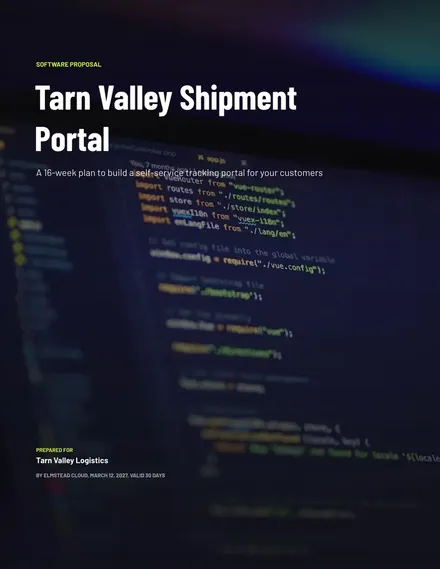
Software Development Proposal
Docs + Word9 pages
Free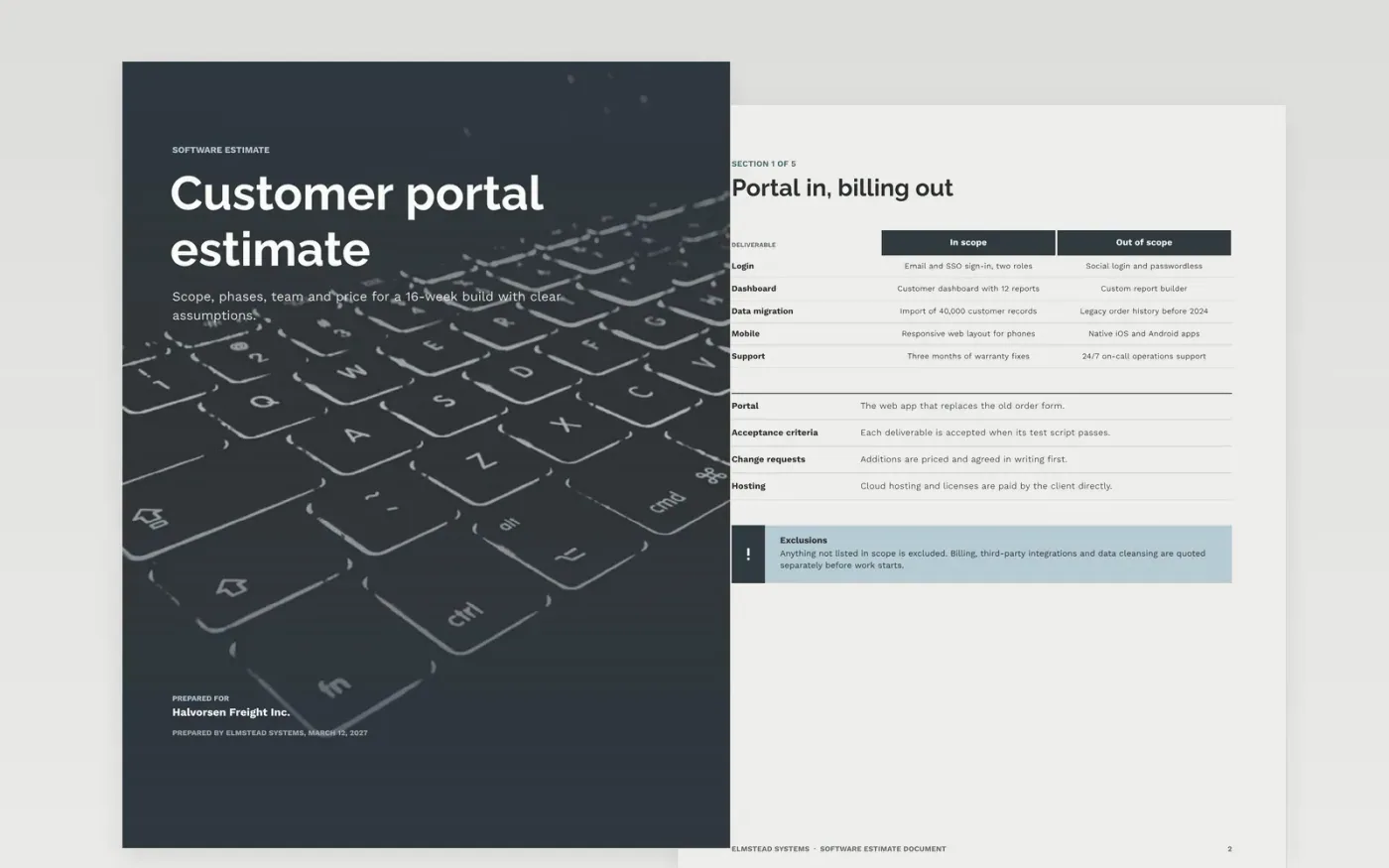
A software estimate fails when the client cannot see what the price depends on. This template breaks the work into phases with hours and cost, shows an estimate range and a contingency, and states the assumptions and risks behind each figure. It works as an app development quote or a web development proposal, and it is organized as five numbered sections: scope, breakdown, estimates, assumptions and risks, followed by a make-it-yours guide.
The sample shows Elmstead Systems, a fictional firm, quoting a 16-week customer portal build with a $204,000 fixed price and a 20% reserve. Replace the client details, rates, hours, risks and owners with your own, and keep the totals in the breakdown table matching the cost lines in the estimates table before the document goes to the client.
Click Make a copy in Google Docs, then confirm on the Google page. The copy is saved to your own Google Drive.
Replace Elmstead Systems, the client details and the sample contact addresses with your own.
Rebuild the breakdown table with your hours, blended rate and contingency for each phase.
Check every assumption and risk with the client's technical lead before the estimate is issued.
Delete the make-it-yours guide page, then send the estimate to the client or present it at a review.
Yes. Elmstead Systems, Halvorsen Freight Inc., every person named in the document, the email addresses and all of the figures are fictional sample data, so replace them before use.
A range shows how far the outcome can move, usually plus or minus 15 to 25 percent, and the reserve covers approved change requests. Together they make the fixed price honest about what it depends on.
Yes. Use the fixed price table for a set scope, and add a capped time and materials line when the client wants flexibility, stating the cap and the hourly rate in the breakdown.
More Google Docs templatesMore developer workflows templates
Docs + Word9 pages
Free
Docs + Word6 pages
Free
Docs + Word7 pages
Free
Slides + PowerPoint11 slides
Free
Slides + PowerPoint10 slides
Free
Slides + PowerPoint11 slides
Free










