
Project Proposal
Docs + Word5 pages
Free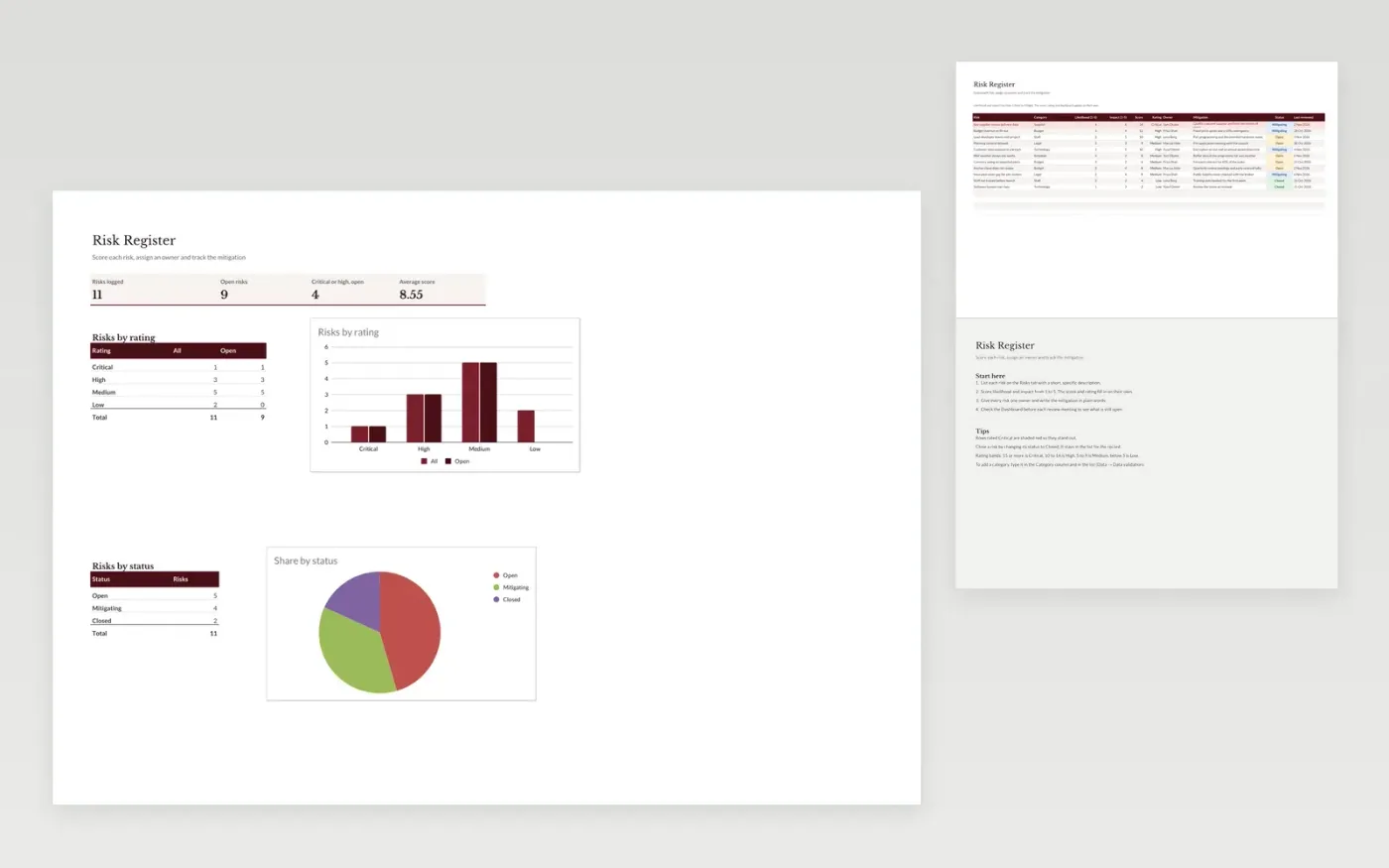
The Risk Register is for project and operations teams who need one place to record risks, score them and track the response. The Risks tab works out a score from likelihood and impact and rates each risk from Low to Critical. The Dashboard counts risks by rating and by status, so the most serious open items are visible first.
It comes with sample data for a small office fit-out project. Make a copy and replace the sample rows. The formulas, dropdowns and charts update on their own.
Click Make a copy in Google Sheets, then confirm on the Google page. The copy is saved to your own Google Drive.
Start on the Risks tab: replace the sample rows with your own.
Keep the formula columns as they are; they fill in as you type.
Read the How to use tab for tips. For Excel, download the .xlsx file instead.
Yes. Make a copy in Google Sheets or download the .xlsx file for Excel. There is no charge for the template.
Yes. Download the .xlsx file and open it in Excel. The formulas, dropdowns and charts work there as well as in Google Sheets.
The score is likelihood multiplied by impact, each from 1 to 5, so it runs from 1 to 25. A score of 15 or more is Critical, 10 to 14 is High, 5 to 9 is Medium and below 5 is Low.
More Google Sheets templatesMore project management templates
Docs + Word5 pages
Free
Slides + PowerPoint11 slides
Free
Docs + Word6 pages
Free









